New Style Trending Dj Remix Video Editing
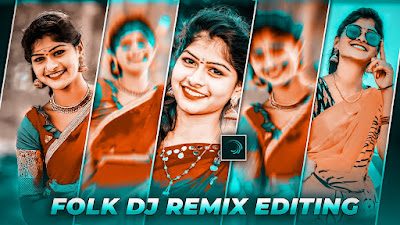
Hi hello friends today is new tutorial is alert motion app beatsync video editing tutorial open alight motion 4.0 version select ratio 1080 : 2340 ratio select green colour plus click select your photos right side up three dots select fill composition area option click your photo fit and mobile ratio written green colour plus second click other photo select your same process pick fill composition area all photos same process select and back project section open shake effect project first photo select down effect option click left side 3 dots click effect copy back project section open your continue beat mark project select first photo effect option click left side 3 dots click paste effect. And back
Beat MarkPRESET LINK

















Post Comment