Alight Motion New Shake Mass Dj Remix video editing in Alight 31dec
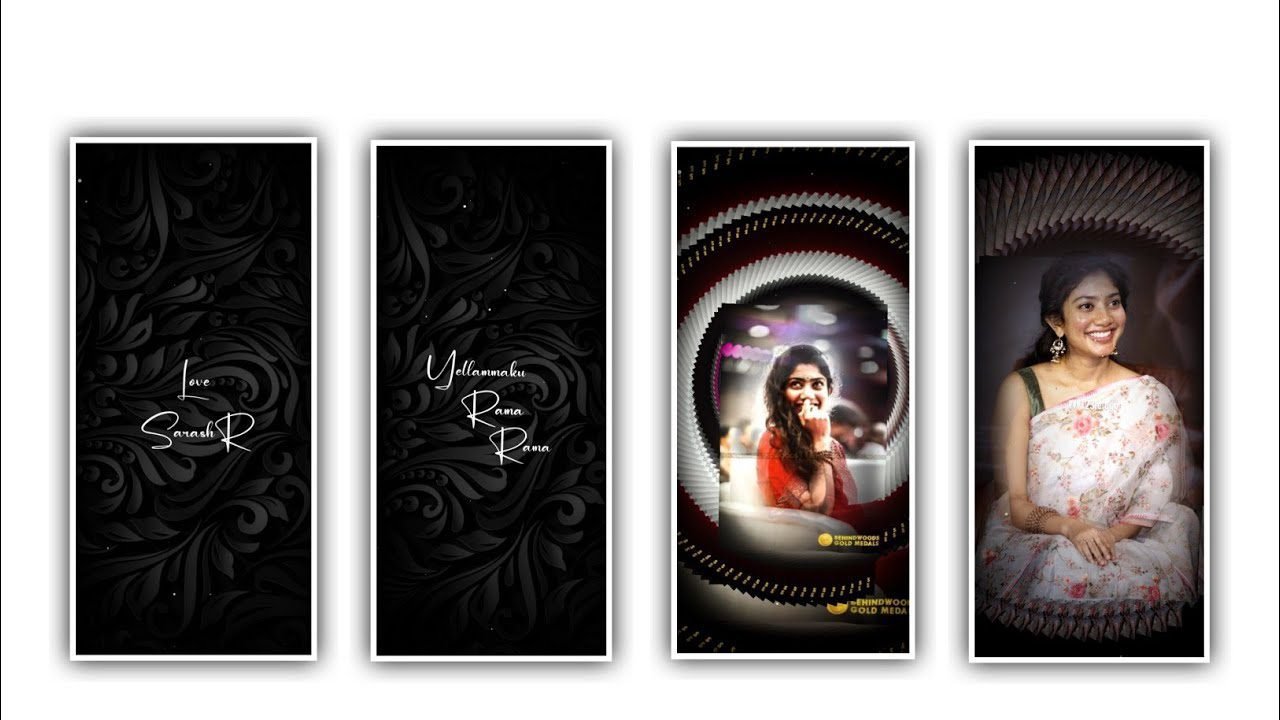
First of all download the BGM music. And I will give you auplr template in description please download it from discription. Auplr application and select files option and select the template after that click on file manager and select the template after that click on three lines select library select in recent and add the song from there. And select the image to the project which you want to be edit. Befor that crop the image in PicsArt and click on custum image and add the image. And click on pencil icon select to edit the title of the song.
After that export the video. After that we can edit in alight motion application click on plus icon and select the ratio which you prefer there is several ratios you can observe click on create project. After that click on image and video and select the option view all and select the image which you want to edit to this project. And drag the image upto 30 seconds after that click on plus I come and select the option audio and select the audio which you want to add to this project click on plus icon to add the song and keep the song 30 seconds and remaining part can be trim. After that play the song now we can add lyrics for the project before adding lyrics you can add the lyrics into notepad previously now click on text option and select the edit text now copy the lyrics from notepad and paste them into this text layer.
►Kinemaster Preset Link 👇
DOWNLOAD
►Beat Mark project preset :
DOWNLOAD
►Shake effect Preset LINK 👇
DOWNLOAD
After that we can add the font for this project for that I will give you font link in description please download it from description and add it to the project. And select the colour which and now adjust the lyrics by using move and transform with your fingertips. After that drag the first layer and split the layer to add continue lyrics and again drag the second layer and split the layer and add add remaining lyrics and the same process will be continued for adding of lyrics.
After that come back to starting click on plus and select the option image and video and select the video which is edited in auplr application add the video to this project. Now click on move and transform and select third option zoom the image only. Now add a key frame in starting and zoom and add another key frame and select the option zoom out.
After that we can add the text animation for the project for that click click on effects and select the effect text transform with standard settings and click on start and add a key frame and add another key frame in middle and keep start as 100%. Select scale and keep it as 2.50, and select stretch and keep it as 1.30 and select Alpha and keep it as a 1.00, and select easein easeout and adjust it after select overlap and keep it as 1000.
►Beat Mark Xml file Link :-
DOWNLOAD
►Shake effect XML LINK 👇
DOWNLOAD
► Video LINK 👇
DOWNLOAD
► Song Download Link 🔗
DOWNLOAD
After that we can add another effect for that click on effect and select the effect zoom blur with standard settings and keep the strength as 35%, after that come back to starting and add a key frame. And add another key frame in middle and add key frame in ending and keep the strength as 0.00. now the text animation is completed copy the same effects and paste to the remaining lyrics. The process of editing will be completed. Click on export icon to export the video it will take some time and automatically saved to your gallery. Hope you guys will like this project please support us by visiting our website Thankyou for visiting.


















Post Comment