New Effect Trending Photo Dissolve Video Editing in Alight Motion Trending bgm video editing 2jan
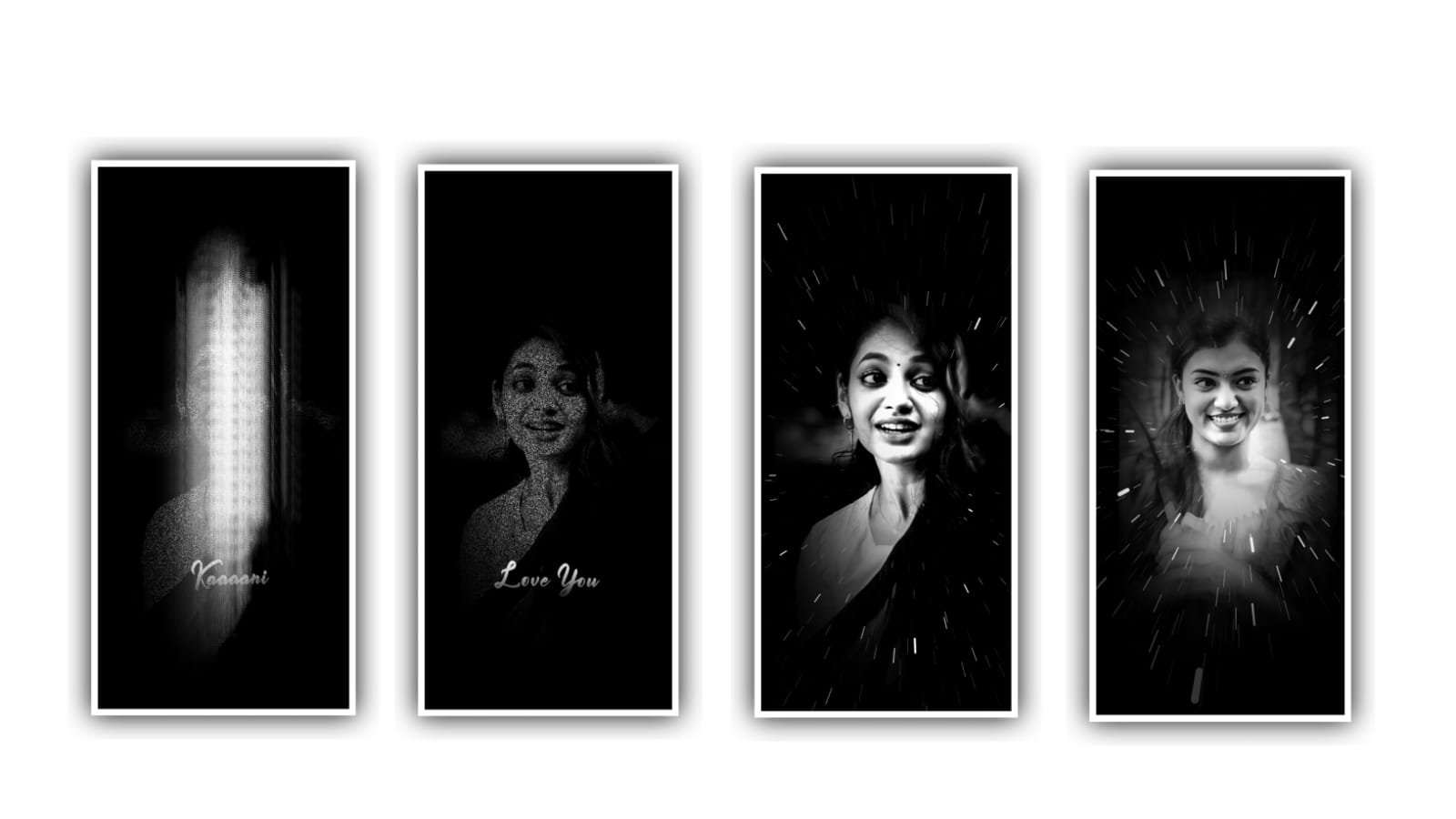
To edit the stylish lyrical video we need to download alight motion application and the link is in description please download it from description and I will give you all meterial links in description download it. Open alight motion application and click on plus icon and select the ratio as 4:16 and keep background as Black and select resolution as 1080p and click on create project. After that we want to add the image for that click on image and audio and select the images from your gallary and add the image into project by clicking plus icon.
And click on three dots and select the option full composition area and zoom the photo. And drag the image upto 30 seconds and we can add the song to the project click on image and audio and select song click on plus icon to add the song in project. After that click on text option and paste the lyrics which is copied from notepad. And trim the extra unnecessary part.
And I will give you a font in description please download and add it to project. Click on roboto regular and select the font and add the colour to the font as white. After that click on lyrics and adjust the lyrics by clicking move and transform. And also zoom the lyrics and click on boarder and shadow and select throttle click on box and click on shadow enable.
And now we can separate the lyrics by lyrics sink in the song.
►Kinemaster Preset Link 👇
DOWNLOAD
►Beat Mark project preset :
DOWNLOAD
And add the duplicate layer and again go to notepad and copy the lyrics and paste to the project. And we must keep the first letter as capital. And again adjust the lyrics with your fingertips by using move and transform. After that we want to add the text animation for the project. For that go back to beatmark project and there you can appear only one layer and tap the layer and and copy effects and add it to beatmark project and now we can add the heart beat layer to the said project and the link is in description.
. After that click on left I symbol and select top box. After that again click on text option and select option edit text and copy the lyrics from notepad and paste the lyrics into this splitted layer. And drag the second layer and copy the lyrics from notepad and copy click on edit text to paste the lyrics from notepad.
After that on each layer and adjust the lyrics with us that same process will be continued and keep the alignment in middle. After that click on two lyrics and make it as a group. After that click on same layer and select the option add effects and select the effect glow with standard settings. After that that click on before middle and add a key frame and add a key frame in middle. And keep the first layer as 1.00, and select second layer and keep it as 0.11, and select feather and keep it as 2.01, select smoothing and keep it as 0.14 and select a colour as red.
And select blend and keep it as a 100%. Select field keep it as 1000, and select Alpha -100. After that click on effects and select the effect fadein out with standard settings. And select in=20 and select out=10. And copy the same effects and paste them to remaining lyrics. Hope you guys will understand how to edit this type of videos in application click on export icon and export video with high quality so hope you guys will try this your own photos. So guys please support us by visiting our website Thankyou for visiting.
.
►Beat Mark Xml file Link :-
DOWNLOAD
► Video LINK 👇
DOWNLOAD
► Song Download Link 🔗
DOWNLOAD
After that click on blending and opecity and select the option lightern and keep screen option on. After that we want to remove the boarder for that go to effects click on 3d and select the option flipon with standard settings. We can add the template to the project which is provided in description. Click on arrow symbol and export the project. Hope you guys will like this editing please support us by visiting our website Thankyou.


















Post Comment