Instagram trending Chat history Aesthetic Video Editing in Alight Motion Trending Lyrical Video9feb
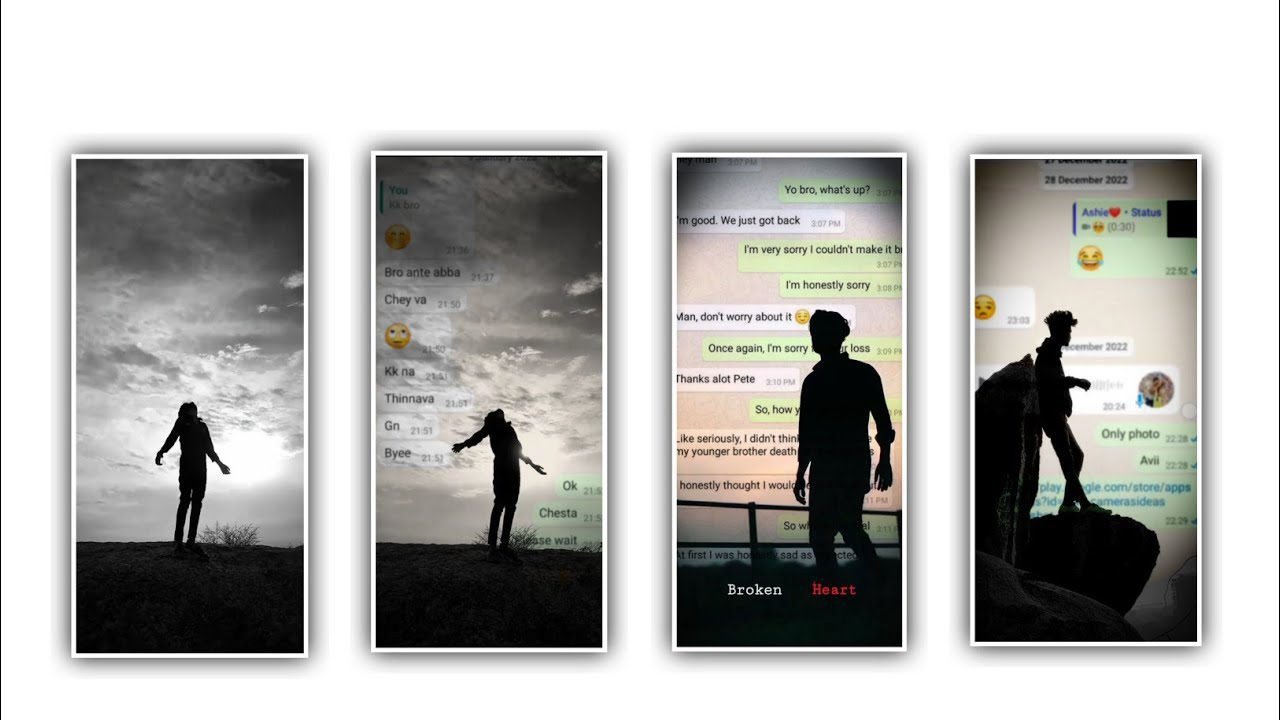
In this video we can learn about 3d video editing. To edit these type of videos open alight motion application. Open alight motion application and select the ratio which you prefer and click on create project. After that we need to add this song to the said project and you can also add the background image for this project. For that click on plus icon and select image and video and select the background image and edit to they said project.
After that we want to add the png to the said background image. After that we want to add the photos to the said project and adjust the photos by using move and transform. After that image added now we can add the lyrics and it will be in notepad. And add it to the project and now now can add the add the font. And click on colour option and select the colour which you prefer. And add the remaining lyrics in notepad and copy the lyrics and paste it to the said project.
Now we can add the key frames to the said beatmark project. And now we want to add the lyric effects. For that click on effects and click on add effects and selet the effect circular refill with standard settings. And add the key frames in starting =13.20 middle=4.00 and ending -3.00 select zoom blur with standard settings.
We can observe some options in blur effect. Strength=0.60, and add a key frame and keep it as -3.00 after that come to stating and play the video and again click effects and select the effect professional asset and add the colour red colour with standard settings. And now add the key frame in starting and keep y=1400. The process of editing is completed please support us by visiting our website it will gives us encouragement for the further editings Thankyou.
►Kinemaster Preset Link 👇
DOWNLOAD
►Beat Mark project preset :
DOWNLOAD
►Shake effect Preset LINK 👇
DOWNLOAD
►Beat Mark Xml file Link :-
DOWNLOAD
►Shake effect XML LINK 👇
DOWNLOAD
► Song Download Link 🔗
DOWNLOAD


















Post Comment