🔥Different Style Birthday CDP 3D Video Editing in Alight Motion Happy Birthday Tutorial 17feb
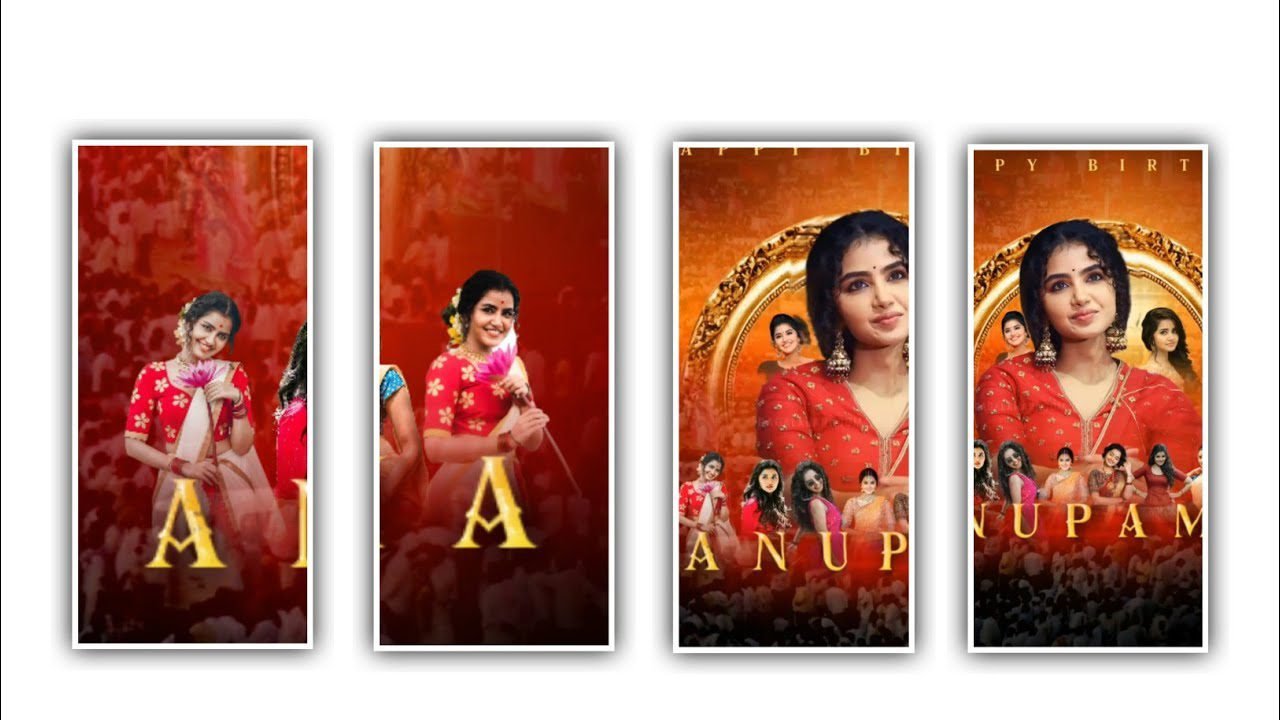
Hi friends how are you today as always I am going to tell you about a good editing process so this is a photo editing anamata photo editing lyrical video so please read this article till the end and the process and the material used for this process as well as the fans are also given in the description. As it happens, I sincerely hope that you will try and observe how to edit it till the end.
Similarly, the application that is useful for editing this project is alight motion application, editing is done through this application, so now you open this application and then click on the plus icon that you see there, it will ask you Screen Rishi, you can select the screen Rishi of your choice. You can set the frame rate of your choice Select the same rating as Maximum 60 fps and set the background color to black Click on Create Project Now learn how you should learn this editing process.
First, click on the plus psychos that appear there, you will see an option called music, click on it, go to your gallery and select a song, if you don’t have the song, I have given a link in the description, so you can add it. Similarly, photos need to be added according to this song, just adding one photo is enough, so I have given a link in the description of that photo, it is a high quality image and you can download it and add it. After that you have to add the lyrics of this song which is somewhat easy by copying and pasting the lyrics in the note pad beforehand.
Now click on text option and then add the copied lyrics one by one and split the layer again and add the remaining lyrics as well.After that you can add the phone to these lyrics to make it more attractive, so I have given the font link in the description, so download it from there and add it to the application you are editing. After adding, select the font for everyone. add By adding this way you will give your lyrics a good attractiveness.
After that you have to add an effects to the lyrics for this project so for that you click on add effects and type as I said. Now choose the option text spacing with standard settings and select letter spacing as 0, line spacing as 119.7%, and now choose the option blending and opacity and keep the screen normal. Now we have finished the editing process of this so after this process is done play it once and then click on the export icon and export by exporting in high quality you will get good quality for your editing.
Have you seen that I will inform about many more interesting and trending lyrical project through next articles, it needs your support, without your support I can’t do anything, because of your support I can give you more good projects.Many people love editing so we will teach them how to do editing and even those who have already learned can check out the new effects if you see them.
And I will tell you about many more such editing contents through each article. If you want to ask any details regarding this article as well as this editing process then ask in the comment section so that I will try to explain your doubts and do the editing as you like this project. And we are here to explain about each and every effect that added in the each project.
►Kinemastar Preset Link 👇
DOWNLOAD
►Cdp Presets LINK :-
DOWNLOAD
►CDP XML file LINK :-
DOWNLOAD
► Video All photo LINK👇
DOWNLOAD
DOWNLOAD
DOWNLOAD
DOWNLOAD
► Song Download Link 🔗
DOWNLOAD


















Post Comment