Instagram trending butterflyin alight motion tutorial 4apr
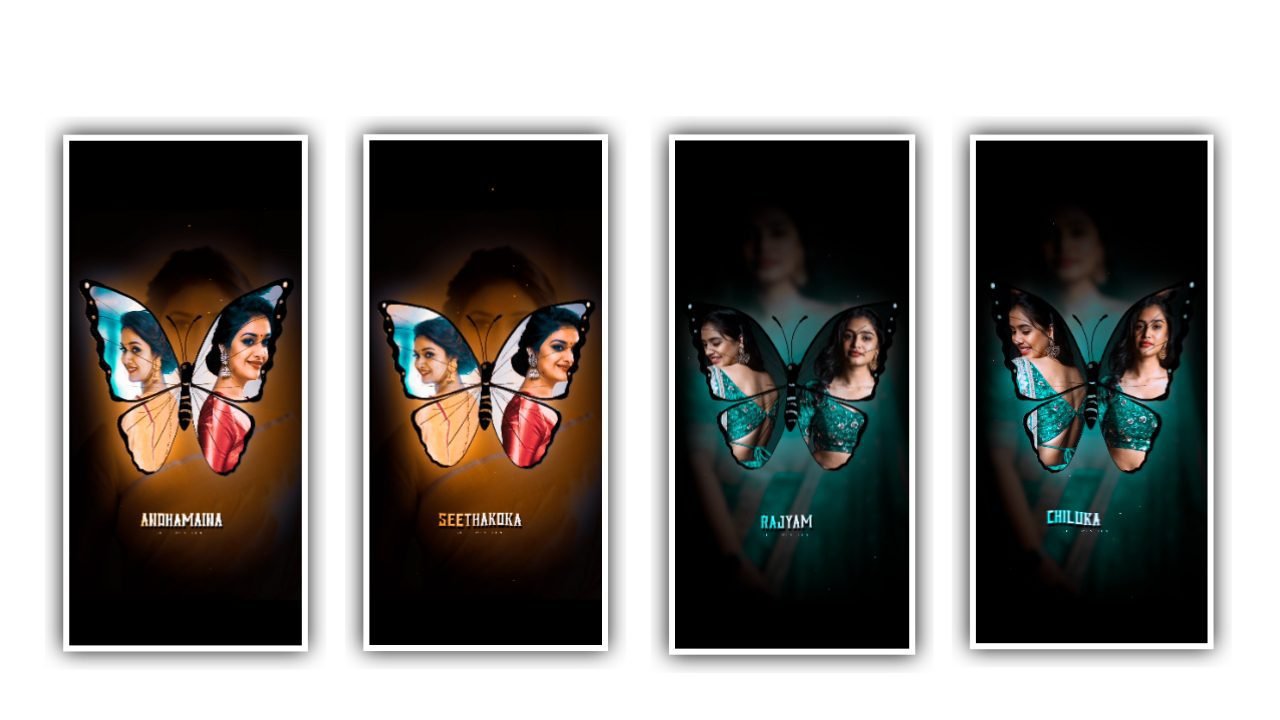
hello hi friends my family friends my name is Santosh I am the creator YouTube channel RCF creations Guruji trending topic video editing this tutorial explain detail now
ALIGHT MOTION
Alight motion this editing using app Play Store available download now this article explain how to make trending topic editing in YouTube detail explain by step by step clear watched this article detail explain I am YouTube videos
open app first select ratio 9:16 ratio select the ratio is full screen ratio in Instagram upload the video best best trending wheels upload this video first of all select background image butterfly effect article groups group select open group select your photo and blending and lighting select and next step
select background image your image select and effective ad multi effect this image at first of all at Gulshan Grover effect than saturation affected and saturation decrease and tiles effect written add add effect and add gymbler effect add next step by photo multitime school and multi time at now one by one by one beat mark line red lens click and add
next steps photo select and cut photo select and cut multi photos maximum photos use now 10 to will photos use video attractive article this and return add now position style adjustment starting 0.0 and ending by 3.5.2 select now definitely this adjustment very beautiful article one by one diamond blood type
KINEMASTAR PRESET
Full Project Link
Full Project XML LINK
VIDEO PHOTO LINK
SONG LINK


















Post Comment