🔥Instag Trending Attitude Lyrical Video Editing in Alight Motion video editing attitude videos edit
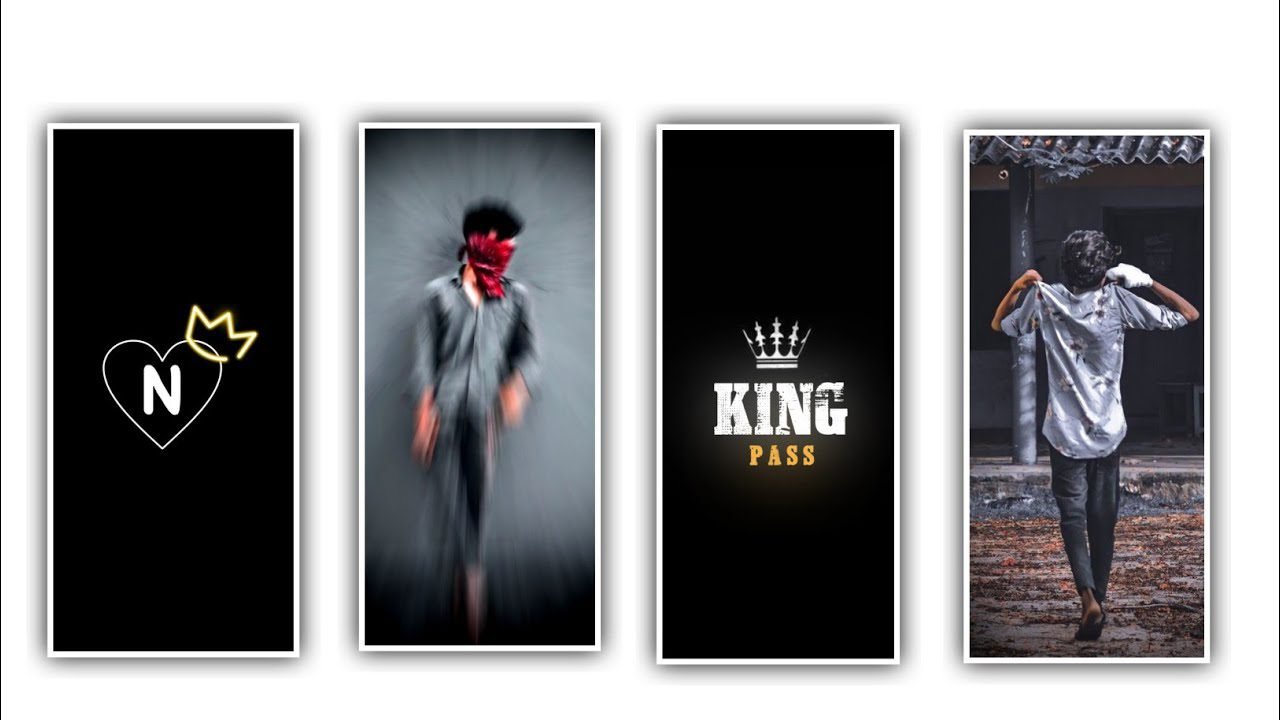
hi friends how are you Today through our article how to edit birthday video editing in good quality today we will know completely in this video because we see this birthday video is very special because by giving such editing to everyone on their birthday they will be happy because they will set their status. And learn the editing of this and then edit your photos too.
Alight Motion is a useful application for editing this project. After that you open the Alight motion application and tap on the plus icon, then it asks you for the screen ratio, otherwise you put it as 1080×2430 and when the frame rate comes, you put it as 60 fps, then you click on create project and you enter the editing project. After that you have to go to image and video and you have to add your images i.e. the images of birthday person one by one for that you have to select images video option and add these images one by one from the gallery through plus and add these images completely in your alert motion.
Tap on each added photo and click on the three dots and select the fill composition area option and make your photo full size and then you have to adjust it with your fingers. After adjusting each photo you want to put a song in the background, you go to your gallery through the option called music and select the song of which you want to edit and by clicking the plus icon, it will be added to the Alight motion. Then you add each photo, dragging your images for five seconds each, as long as the song goes, so your project looks complete. After that you have to open the modern shadow option and confirm that the screen is black.
After that you have to add text if your name or birthday is their name then you have to type their date of birth and happy birthday by text. Now let’s know how to add text Click on the option Text will appear and another option will appear Edit text Click on it and type whatever you want to type there. After that you need to adjust your lyrics. After that you need to add effects and now we will see how. Watch till the end of this article so that I can tell you in detail the uses of editing as well as how to edit this project. Now click on add effects and choose the effect feather and choose the strength 2.000, and keep the iterations 3, and choose the another effect gaussian blur with standard settings and keep strength as 0.065. Just using these two effects will complete the project.
After that you have to export this project for that you will see an option above the export icon click on it then set it in high quality and export it it will take you some time for this exporting process to complete your video in good quality Useful for making Similarly, it will automatically save to your gallery.Have you seen how to edit this video and you will definitely be interested in editing such birthday videos because you can dedicate them to your family members or your friends by taking their photos and editing them like that and they will enjoy it a lot by learning any editing.
Good in ways. And I will inform about many more interesting and training editing videos like this through the next articles, so if anyone has not visited my channel so far, please visit my channel and then support me, I will be encouraged by your support and through the next articles I will give you more courage for editing thankyou.
►Kinemaster Preset Link 👇
DOWNLOAD
►Beat Mark project preset :
DOWNLOAD
►Shake effect Preset LINK 👇
DOWNLOAD
►Beat Mark Xml file Link :-
DOWNLOAD
►Shake effect XML LINK 👇
DOWNLOAD
► Song Download Link 🔗
DOWNLOAD


















Post Comment