Lyrical video editing in alight motion 9238
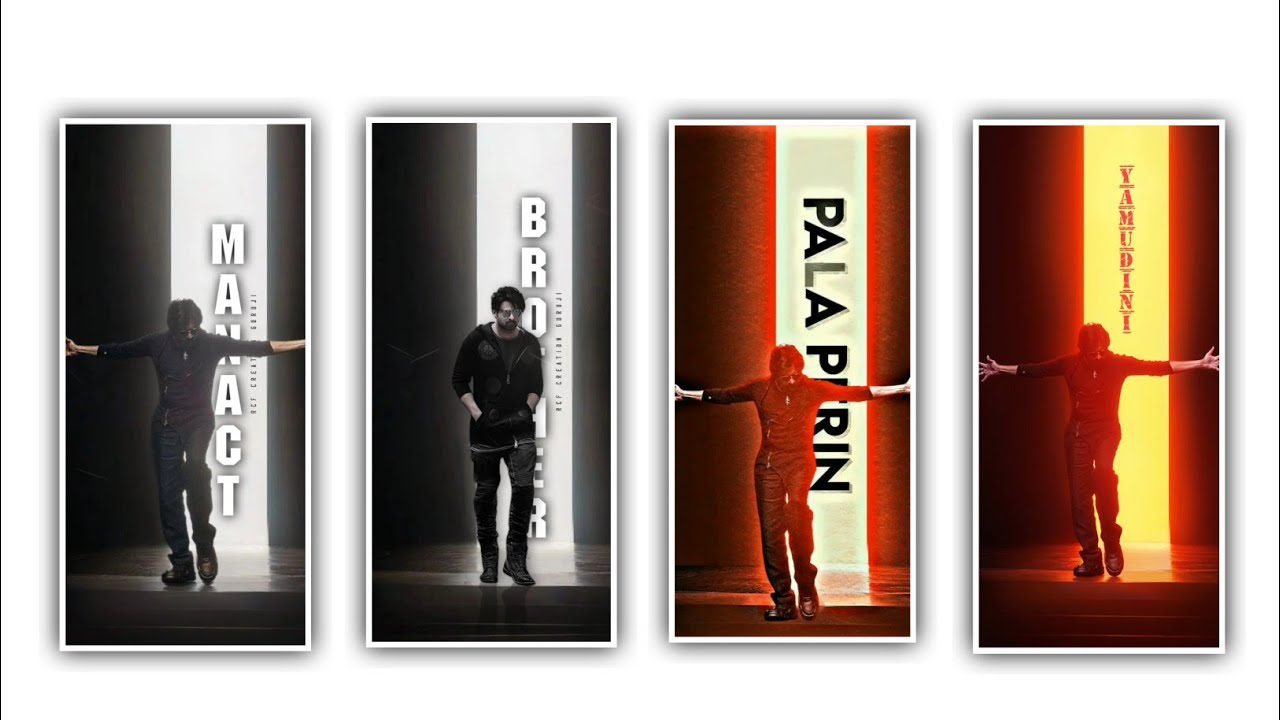
Hi friends how are you I am going to tell you about Birthday Video Editing Invitation as a professional through this article because we are watching a variety of Birthday Invitation videos but if we have learned the process of editing, if you have learned the editing process now and then you will be a professional editing process. I am now going to tell you about how many images we add to this wonderful editing process and learn all the things until the end of this article. As well as every material used that can be provided in our description. So you can choose it to download whenever it needs to add then you can add in that certain place.
So the demo video I have edited will give you a link is in description. As the process we need images background images and text all you can do creative. The editing process is how a professional editor does so that we can share it with all the effects used in this process. Look at the end and you will understand that you are a complete information. You can use the Kinemaster editing application for processing the editing of this as well as how you can provide the materials in the description so you can learn the editing process from them.
After you open the kinemaster application and you will be asked for the ratios. And click on it and select the ratio of 16:9 and then you select the ratio. I am giving background video like in animation type but I am giving two backgrounds but you need to add them to this project. First for that you add one background video up to 15 seconds and another background video you add upto 15 seconds and you have drag the layer. After that you will see a box in the middle its name is transition effect click on it so that you have to add transition effect there it has many types of effects in it you will see an option called cinematic zoom.
And click on it and provide an effect like that if not you have to install it is not available in you install it and you will see many types of animation effects in it you need to add the first effect. Then you can play it once for the effect observation and add that effect only once you have visualized it. Now you need to text this project. This text is the text you need to edit in pixellab applications so you need to go to the pixel application and select a ration and click on the text option and click on the text option and then you type a happy birthday.
Add and color is a black colour because you can find it very useful and interactive by providing black colour on natural colors so try to add the edited text and try to add it to these projects. So click on the Layer option and click on the Layer option and click on the Images option and click on the Images option. Also you can use this application as text or if you click on the option you will see the text option there and click on it you can add the text you like and you can also provide the font of your choice to this project.
Similarly you should drug the text layer for a few seconds because the text should look very understandable to you. So if you drop it for more seconds and it will appear particularly to you or disappear immediately. Also there is a zoom out option in the video you add so you can easily zoom in and zoom out the background. Now the text you added should be adjusted so that it is correct to the background because it should not be pasted. So you will have an option on the left side click on that after you do this is to see how much we zoom out and then up to there and we are adding a key frame so it has a love symbol in settings.
See that we are moving a little bit from forward from here the zoom in will start here also I made a key frame. Then came to the last and remoted it like this after clicking. Select the option called Fade in animation and also put the option called fade in out animation. After that you have to mention the name of someone whose birthday is in text form and also the names of their parents because you are doing it in video format so you have to follow this process for sure and also when is your baby birthday that birthday is the date.
You should mention anything, you should mention it in the form of text and if the birthday function is held in a function hall. And you should also mention its taluk address in this video. Even after you add the text and add a good color as you like to the text. After adding the color whatever font you like. And add that font. If you don’t have the font I will provide it in the description. You can download the font from that link and add that font. Also you have to give effects to lyrics so in inanimation you have many types of effects and since you are using this application you also have transition effects so you can also use them and you can design amazing text.
You have to edit using each and every option like this and after editing like this you have to add music to this project. Because you are making an invitation video so the music must be exact for that you need the music link I have provided in the description. So you can use it to edit this process so download them first through the link. After download click on the option you do not have kinemaster it will appear audio click on it and add the same audio to this project add. Also you need to add some png images to the projects because png images are useful for decoration so you can download mango leaves and other decorations and cake as a PNG image so please download it from chrome and add it in png format.
By looking good decorated suitable for the birthday invitation. So if everyone follows the options as I said then you can edit very easily and this process is very easy as we get kinemaster applications so you can do this process very easily. This application is very useful for video editing because it provides the desired effects in a very simple way. And with another editing project or with creativity like banner editing but I will try to explain about any particular aspect please support my website thank you.
►Kinemastar Preset Link 👇
DOWNLOAD
►Beat Mark Presets LINK :-
DOWNLOAD
►Beat Mark XML file LINK :-
DOWNLOAD
► Video All photo LINK👇
DOWNLOAD
DOWNLOAD
DOWNLOAD
► Song Download Link 🔗
DOWNLOAD


















Post Comment