Beautiful love Lyrical bgm253 BGM253 Instagram
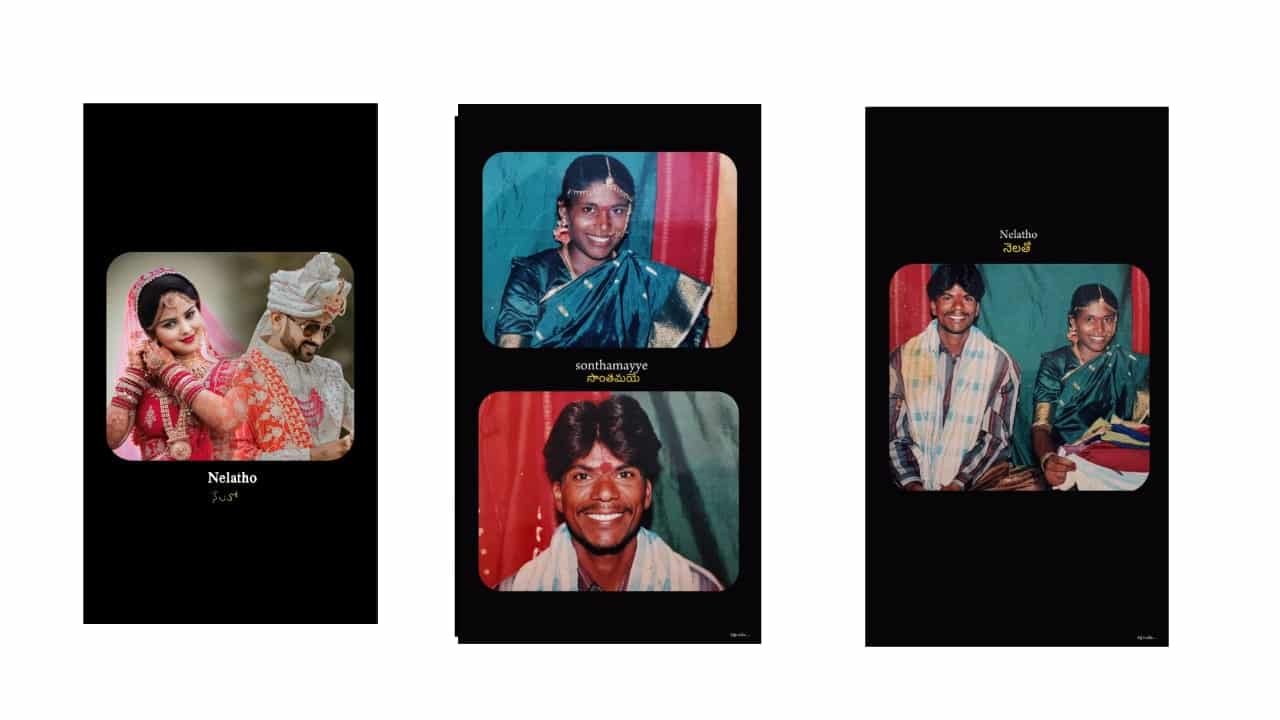
Beautiful Love Lyrical Video Editing in Mobile – Instagram Trending Style
Creating a beautiful love lyrical video on mobile is one of the most trending and emotional ways to express feelings through visuals and music. Whether it’s for Instagram Reels, YouTube Shorts, or WhatsApp status, these edits bring romantic songs to life using just a single photo, lyrical text, and smooth animations — all done using apps like Alight Motion and CapCut.
Start by selecting a romantic song clip with strong emotional lyrics — something that’s currently trending or has a deep love feel. You can trim the audio to around 15 to 30 seconds, matching Instagram Reels format. Open Alight Motion and create a 9:16 vertical project, perfect for mobile viewing.
Next, choose a high-quality love photo — it can be a solo portrait, a couple photo, or even a blurred background with soft colors. Import the image into your timeline. Add a slow zoom-in or pan effect using keyframes to give motion to your still photo. This subtle movement creates a cinematic base.
Now comes the lyrical part. Add the lyrics line by line in elegant fonts like Great Vibes, Dancing Script, or Montserrat. Sync each lyric to appear with the beat or the vocal rhythm. Use fade-in, slide, or pop-up animations to make the text flow with the music. Keep the color soft — white or light pink with a slight shadow or glow works great.
To make your edit even more beautiful, add overlays such as falling hearts, soft sparkles, or light leaks. You can find these elements from PNG packs or download overlays from free video sites. Use blend modes like Screen or Add to merge them naturally over your background.
Enhance the mood using color grading — apply warm filters, soft blur, or dreamy tones using adjustment layers. Add a slight vignette to draw attention to the center of the video. If the beat has drops or strong moments, insert glow flashes or shake effects to highlight those parts.
You can also create a typewriter effect for the lyrics, making each letter appear one by one. This adds a personal touch and matches slow emotional songs. For love dialogues or feel edits, showing the lyrics in sync with glowing effects and soft animations gives a magical finish.
After completing the edit, preview the video to make sure all movements and lyrics are in perfect sync. Export the video in 1080p HD quality for best clarity. Upload it to Instagram Reels with a soft caption like “For someone special” or “Feel the lyrics.” These kinds of edits perform well when audio and visuals blend smoothly.
A beautiful love lyrical video doesn’t need too many photos or complicated edits. With just one photo, heartfelt lyrics, and the right flow in Alight Motion, you can create a touching, viral video that speaks directly to the heart.
Full project
Xml
Font


















Post Comment