Hindi lyrical video editing BGM260 bgm260
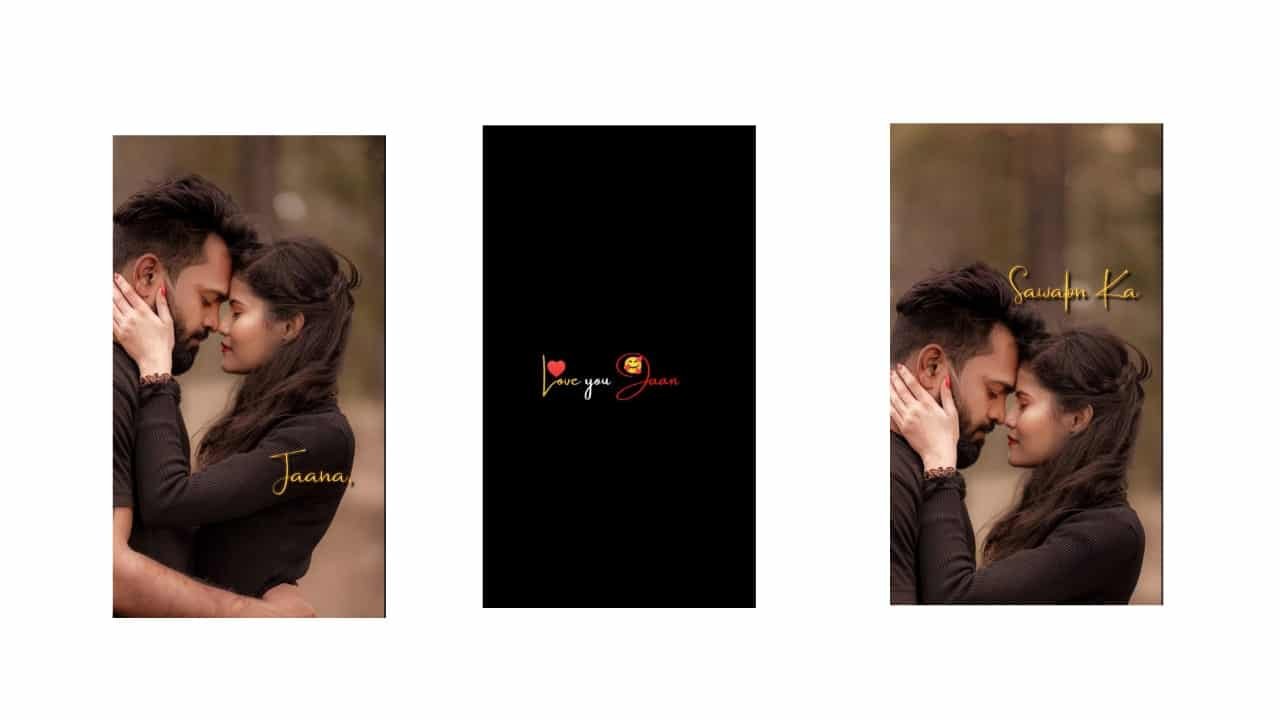
Cinematic Lyrical Video Editing – Mobile Emotional Style
Cinematic lyrical video editing is one of the most powerful and emotional styles in mobile video creation. It combines deep, meaningful lyrics with slow, dramatic visuals and soft background music to give a movie-like feel. Whether you’re expressing love, sadness, attitude, or friendship, this editing style grabs attention with its rich visuals, glowing lights, and smooth transitions. Perfect for Instagram Reels, YouTube Shorts, and status videos, cinematic lyrical editing is now a top trend.
To begin, open Alight Motion, CapCut, or VN and create a 9:16 vertical project. Choose your song or lyrical audio — it could be emotional, love-themed, or a feel-good mass track. Telugu and Hindi lyrical BGMs are widely used. Try to pick tracks with slow beats and strong vocal emotion. The lyrics should be meaningful and well-paced for smoother editing.
Now add a dark background or a soft blurred photo. Import your main visual — this can be a single person looking away, walking, or just a still emotional photo. Cinematic feel always starts with the right framing and lighting. You can add overlays like lens flares, golden light streaks, or soft particles to create a film-like layer on top of your video.
Type the lyrics line by line using a cinematic font — clean, simple, and slightly spaced out. Fonts like Cinzel, Playfair, or stylish serif fonts work best. Add soft fade-in animations for each line and match the appearance of the text exactly with the vocal line in the audio. Use keyframes to make the text float slightly, giving it life.
Now apply motion effects on your image or video. Slow zoom-in, a gentle left-to-right pan, or a focus shift with blur can bring out the cinematic vibe. Add letterbox bars (black bars top and bottom) to give it a wide-screen film look. Keep every movement smooth and slow — no fast cuts or harsh transitions.
To enhance the emotion, apply color grading. Increase warmth slightly for love-themed edits or reduce saturation and brightness for sad or deep emotions. Use filters that give a teal-orange or vintage tone — this is a signature cinematic color scheme.
Between each visual section, use cross dissolve, swipe, or blur transitions. Avoid fancy or fast effects. Let the visuals breathe. Add particles, glow, and soft light leaks in blend mode “Screen” for extra mood. If the beat drops or lyrics reach a peak, you can use a very soft camera shake or brightness flash.
During intense lyric lines, highlight the background with a vignette or increase the glow around the text. Make sure the viewer feels the words both visually and emotionally. At the end of the video, use a strong closing lyric or line and fade the video out slowly with the music.
Export your project in 1080p HD, making sure the text is readable and the visuals are smooth and clean. This type of video works best with a calm caption and emotional hashtags when posting online. Cinematic lyrical videos aren’t just edits — they feel like mini-movies made to express something deep.
Whether it’s heartbreak, love, or life thoughts — cinematic lyrical video editing turns raw emotion into beautiful visual stories using just your mobile.
Full project
Xml
Song


















Post Comment