Instagram trending video dp project Dp22 DP22
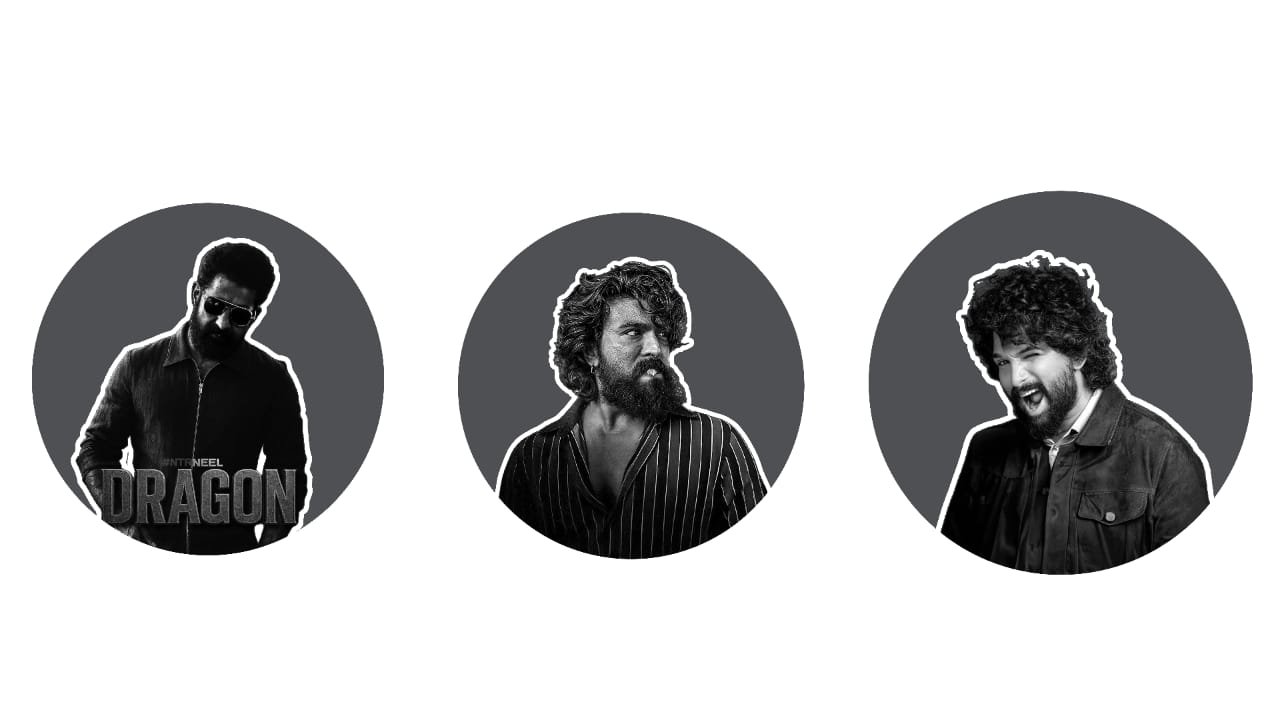
Instagram Trending Video DP Project Editing in Alight Motion
Creating an Instagram trending video DP project is one of the most viral styles right now, especially for those who want to make stylish reels or WhatsApp status videos using just a single photo. This trend uses your display picture (DP) or a portrait photo, combined with slow zooms, bold text, beat-synced transitions, and trending background music. Using the Alight Motion app, you can create this kind of stylish video completely from your Android mobile, with smooth animation and perfect sync.
To begin, select your best DP or profile photo. Choose a high-resolution image with a clean background and stylish pose. If needed, edit your photo first in Snapseed or Lightroom to enhance brightness, sharpness, and color tone. You can also add a soft vignette or blur background effect to give it a cinematic look.
Now, open Alight Motion, create a 1080×1920 (vertical) project, and import your photo into the timeline. Next, choose a trending Instagram reel song or viral slow-beat BGM. You can find these from reel audio pages, YouTube Shorts, or Telegram BGM groups. Import the audio and trim it to the 15 to 20-second section that has the best impact.
Place your photo on the timeline and add zoom keyframe animation. Start with a slight zoom-in or zoom-out movement, depending on the beat. Slow motion is key here — let the photo move slowly with smooth keyframes to create that soft, aesthetic look. This is the base movement that keeps the video dynamic.
Now, add text layers. Use trending quotes or words like “King Vibes”, “Only One”, “In My Zone”, or your Instagram handle in bold fonts. Fonts like Nexa Bold, Montserrat Black, Bebas Neue, or Urban Jungle work perfectly for attitude or stylish edits. Apply effects like glow, stroke, shadow, or gradient fill. Place the text creatively – either center aligned or side aligned – and sync its animation with beat drops.
To match the Instagram trending style, add beat markers on the audio and place flash transitions or subtle shake effects on each beat. In Alight Motion, you can use effects like Tiles, Motion Blur, Camera Shake, and Glow to give a pro-level touch. On the main beat drop, add a white flash or glow pop-in effect synced with text or photo scale-in.
You can also include light leaks, particles, or soft flare overlays to add more style. Blend them using the “Screen” mode and reduce opacity for a smooth look. Add motion blur or duplicate the main layer with blur+glow to give a soft dreamy finish.
If your song has a strong drop at the end, add a slow zoom-out + dark vignette with text like “DP King”, “Legends Never Die”, or “This is Me”. Keep it classy and minimal. End the video with a smooth fade-out or a final beat flash.
Once everything is synced and animated, preview the full video, check the transitions, and adjust speed and keyframes if needed. Export the video in 1080p at 30fps or 60fps to keep it smooth and crisp. The file will be small enough to upload on Instagram without compression issues.
This Instagram trending DP project is perfect for showing your personality with style using just one photo. With clean editing, bold text, and trending BGM, it becomes a powerful reel or status video that stands out easily.
Dp project


















Post Comment