Instag Trending EFX Mix Video Editing in Alight motion Trending video editing EFX video editing
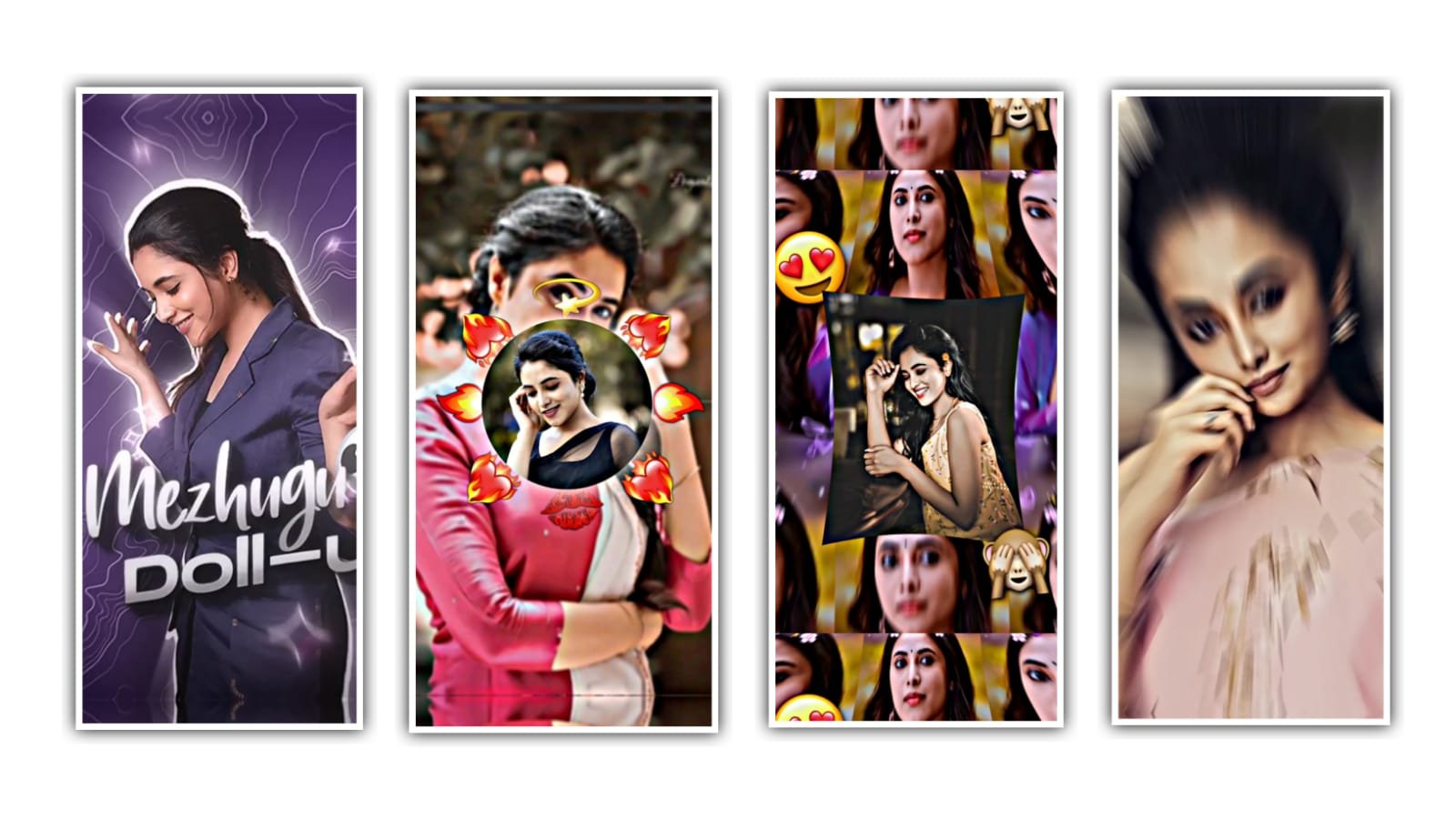
hello guys welcome to our website santhoshrcf today i edited new trending viral English song video editing in alight motion let’s see how to edit this video.
OPEN BEAT MARK :-
now you import beat mark & shake effect projects this projects i given under this website scroll down and get all Meterials. before start editing add font in alight motion font link i given this website download and import in alight motion after open beat mark project after go to 03:08 seconds now add your images click plus icon go to media option after select your image click three dots press fill composition area trim extra part in next red mark after add another image zoom full screen trim extra part in next red mark area same process add red mark area and trim next red mark same process add all your images.
EFFECTS EDITING :-
This video I used two effects and one colour grading now i tell you how to edit effects and how to add effects in your images now i tell you.
EFFECT :- 1
1. Threshold Effect :-
- Threshold add starting one key frame 0.44 after go to 0:21 seconds add key frame 1.00
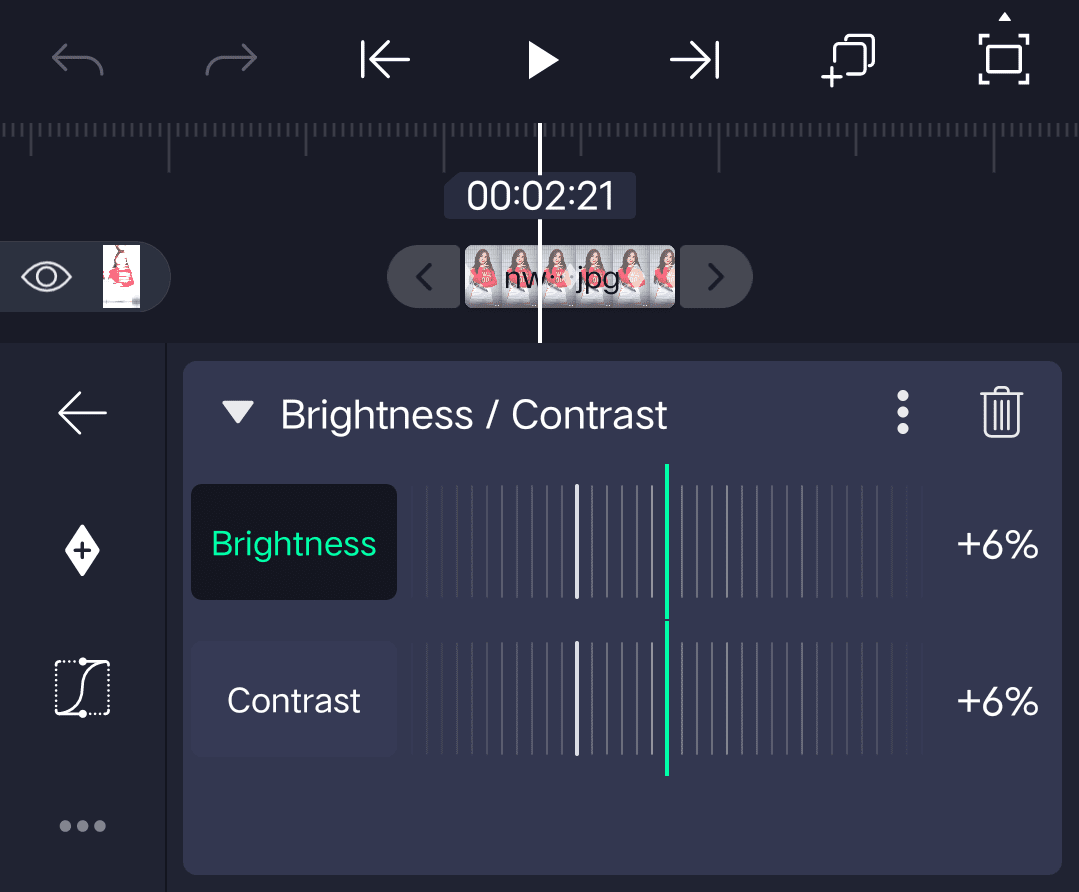
2. Brightness & Contrast Effect :-
- Contrast :- +9
3. Motion Blur Effect :-
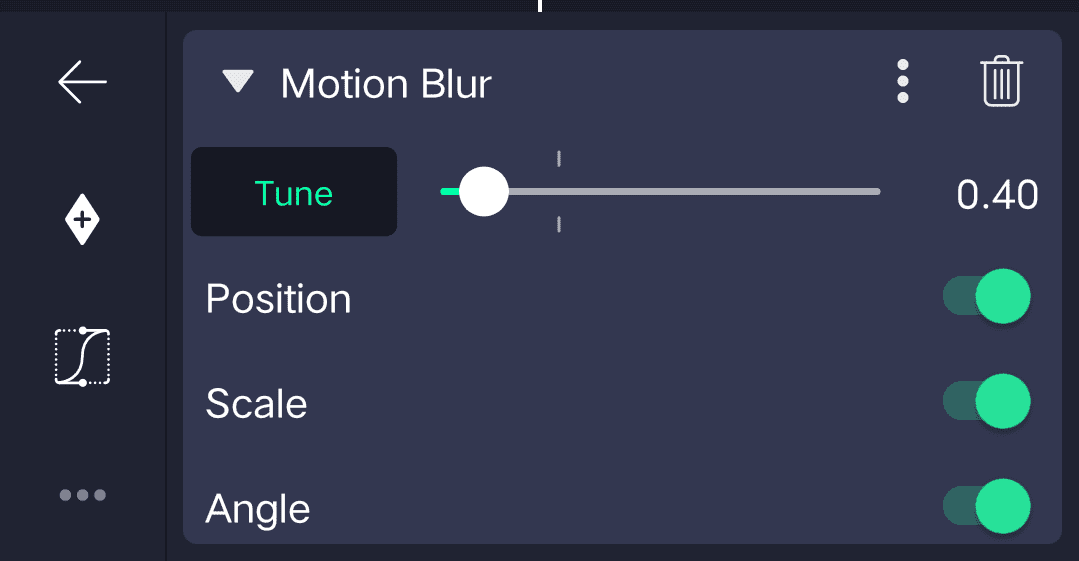
4. Zoom Blur Effect
- Strength 0:03 seconds add one key frame 0.18 and one key frame middle 0.00 add ending one key frame
5. Repeat Effect :-
- Count :- 10
- Offset add one key frame 0:02
- seconds x: -75 0:03 seconds add key frame x: -9
- Angle 0:23 seconds add one key frame 0:02 seconds add one key frame adjust 1.6° add key frame 0.02 seconds adjust 0.2°
- Scale 0:18 add one key frame 0:02 seconds add key frame add key frame 0:10 seconds adjust 1.00 add key frame 0:03 seconds adjust 1.03 add key frame 0:02 seconds no adjustments add key frame 0:11 seconds 1.00 after go 0:02 seconds add one key frame
6. Exposure / Gamma Effect :-
- Add kewy frame 0:30 seconds 0:02 seconds add key frame adjust 0.61 0:02 seconds add key frame no adjustments
7. Glow Scan Effect :-
- Threshold add key frame in middle 0:00 after add ending one key frame 0:99
- Radius – 0.10
- Feather – 2.00
First effect is completed copy this effects after open beat mark project after go to 03:47 paste this effects long long images paste all long images.
EFFECT :- 2
1. Exposure / Gamma Effect :-
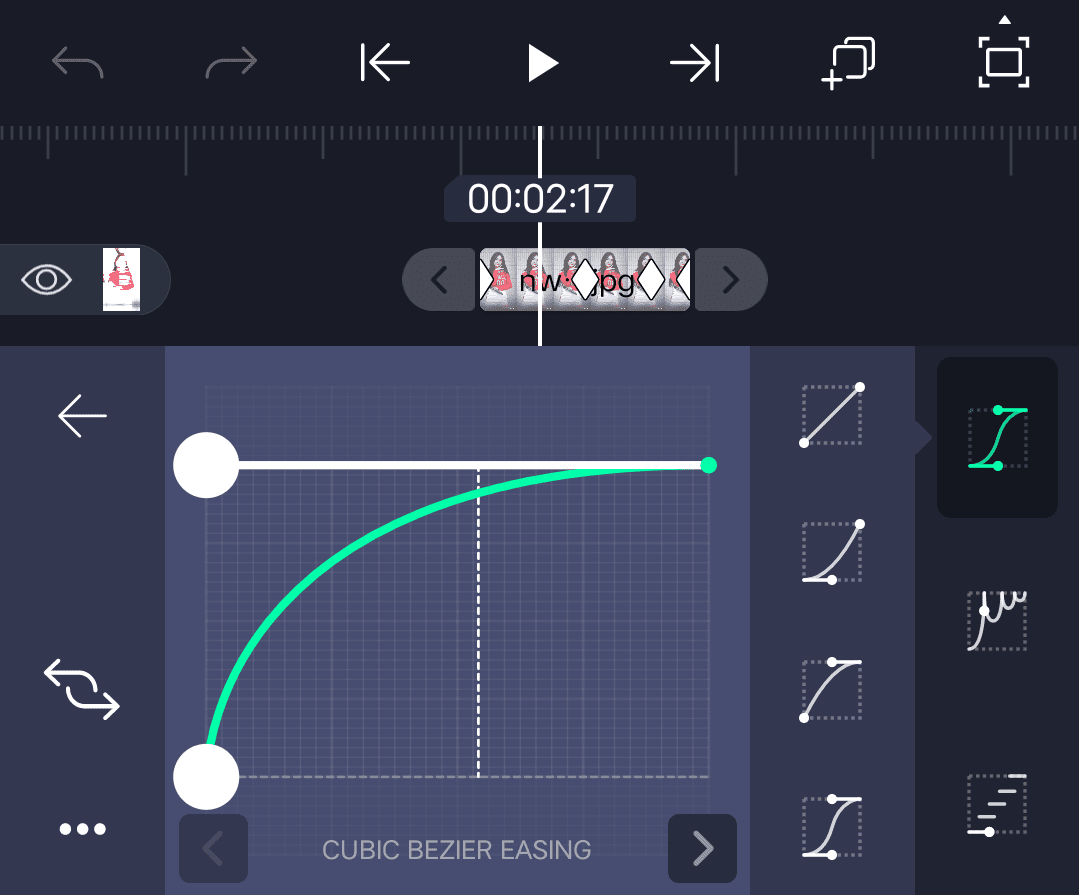
- Exposure select and add key frame in starting adjust 1.00 add one key frame in middle adjust 0.00 add key frame in ending 0.85
Curve adjust
2. Linear Streks Effect :-
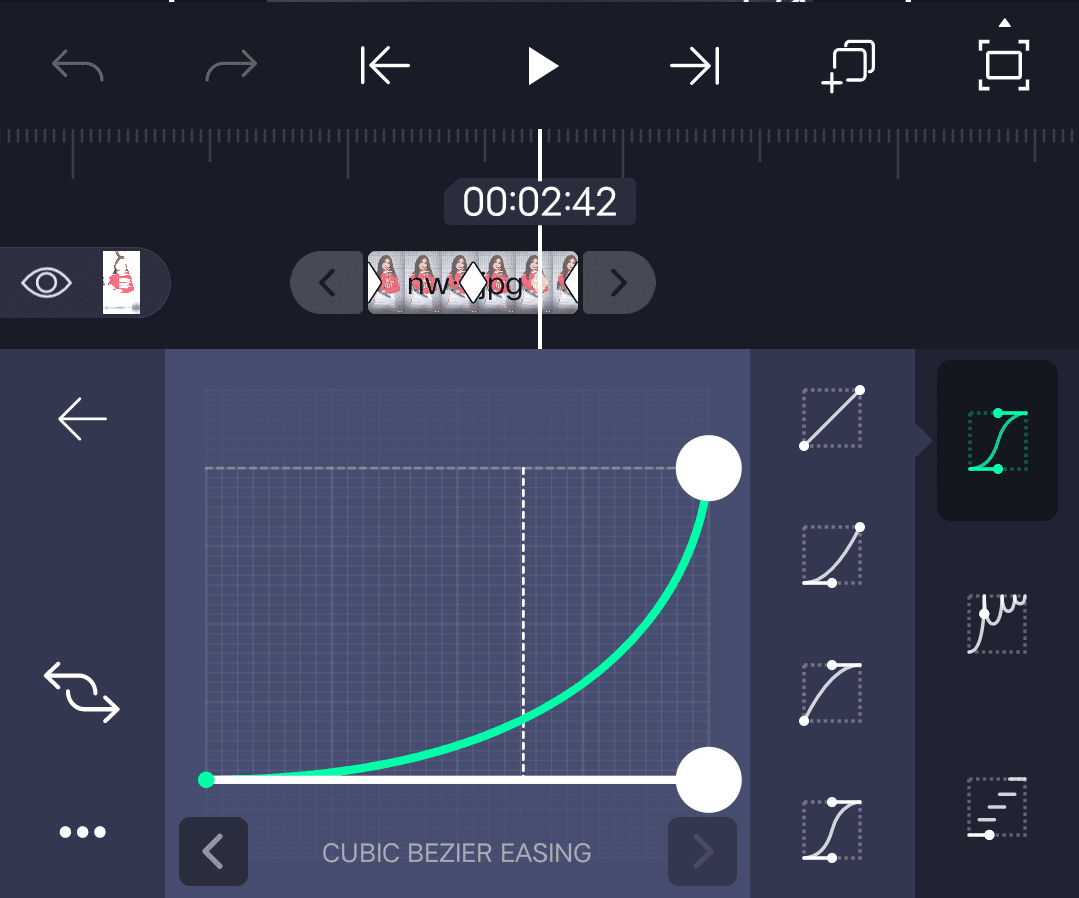
- Select Strength after add key frame in starting adjust 0.05 add key in middle adjust 0.00 add key frame in ending adjust 0.4
Adjust Curve
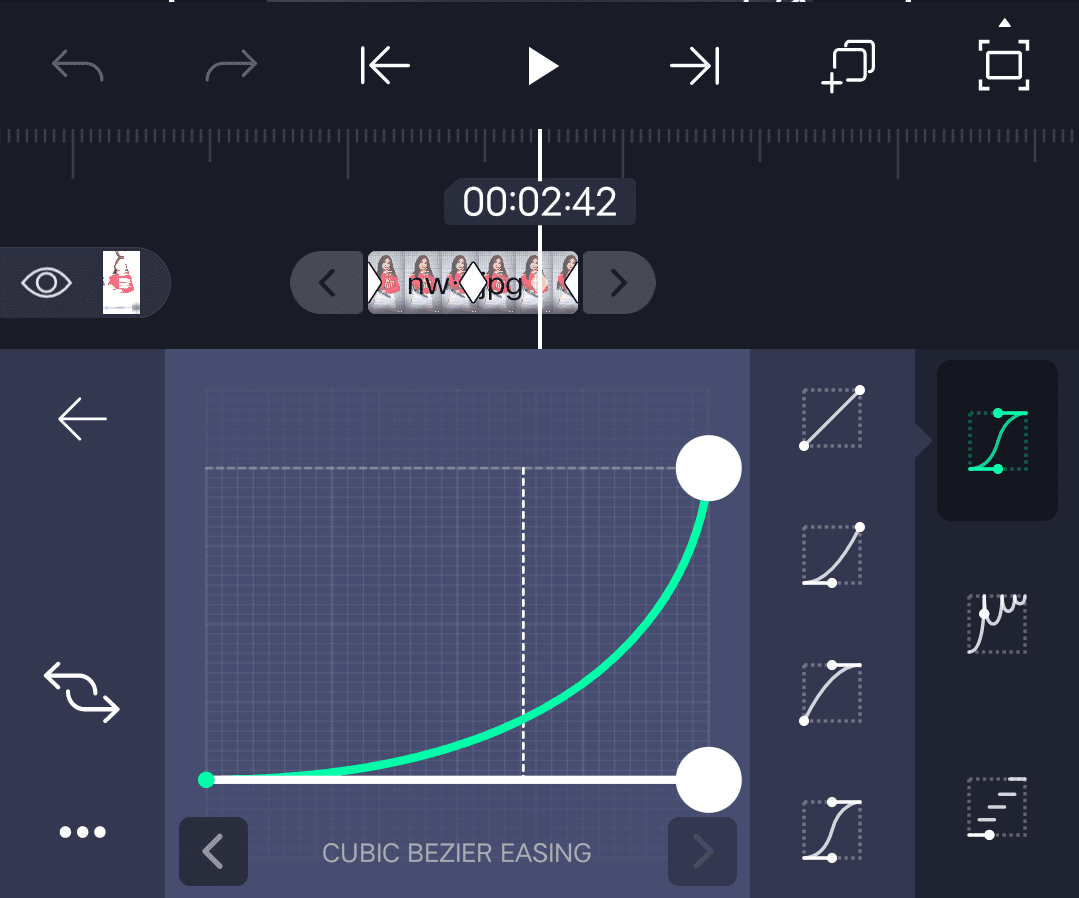
3. Saturation / Vibrance Effect :-
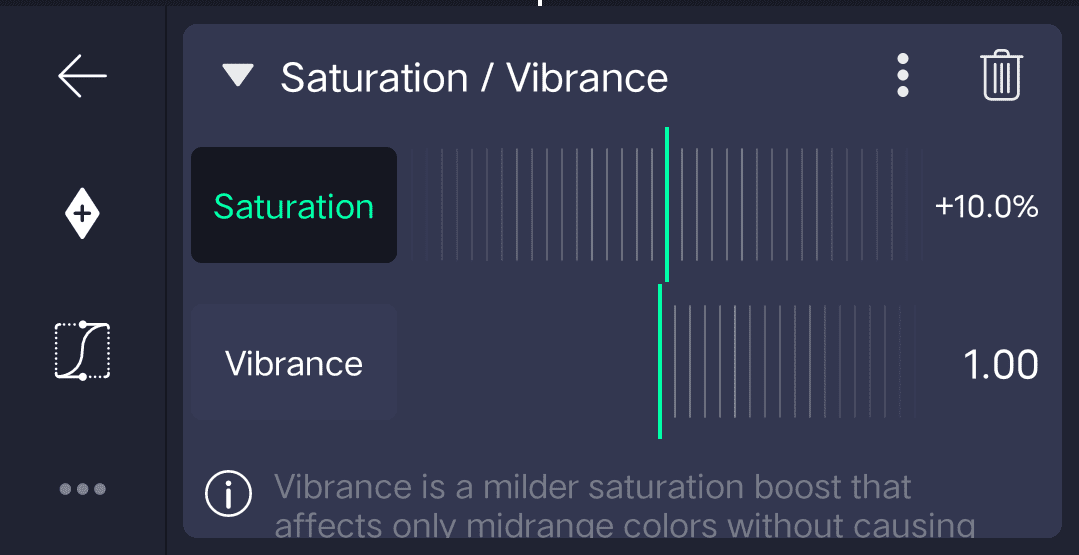
4. Brightness / Gamma Effect :-
5. Motion Blur Effect :-
Effect is completed copy this effects after open beat mark project paste this effects small duration all images just you select image after click effects option click three press paste effects same process add this effects all images. After open shake effect project this project preset link available this website scroll down and get shake effect project import.after open shake effect project after go 03:47 seconds i given colour grading you copy four layers. After open beat mark project 0:03 seconds click layer + icon. Click paste layer option trim extra layers part. After export high quality Thanks for visiting our website santhoshrcf.com scroll down and get all Meterials.
ALL METERIALS LINKS :-
►Kinemastar Preset Link
DOWNLOAD NOW
►Beat Mark project preset :
DOWNLOAD NOW
►Beat Mark XML file LINK :-
DOWNLOAD NOW
►HDR Colour effect Preset LINK
DOWNLOAD NOW
►HDR Colour effect XML LINK
DOWNLOAD NOW
► Video All photo LINK
DOWNLOAD NOW
► Song Download Link
DOWNLOAD NOW

















Post Comment