New Trending Gentleman Bgm video editing in alight motion
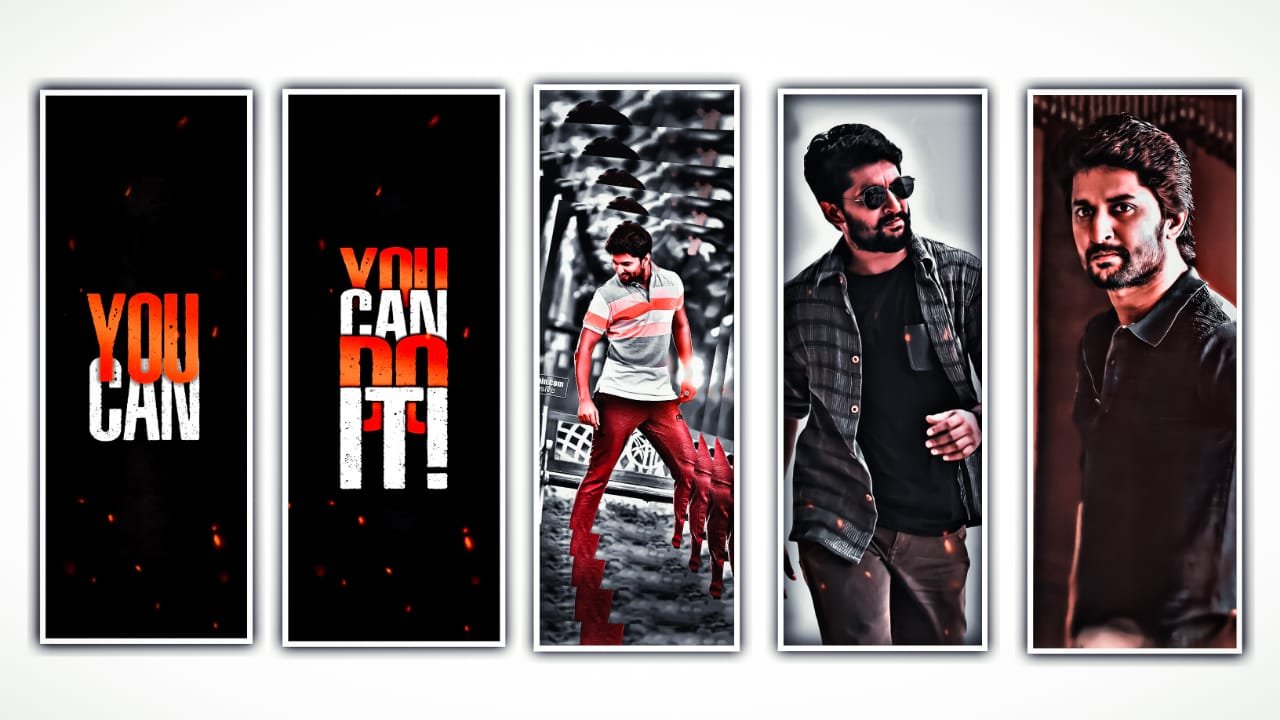
hi friends this is santhosh from rcf creations guruji today i edited efx Viral video editing in alight motion let’s see how to edit this video.
OPEN ALIGHT MOTION
under this website i given alight motion full preset and xml also import full project xml or preset you import xml you need to download all images and audio all links i given this website scroll down and get all links before start editing you crop 12 your images in 4:5 ratio now i tell you how to crop image’s
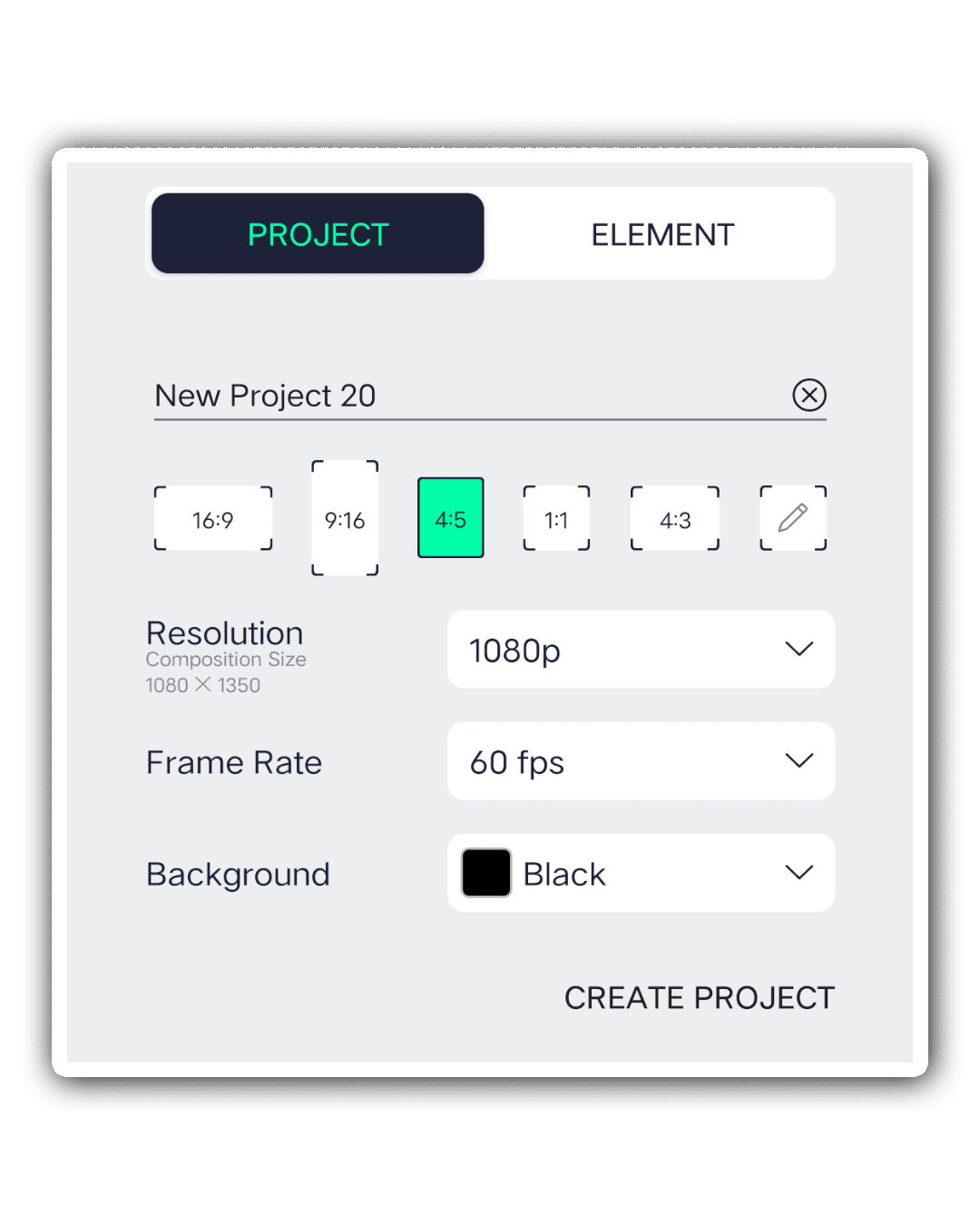
CLICK PLUS ICON SELECT 4:5 RATIO 60FPS CREATE PROJECT
after click plus icon go to media option after select your image zoom full screen after click share icon select current frame as png after go back and click plus icon add another image zoom full screen after click share icon click current frame as png same process crop your all images.
OPEN PHOTO ROOM 

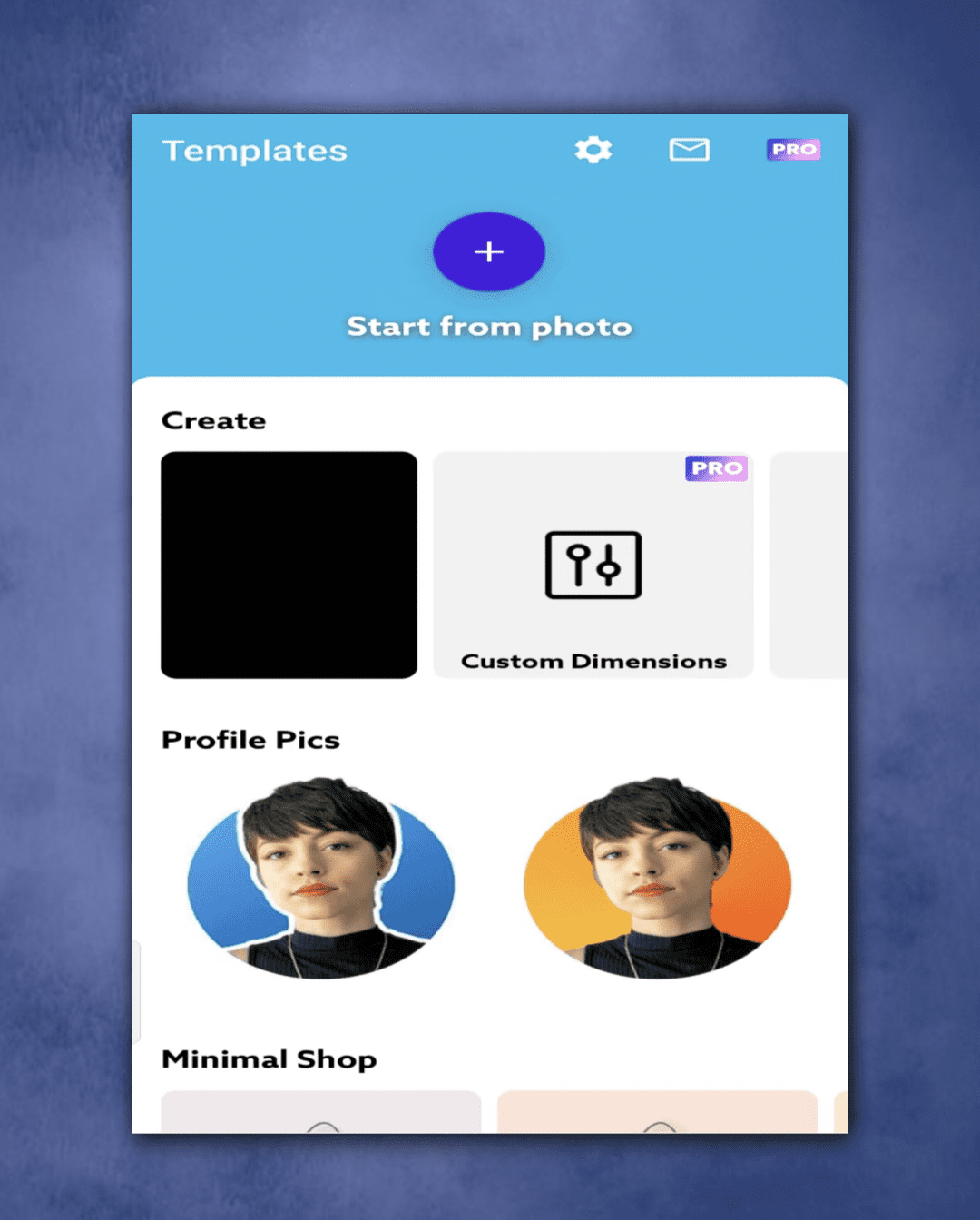
under this website i given photo room apk download and install i already uploaded video.
how to remove background in image click here to watch 👇
Now i tell you how to remove background in your image open photo room application after click plus icon after select your image. After Looks Like this 👇
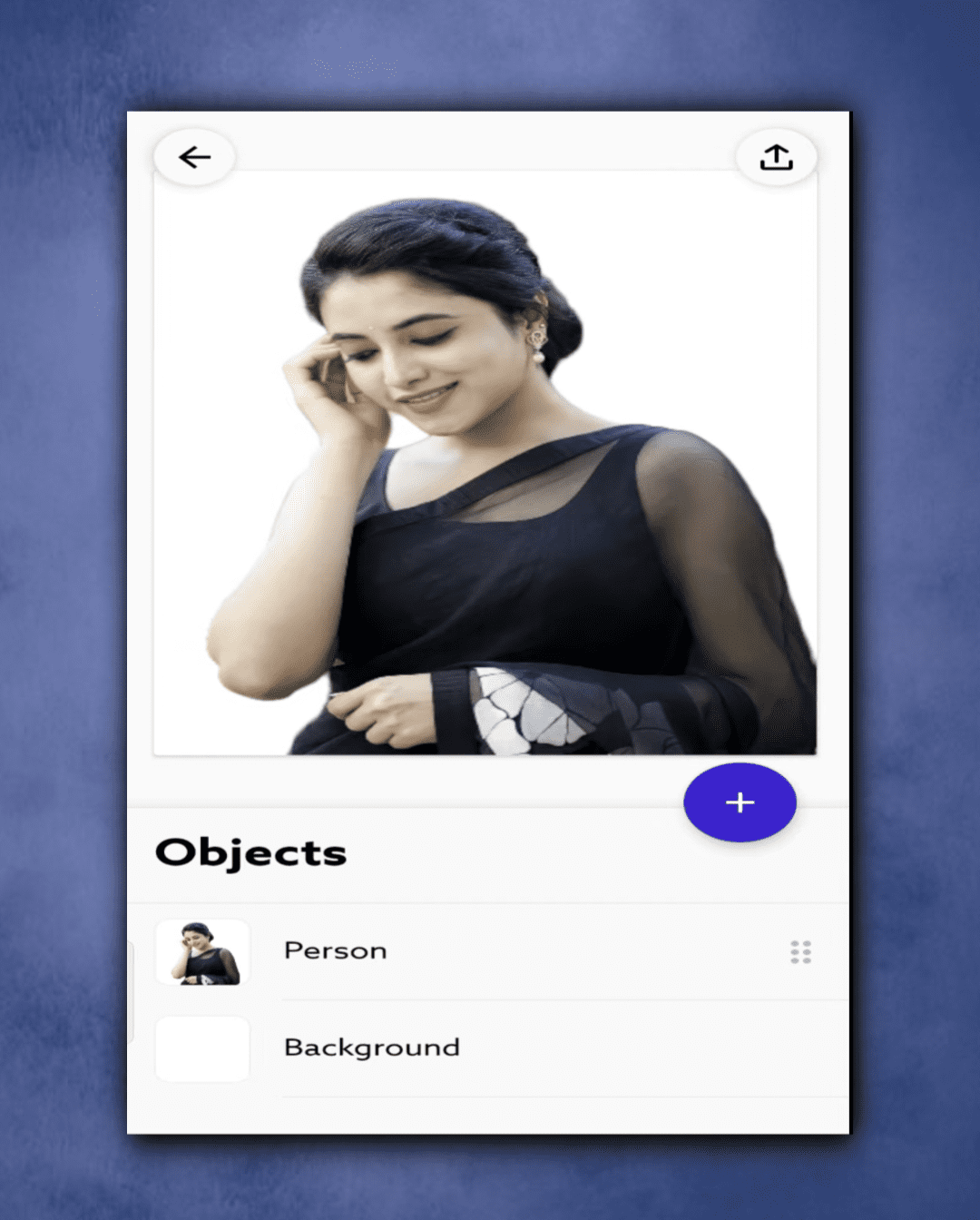
JUST CLICK BACKGROUND BUTTON AFTER SELECT ERASE OPTION AFTER CLICK DOWNLOAD BUTTON SELECT SAVE TO GELLERY OPTION.
OPEN BEAT MARK
After select first image click color & fill option select select 4:5 background image after click plus icon select text option after enter your name after click roboto regular select any font colour Gold after zoom text layer.
After select text click effects option add Fade In Out Effect.
ALL METERIALS LINK
►Kinemastar Preset Link 👇
DOWNLOAD NOW
►Beat Mark project preset :
DOWNLOAD NOW
►Beat Mark XML file LINK :-
DOWNLOAD NOW
►Shake effect Preset LINK 👇
DOWNLOAD NOW
►Shake effect XML LINK 👇
DOWNLOAD NOW
► Video All photo LINK👇
DOWNLOAD NOW
► Song Download Link 🔗
DOWNLOAD NOW


















Post Comment