Instagram Trending Volume Bar Loading video editing in Alight Motion Trending Video Edit Tutorial 26jun3
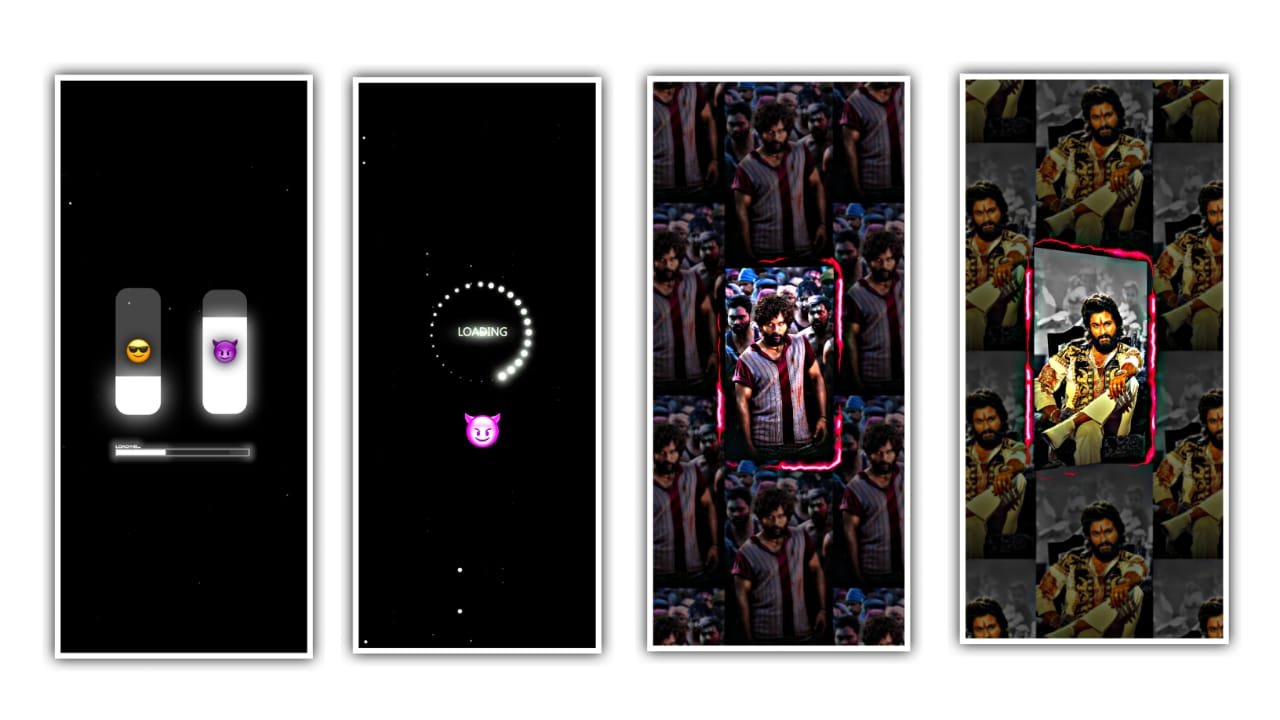
Hi guys this is santhosh from rcf creations guruji youtube channel today i edited mass instagram trending video editing in alight motion. Let’s see how to put similar photos on our phone and edit them in alight motion so please read this article.
OPEN BEAT MARK
Open the alight motion and import the music beat which is given in this discription download and import it once you imported the video it shows that music beat mark by rcf creations In starting there is dialogue and effects is added. There is same animation in above and below text. Then click on effects. And there is a three dots click on it and copy it and it is paste the effect to all the dialogues. after that we want to add photos to it. Let’s see how to add photos, effects, colour greeding now. First simply tap on plus icon and click on medium and then go to photos which you saved in folder. Then pick photo from it.
SHAKE EFFECT
Now add effects in images open shake effect project this project link I given this website you scroll down and get shake effect project open shake effect project after copy 4th image effects now I tell you how to copy image effects select image after go to effects option click 3 dots press paste effects option after open beat mark project paste this effects 02:05 seconds images to 6 images just you select image after click effects option after press paste effects option Same process apply this effects six images after go back and open shake effect project copy second image effects after open beat mark project 7 after images paste this effects into 5 images after go back and shake effect project copy 3rd image effects after open beat project effects five after seven images now i tell you how to add effects in your images select image after go to effects option click 3 dots press paste effects option after select 2n image click effects option after select Paste effects option same process you apply this effects seven images after go back and open shake effect project copy first image effects after open beat mark project paste this effects all images
All Meterials links
►Kinemastar Preset Link
DOWNLOAD NOW
►Beat Mark project preset :
DOWNLOAD NOW
►Beat Mark XML file LINK :-
DOWNLOAD NOW
►Shake effect Preset LINK
DOWNLOAD NOW
►Shake effect XML LINK
DOWNLOAD NOW
► Video All photo LINK
DOWNLOAD NOW
► Song Download Link
DOWNLOAD NOW


















Post Comment