Instag Trending Emoji Volume Bar Video Editing in Alight motion Trending video editing Tutorial 27jun2
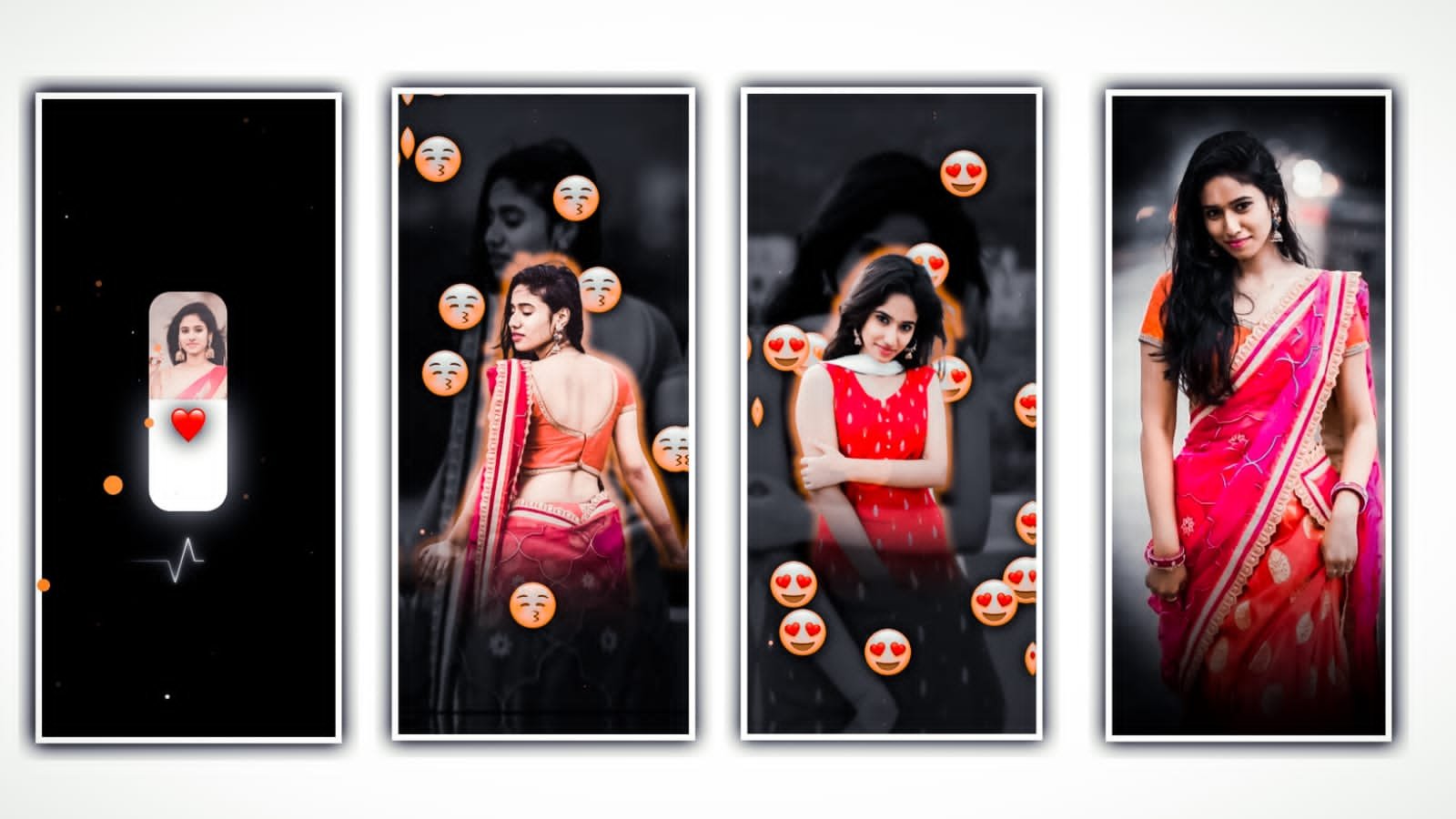
Hi friends this is santhoshrcf today i edited Alight Motion new attitude trending video editing .
before start editing download font and import in alight motion after import beat mark project after go to 04:54 seconds add images click plus icon go to media option after select your image after click three dots press fill composition area after add another image zoom full screen trim extra part in next red line area after add another image click plus icon go to media option after select your image zoom full screen trim extra part next red line area same process add all images trim red line add another image add all images now add effects in starting lyrics under this website I given shakee effect project import alight motion after open shake effect project starting text effects copy just you select text after click effects option click three dots press copy effects option after open beat mark project paste this effects all lyrics just select text after go to effects option click 3 dots press paste effects option same process add this effects all lyrics.
EFFECT EDITING
1. Wave Warp
- phase add key add key frame in starting adjust 0.68 ending add key frame 2.00
- Angle 25
- Spacing 8.0
- Magnitude add key frame in starting adjust 4.9 ending add one key frame adjust 0.0
2. Gradient Overlay
- Color 1 Black
- Color 2 add key frame in starting select white 5 seconds after add key frame light yellow colour
- Alpha add key frame in starting adjust 67.1 add key frame in middle adjust 0.00
4. Zoom Blur
- Strength add key frame in starting adjust 0.94 ending add adjust 0.14
5. Exposure / Gamma
Exposure add key frame in starting adjust 0.75 add key frame in middle adjust 0.00
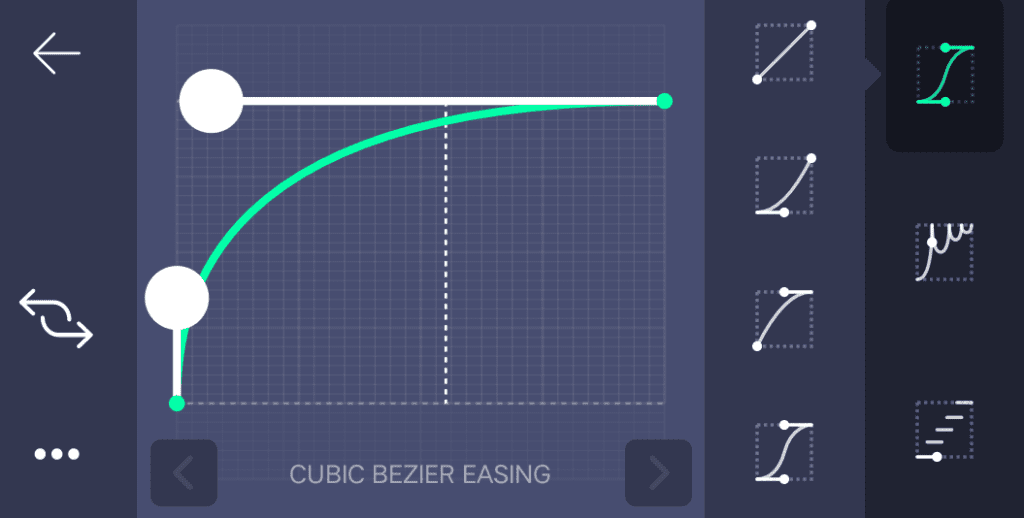
Effect editing is completed now copy this effects paste all images select image click effects option click 3 dots press paste effects option same process add all images thanks for visiting our website santhoshrcf.com all Meterials ⬇️
All Meterials Links
►Kinemastar Preset Link
DOWNLOAD NOW
►Beat Mark project preset :
DOWNLOAD NOW
►Beat Mark XML file LINK :-
DOWNLOAD NOW
►Shake effect Preset LINK
DOWNLOAD NOW
►Shake effect XML LINK
DOWNLOAD NOW
► Video All photo LINK
DOWNLOAD NOW
► Song Download Link
DOWNLOAD NOW


















Post Comment