Instagram Trending Photo Tab scrolling Video Editing in Alight motion Trending Video Tutorial 6jul2
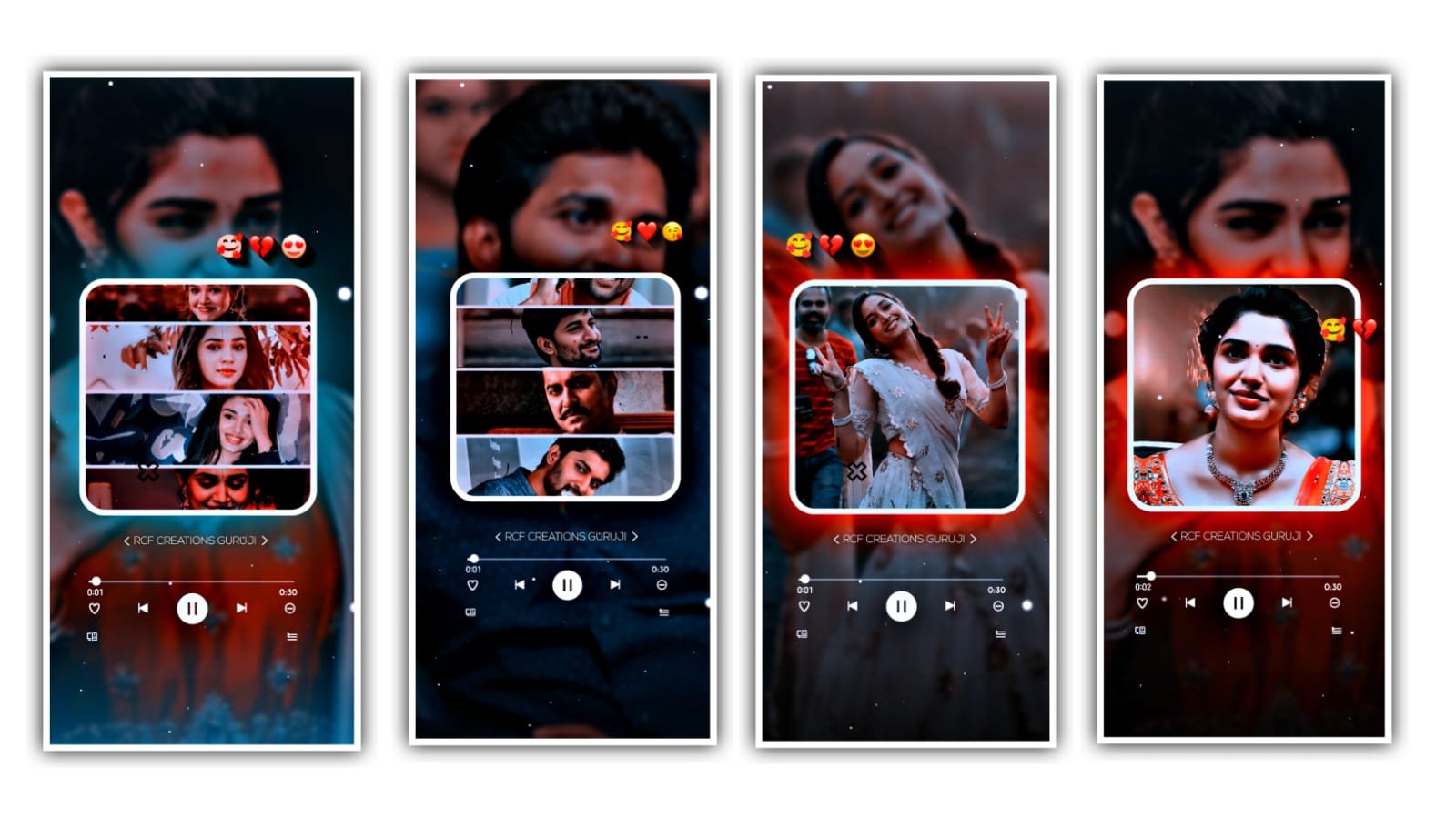
hi hello guys this is santhosh today i edited Instgram Trending Emojis clock video editing in alight motion.
ALIGHT MOTION
now open beat mark project after interface like 👇

now select last vijay devarakonda image after click color & fill option select your image. is there two groups first group images 2nd clock group mask now i tell you how to edit this video using emojis and i tell you how to replace with your image.
select group 1 after click edit group option is there 8 groups now replace images before replace image you Crop your image 4:5 ratio 8 image’s after open beat mark project select first Group click edit group option select image after go to color & fill option select your image after go back select 2nd group click edit group option after replace with your image same process edit all images.
under this website i given one template video download and add in starting area click plus icon go to media option select downloaded template video trim extra part in End of the video if you want emojis style clock i given emojis png you Just download and replace clock area video is completed thanks for visiting our website santhoshrcf.com all Meterials available this site 👇
All Meterials Links
►Kinemastar Preset Link 👇
DOWNLOAD NOW
►Full project Presets LINK :-
DOWNLOAD NOW
►Full project XML file LINK :-
DOWNLOAD NOW
►colour Effect Preset LINK 👇
DOWNLOAD NOW
► colour Effect XML LINK 👇
DOWNLOAD NOW
► Video All photo LINK👇
DOWNLOAD NOW
► Song Download Link 🔗
DOWNLOAD NOW


















Post Comment