Alight Motion Next Level Video Editing Instag Trending Boys Attitude status editing mass Tutorial 28aug1
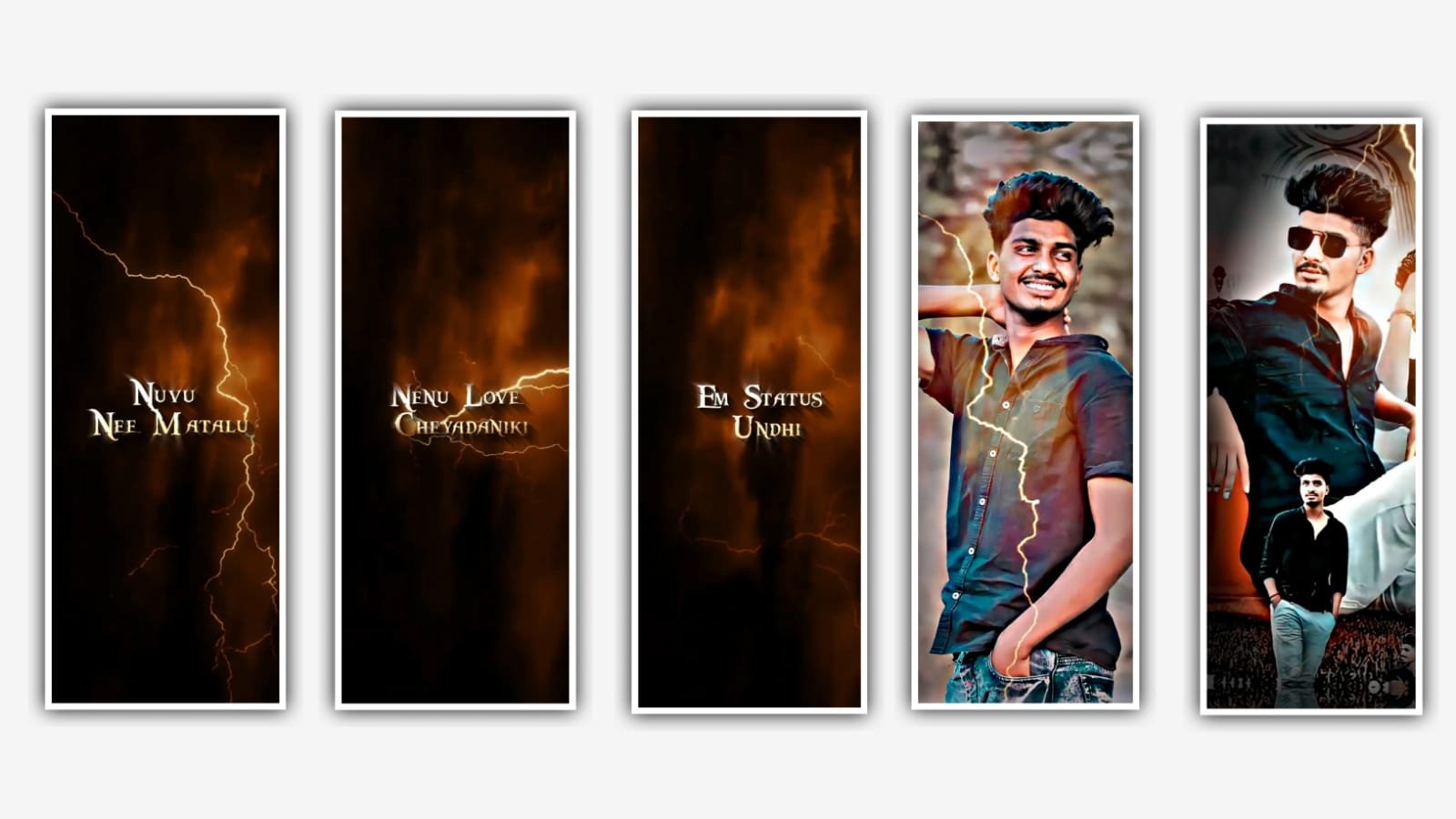
In this video I will explain about new trending hyderabadi model trending lyrical video in this project by using alight motion application.
Now open the application alight motion before that I will give you template link, beatmark link and shake effect link can be given in description please download it from description.
After the process of download completed click on download links and tap on it it will be taken to a browser and automatically alight motion application and select the option import it will takes some time to download the package then automatically added to the beatmark project.
Now open beatmark project and there you can observe the the best marks. And now we want to add the edit this project we need to add the photos from gallary and after adding the photos we want to full screen the photos for that click on three dots and select the option fill composition area and zoom the photos with your fingertips.
After that that we need to add the animation effects to the said project for that I will you shake effects link in description please download it from there import it it to the said project after that open shake effects and. Copy the first photo effects by clicking three dots and select the option copy effects and go back to beatmark project and paste the effects To the first photo and spip the second photo and skip third photo and Paste the effects to remaining photos.
And go back to shake effects and copy the effects form shake effect and paste them into remaining photos which is skip for first photo.
After that click on select all layers after that click on same layer. After that come back to beatmark project after that and now click on the group and extend the image after that play them with with combo layer and trim the extra unnecessary part. Now click on first group and select the option to and add the images by clicking edit group and add the images where the beatmark project. After that again click on edit group and select the add images and now add the images in group 2.
After that we want to add the Effects for that the project. And thale same process vill be continued to adding the effects. After that I will give you template in description please download it from there and come back to beatmark project and add the template video in beatmark project by clicking plus icon.
Now the process of editing will be completed play the video and see the animation. After that click on export icon and export the video with high quality and click on export it will take some time to process and automatically saved it into galary.
Hope you guys will understand how to edit this project you can also try with your own photos. Please support us by visiting our website it will gives us encouragement for further editings Thankyou for your support.
All Meterials Links :-
►Kinemastar Preset Link 👇
DOWNLOAD NOW
►Beat Mark project preset :
DOWNLOAD NOW
►Beat Mark XML file LINK :-
DOWNLOAD NOW
►Shake effect Preset LINK 👇
DOWNLOAD NOW
►Shake effect XML LINK 👇
DOWNLOAD NOW
► Video All photo LINK👇
DOWNLOAD NOW
► Song Download Link 🔗
DOWNLOAD NOW


















Post Comment