👌Best Trending Photos sketch lyrical video editing in alight motion lyrical video editing 13sep3
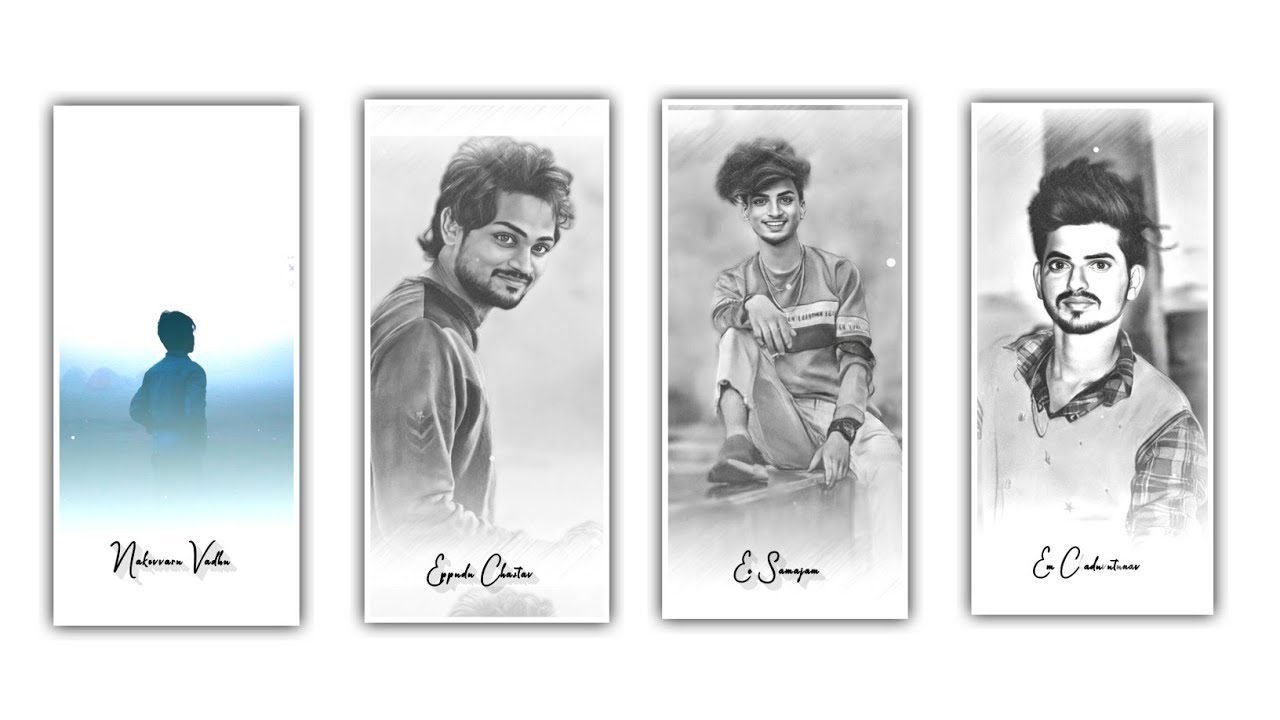
Hi friends in this video I will explain about old film effect video editing in this project by using alight motion application. Now open alight motion application click on plus icon and select the ratio which you prefer or otherwise you need to customize resolution as 1080p X 2340p and keep the colour in background is black and click on create project to continue the process of editing.
In this video I will explaining about effect which is added to the video with quality so guys please follow the instructions by step by step which is shared in this article then you can understand how to create. After that you need to add the video in this project for that click on image and video and select the option you all and select video which you want to edit in this project select it by clicking plus icon to add. After that click on video And zoom the video with for fingertips tips.
After that see the length of the video and trim upto 30 seconds. After that click on plus icon and select the option rectangle and negative full screen by using more transform and adjust it with your fingertips and zoom the rectangular shape as fit to screen. After that click on edit shape and click on X=-20 and click on y=- 15. And select the radius and keep it as 30%. After that rectangular layer can be added up to 30 seconds. After that click on blending and opacity and select the last option mask and select the first option on it.
After that click on video and adjust the sides. After that we need to add the effects for this project for that click on image layer and select the option and effect and select the effect vignate with standard settings. And keep the vintage as 99%. And select the radius and keep it as 350. And select the strength and keep it as 600. After that I will give you effective video and select the effect video from image and video and edit to this project.
Now drag the video upto 30 seconds and now click on blending and opacity and select the option colors and select lightern and also abstract and enable it. After that click on first layer and copy the effect and paste them into remaining layers.
After that play the video and see the old film look effect is added or not. Now the process of editing will be completed hope you guys will understand how to edit this video by using alight motion application. After that click on export icon and export the video with high quality and it will take some time to process then automatically generated to your gallery.
After completion the video quality will be high. So guys hope you understand this editing project so I am request you please visit our website and support us because your support will help me a lot in future and we can also create more editing projects like this if you guys will not be don’t miss please support us by visiting our website thankyou.
All Materials Links :-
Sketch App Link :-
DOWNLOAD NOW
►Kinemastar Preset Link 👇
DOWNLOAD NOW
►Beat Mark project preset :
DOWNLOAD NOW
►Beat Mark XML file LINK :-
DOWNLOAD NOW
► effect Preset LINK 👇
DOWNLOAD NOW
►effect XML LINK 👇
DOWNLOAD NOW
► Video All photo LINK👇
DOWNLOAD NOW
► Song Download Link 🔗
DOWNLOAD NOW


















Post Comment