Best Instag Trending Lyrical Video Editing in Alight motion Full screen status edit 28sep1
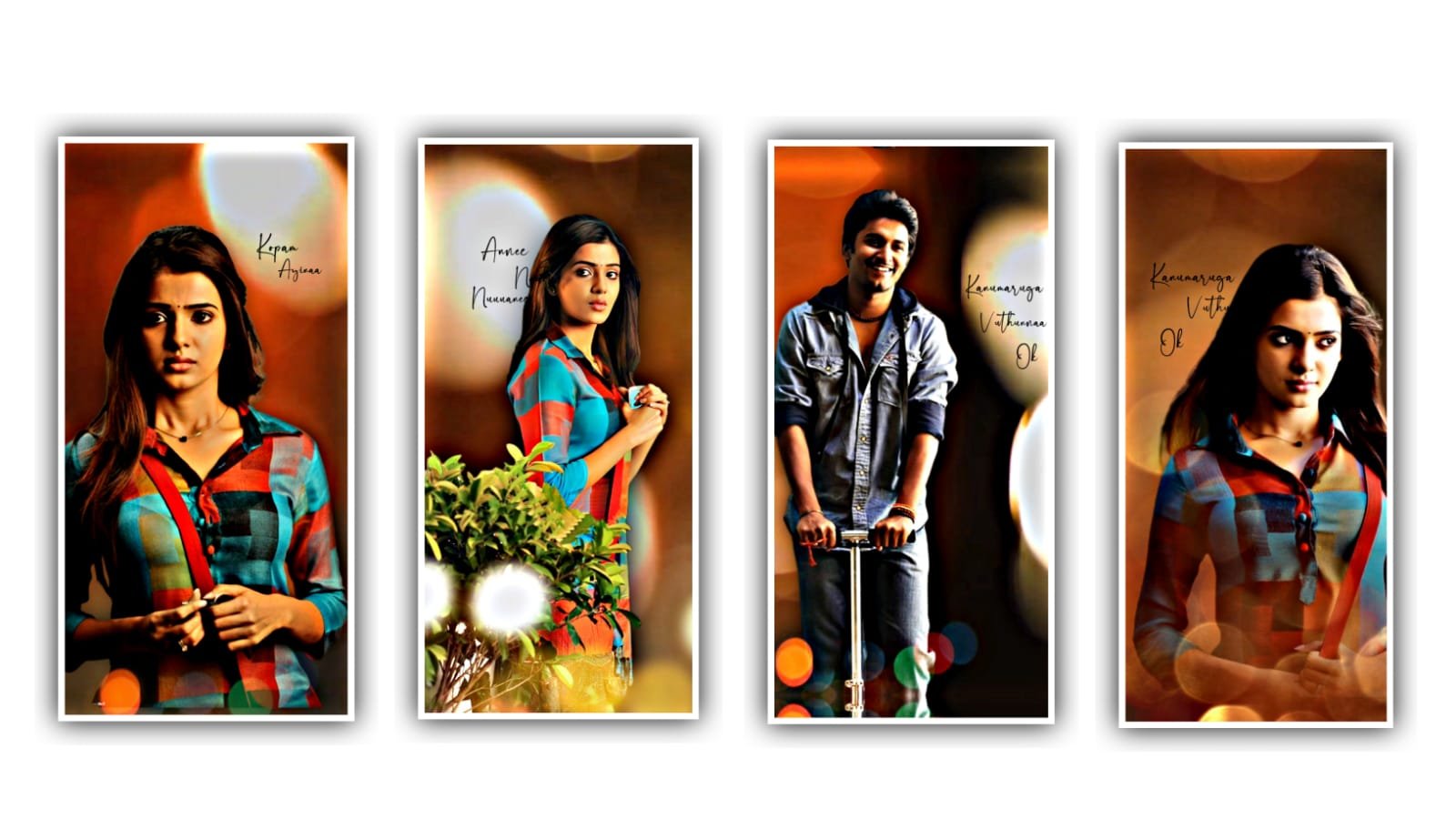
Hi friends in this project I will explain about best particle lyrical video editing can be explained please follow the instructions then you can create it with your own customisation now follow the process of editing.
Open alight motion application and select the ratio which you prefer they are several ratios can be used for this project and it will depends upon you you can select the ratios which you want to create full screen it’s yourself and click on it and keep the background colours black and continue the process of editing by creating the project.
After that click on image and video and select the image which you want to edit in this project and link also given in description how to see and add into this project after adding it and click on full screen to zoom the image and drag the image layer after 30 seconds. After adding the image layer you need to add audio for this project to process for that click on audio and select the song which you want to prefer and select the same song by clicking plus icon.
After that click on song layer the song will be up to 4 to 5 minutes and we cannot edit from that much of time so simply drag it up to 30 seconds. After that process we need to add lyrics it is the main process of this project to add the lyrics of this project. For that you can create the text layer after that you need to add this song lyrics into notepad previously you can download it from any browser and make it into notepad. Now open notepad and copy the lyrics and into this text layer after that text layer can be added with lyrics.
After that click on robot or regular and select the font and at the colour and increase the size and click on right click. After that we need to add continuous lyrics from notepad for that you make the first layer into separate particles by dragging the first layer of lyrics layer it will be possible for to add all lyrics into this project in a sequential order.
After that process adjust the lyrics with your fingertips with the help of move and transform. And keep the alignment into centre of this project. After that we need to add the effects for this project they are efforts used in projects can be given in this preset in description please selected description and download the linked preset and import it into this project.
After that click on preset and select the lyrics layer and select the option there dots and copy the effects which is added in preset and come back to this project and paste them into this project by clicking each layer and select the option three dots and select add effects and paste the copied effect into each layer.
After that process and see the effects can be added after that click on export icon and export the video. Hope you guys will understand this simple process please support us by visiting our website for more content and upcoming content can be awesome please keep the same support in future thankyou for your support.
All Materials Links :-
►Kinemaster Presst Link 👇
DOWNLOAD NOW
►Beat Mark project preset :
DOWNLOAD NOW
2 Beat Mark Link :-
DOWNLOAD NOW
2nd Samantha Vijay Video Song Preset :-
DOWNLOAD NOW
►HDR Mark Xml file Link :-
DOWNLOAD NOW
►Beat effect Preset LINK 👇
DOWNLOAD NOW
►Shake effect XML LINK 👇
DOWNLOAD NOW
► Video All photo LINK 👇
DOWNLOAD NOW
► Song Download Link 🔗
DOWNLOAD NOW


















Post Comment