🔥Instag Trending Na Madhi Song Lyrical Video Editing in Alight motion Lyrical Video Editing 28sep2
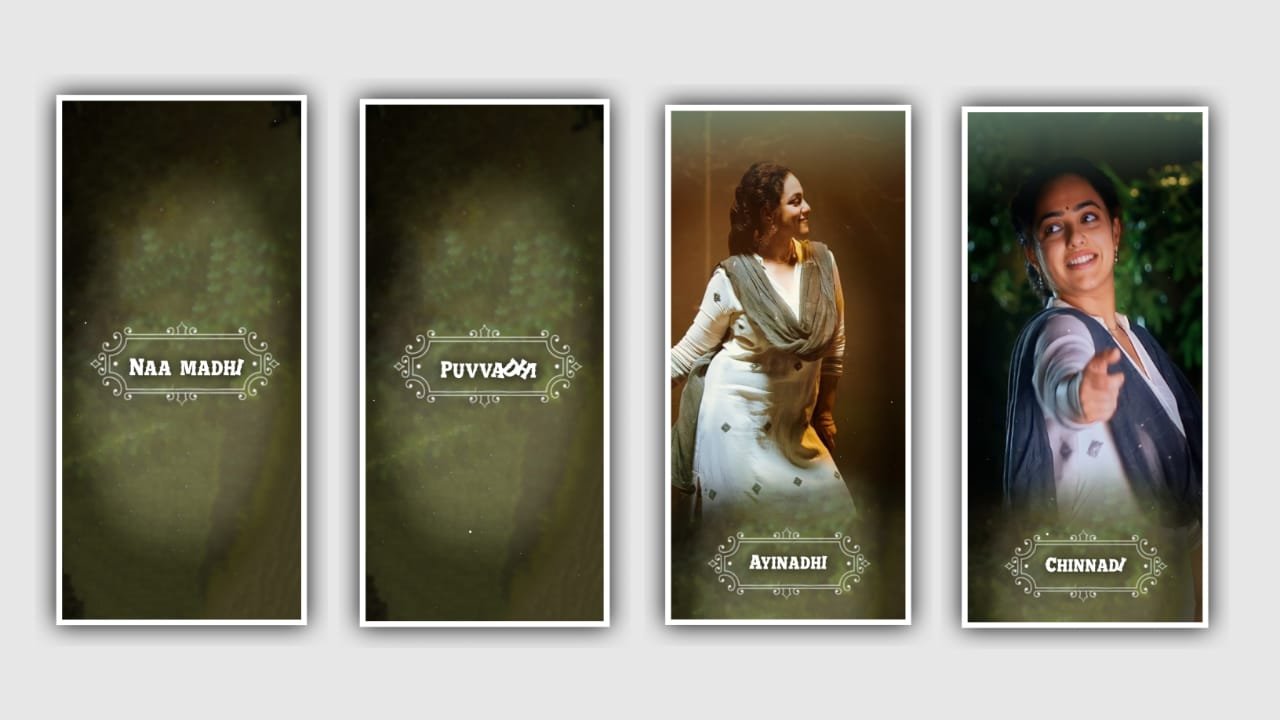
In this article I will explain about lyrical video editing with full screen by using various effects in this project please follow the instructions and you can also try this with your own customisation for that please listen or please follow the instructions. To edit this unit to use Alight motion application to continue the process.
Open a light motion and click on plus icon and select ratio for this project there several ratios and select one of them for the full screen is 9:16 selected with clicking plus icon and keep background colour as Black. And continue the process by clicking creat project.
After that you can add the lyrics first of all before adding that you need to add the audio. For that click on audio option and select the song into this project by picking plus icon to add and play the song and see the lyrics or listen the lyrics according to the song we need to add the lyrics.
Before that we need to add the image for this project for that click on image and video and select the image the image layer can be given in description please download the image and add the same image into this project by clicking pressure after adding the image click on three dots and select the option will screen to zoom the image.
After that click on sound layer and trim the song layer after 30 seconds we can use only to edit our process the following functions. After that Click on text layer and select the edit text option. Now go back to notepad and copy the the lyrics which is given in description and select the font for the added lyrics.
After adding the lyrics we need to conclude to add a a effect and select the option effects isolate with standard settings. And keep the angle as 178, and select the option frequency and keep it as 0.48, and click on magnitude and keep 0.00.
after that Click on first layer copy the same effects and add them into remaining lyrics into this project and remaining lyrics into this project for to click move and transform and decalt the font into different. After that we need to add the After that export the video of this project and add it into gallery because we see the high quality video from gallery and it will uses many more functions to this project to generate it into generation. Hope you will understand this project please support because your support will give encouragement in future it may not be usual compromisation to create more editing tutorials thank you for your support from beginning.
All Materials Links :-
►Kinemaster Presst Link 👇
DOWNLOAD NOW
►Beat Mark project preset :
DOWNLOAD NOW
►Beat Mark Xml file Link :-
DOWNLOAD NOW
►Shake effect Preset LINK 👇
DOWNLOAD NOW
►Shake effect XML LINK 👇
DOWNLOAD NOW
► Video All photo LINK 1👇
DOWNLOAD NOW
► Video All photo LINK 2 👇
DOWNLOAD NOW
► Song Download Link 🔗
DOWNLOAD NOW


















Post Comment