⚡New Style Instag Trending 3D Lyrical Video Editing in Alight motion Trending lyrical Tutorial 14oct1
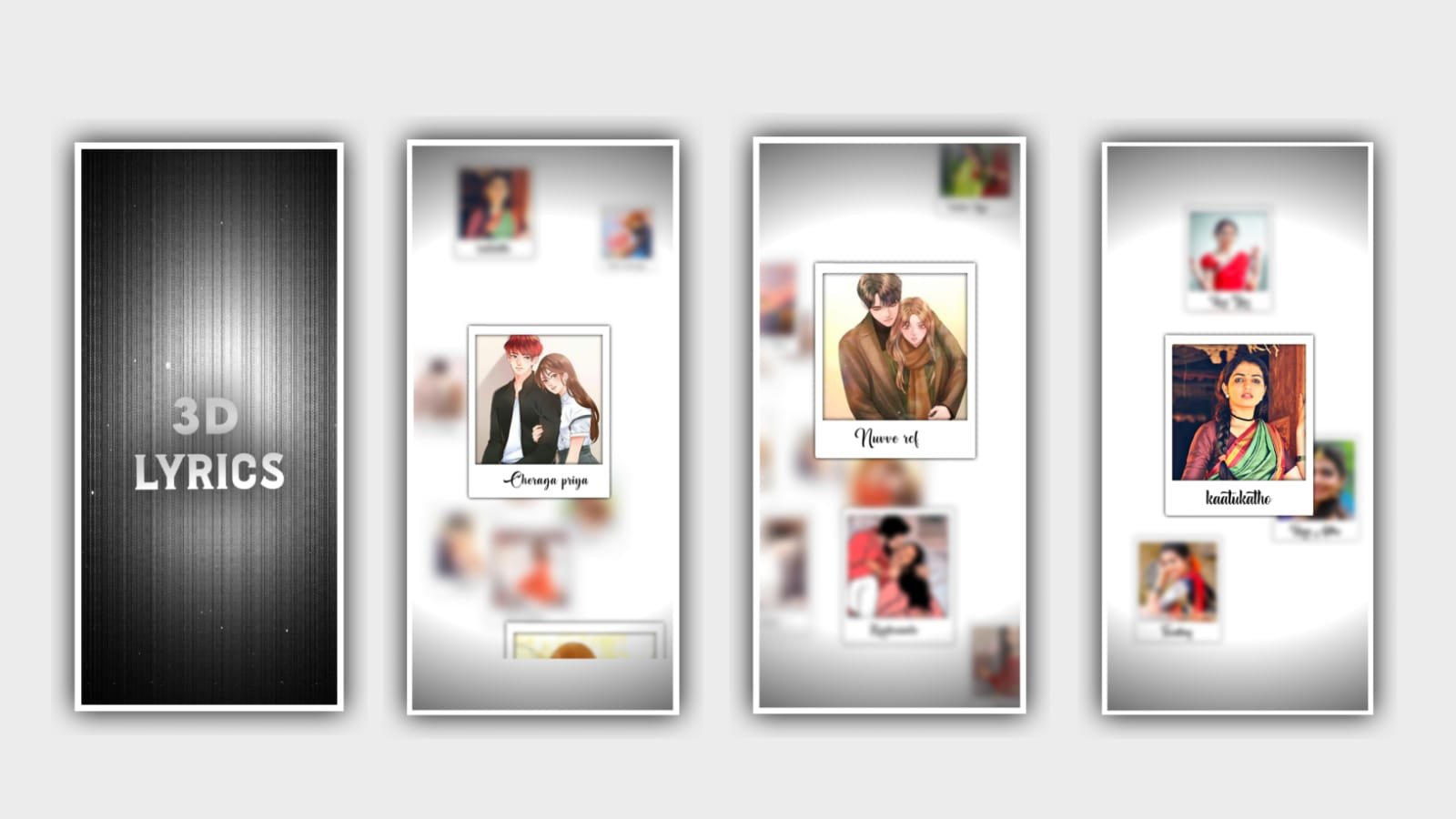
In this project we are explaining about the best shek effect lyrical video editing can be determined to edit in this project so please follow the instructions then only you can understand how to process the editing for the shake effect projects.
Now simply open Alight motion application and click on plus icon and select the ratio which you want to edit in this project I will suggest you that select 9:16 ratio to edit for this project. After that we need to add the images into this project and I will give you so many images in a link so please have a look on it and download from description to add into this project for continuous lyrical project.
I will given all the hd images in that link and add the same images into this project fro the future editing process. Now simply click on image and video and select the option view all and add the images which is downloaded in description into this project by clicking plus icon after that select the each image which is added in this project and click on three dots and select the option will composition area to zoom the image of all the images which is added in this project.
After adding the image we need to add the audio for this project according to the images we need to add the audio from gallery so for that click on audio and select the option view all to select the song which you want to edit in this project by clicking plus icon.
After adding the audio and drag keep the length of the song as 30 seconds and remaining right side part can be trimmed. After that we need to add the particles video into this project for that I will provides the link in description please download and add intonthis project by clicking image and video and to select the video into this project by clicking plus icon.
After adding the video click on shadow enable to add the frakled as prossess the project. After that we need to add the effects for this project for that I will give you shake if it link in description so please import for this project after downloading the shake effect.
Now go back to shake if it and copy the effect of the image for this project by clicking three dots and copy effects and come back to this project and paste the effect of the first image by clicking three dots and select the option to this first image after the taking go back to shake effect and copy the effect from second image and come back to this project and paste the same effect for odd ordering images and again go back to shake effects and to copy the last image effect to add into this project for even sequential order.
After adding the shake effects we need to see how the project will be edited after that play the video and you can see and observe that the image will be shaking and according to the beat marks.
Now the process of effects adding is completed so hope you guys will understand this project so click on export icon to export the video with the high quality resolution and two generate the video to your gallery. So hope you guys will understand how to process and you can also process this with your own photos and audio to define this project.
Please support us by visiting our website your support will make us to create more trending lyrical video editing like this project. And I’m thankful for your support from beginning to to till today. Guys I’m requesting you to please support in future. Thankyou.
All Materials Links :-
►1 Full Preset Presets LINK :-
DOWNLOAD
►1 Full Preset XML file LINK :-
DOWNLOAD
►2 Full Preset LINK 👇
DOWNLOAD
►2 Full Preset XML LINK 👇
DOWNLOAD
► Video All photo LINK👇
DOWNLOAD
DOWNLOAD
► Song Download Link 🔗
DOWNLOAD


















Post Comment