🔥🔥Alight motion Fast Dj Remix video editing in Instagram Trending video editing in alight motion 29oct2
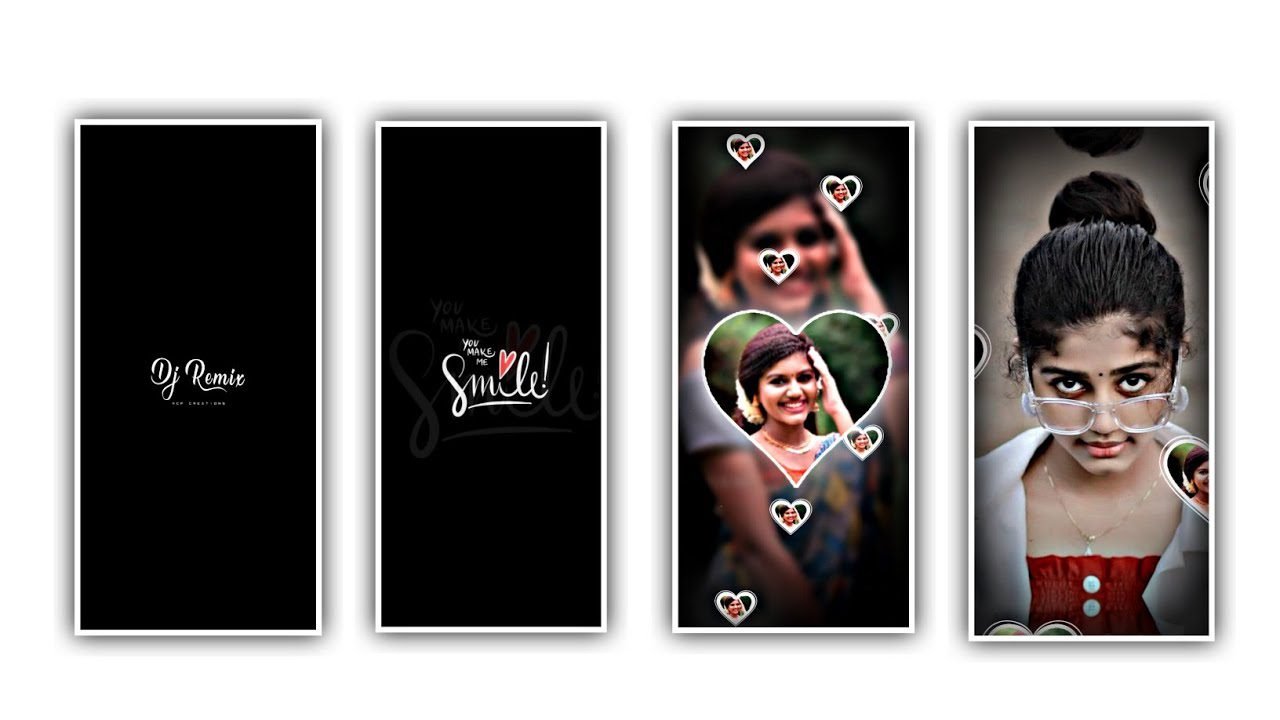
In this project I will explain about best beat sync effect video by using kinemaster application and all meterial links can be given in description please download it from there.
Now open kinemaster application and select settings and select advanced and experimental settings and enable the option saving with upto 60fps. Now select new project and select the ratio 9:16.
To edit this project we need 16 images before editing we need to create two projects. Now we can explain about first video for that click on settings symbol and select the option editing and keep the photo duration as 0.2 seconds and select the option fill screen.
Now you can select only five images and zoom the layer now you can add the effects for this images. For that click on clip graphics and select the option In animation and select seventh effect. And select remaining photos and add the same effect.
Now select the option save and share and select QHD with 60fps and keep the bit rate as high and click on save as video and export the video. Hence the first video is completed now come back to starting and select the ratio 9:16.
Now we can edit second video for that click on settings and select editing and keep the photo duration as 0.3. And now select four images now zomm the image layer and now we can add the effects for that click on first pic and select Clip graphics and select the option In animation and select third effect for first image and select second image and select fifth effect in animation and click on fourth image and select sixth effect in in animation second image and select fifth effect in animation.
After that click on share symbol and select the option QHD and select frame rate as 60fps and keep the bit rate high and click on export button to export the video. Now come back to starting and select the ratio 9:16.
Now click on settings symbol and select the option editing and keep the photo duration as 0.5, now select the two pic from remaining seven pics and tap each pic for two times. Now we can add the animation for that pics. Now select the first pic and select Clip graphics and select call me dj and select first effect for first and second photos. And select third and fourth photo and add the second effect in call me dj.
Now come back to starting and click on layer symbol and now I will give you a video in description please download and add it to this project and click on extract audio after complition of extracting delete the video. Now select four pics video click on plus icon to add.
Now click on speed and keep it as 1.5. Now select five pics video click on plus icon to add. Now click on speed and keep it as 2.00. and click on there dots and click on duplicate layer. After that I will give you flicker video in discription please download it and add.
Now the process of editing will be completed. Click on export icon and export the video it will take some time to process and automatically added to this project.
All Materials Links :-
►Kinemaster Preset Link 👇
DOWNLOAD
►Beat Mark project preset :
DOWNLOAD
►Beat Mark Xml file Link :-
DOWNLOAD
►Shake effect Preset LINK 👇
DOWNLOAD
►Shake effect XML LINK 👇
DOWNLOAD
► Video All photo LINK 👇
DOWNLOAD
► Song Download Link 🔗
DOWNLOAD


















Post Comment