Instag Trending Glitch Effect Lyrical video editing in alight motion attitude status Video Editing 30oct1
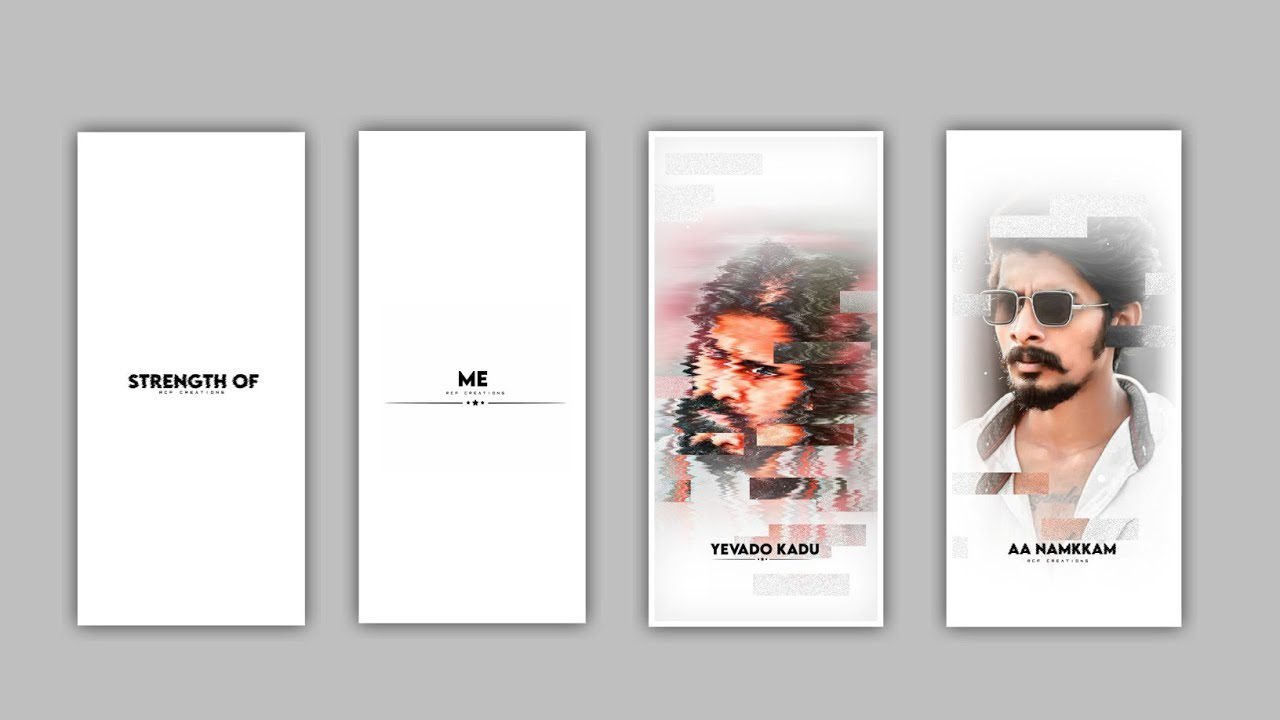
In this project I will explain about the colour changing and moving lyrical video editing by using the Alight motion editing process application. So guys please follow the instructions to understand the project carefully then you can process this with your own customisation open admission application click on plus icon and select the ratio 9:16 and keep the background colour as Black and frame rate as high and click on create project to do editing process.
We need to add the image for this project to add into this project click on media to choose to select the image which is chosen by you to edit in this project for father process. After that adding the image please zoom image by using with your fingertips and now drag the layer upto 30 seconds.
After that process you need to add song into this project and song can we Into this project for that Click on audio to select the song and click on plus icon to add the song into this project. And trim the song upto 30 seconds for further editing process.
After that click on the image layer and choose the option effects to select add effects and choose Hue shift with standard settings. After that open settings and addd a key frame in starting and add key frame and choose the angle to adjust the automatically the colour will be changing. After that add a key frame in middle to adjust the automatically the colour will be changing. It will be continue to till the end of image layers.
Now click on text option to add text and select edit text now go back to notepad and copy the lyrics from notepad and come back to beatmark project to paste the copied lyrics into this project in text layer. Click on roboto regular and choose the font which is given in description and to choose the colour which you like and click on okay to continue the process.
After that drag the beginning layer and split the layer after that flip back to notepad and copy the lyrics from notepad and flip back to this project and to choose the option and paste the lyrics into this split layer.
After that the same process will be defended for the remaining lyrics which is added for this project. After that click on move on transform to choose lyrics with your fingertips and zoom the lyrics with your fingertips and keep the alignment and make it into centre.
After that click on boarder and shadow with standard settings to choose the box symbol and select the size option to enable the shadow. Hope you guys will like this project and you can also try with your own customisation by following the instructions of this project.
Guys please support our website you guys are giving a lot of support from beginning keep the same support in future and it will be helpful to US and we can also ready to create more content videos in future by using various effects please don’t mistake for the projects thank you.
All Materials Links :-
►Kinemaster Preset Link 👇
DOWNLOAD
►Beat Mark project preset :
DOWNLOAD
►Beat Mark Xml file Link :-
DOWNLOAD
►photo effect Preset LINK 👇
DOWNLOAD
►Photo effect XML LINK 👇
DOWNLOAD
► Video All photo LINK 👇
DOWNLOAD
DOWNLOAD
► Song Download Link 🔗
DOWNLOAD


















Post Comment