👌 Instag Trending lens blur Lyrical Video Editing in Alight motion Instagram trending video editing 2nov2
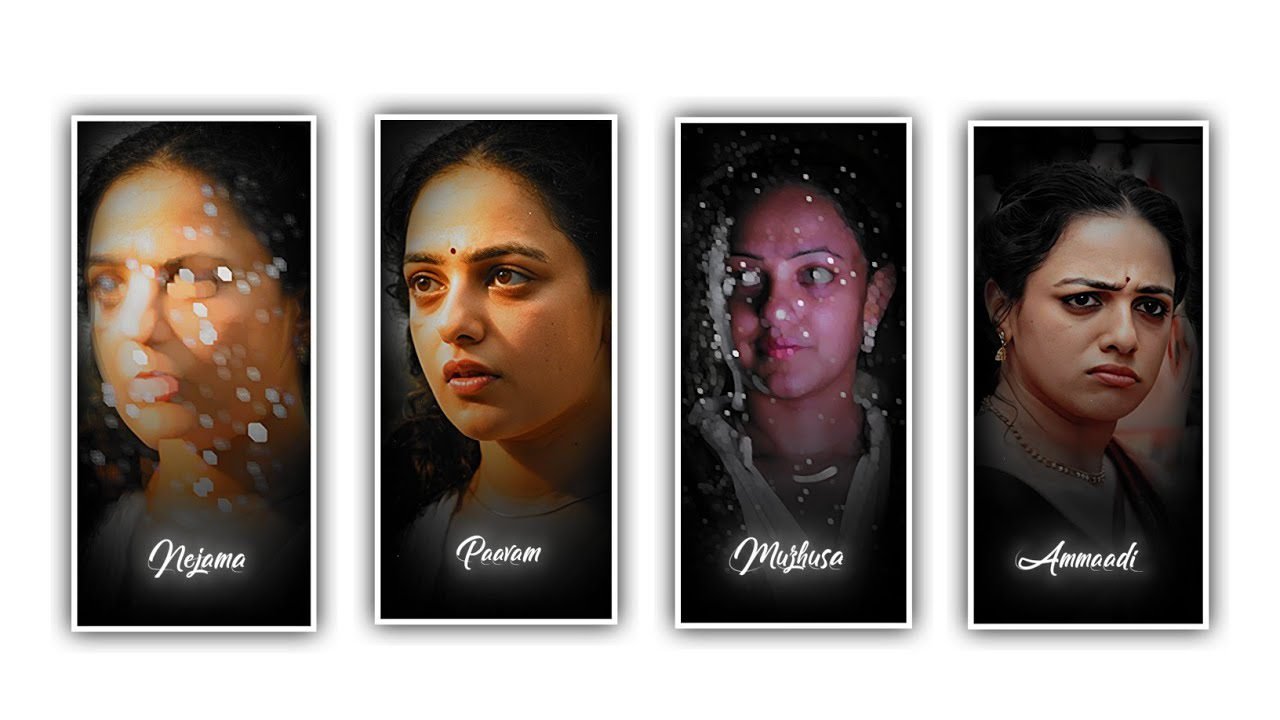
Hi friends, we are explaining about this best nlblaxk screen video lyrical editing with RGB effect by using the editing application Alight motion. Now open Alight motion application and select the ratio 1:1 and keep the background black and choose the option create project to continue the editing. Please follow the instructions to learn trending project to edit this project with your own customisation.
After that click on text option to edit and write the lyrics of your song. Which you want to edit in this project choose the text option to add the lyrics into this project. After that add the font which you accepted to edit by using Roboto regular option. After that increase the font size you can observe font size as 18pt. After that choose the option effects and choose the option wipe with standard settings.
Now click on end option on this wipe and keep it as 0.00. And now click on plus icon and now keep the same as 100%. In starting it will be plain and in ending we can observe the effect. After that add the graph and adjust them by the help of your fingertips.
After that again click on plus icon and select add effects to choose the effect text transform with standard settings after open the settings and choose the option offset and keep it as -145 and select the number 0 and keep it as -145now select the option fill colour to enable it.
Now click on smooth option and select phase and keep it as 20%. After that Click on plus icon to choose phase and keep as 100%. And now add the continuous lyrics according to the project of dialogue editing project.
Now click on lyrics and choose the option add effect to select Hue shift with standard settings and open the settings and click on plus icon to add a key frame in starting and keep it as 0.00 ending and keep it as 90°
Now add the song according to the lyrics project for that Click on media to choose the option audio and see the song and click on plus icon to add into editing project. After that extend the song layer upto 30 seconds. After that same effects will be added to remaining project which is added in this project to edit. After completion of that process you need to adjust the lyrics by using move and transform to adjust the lyrics and keep Alignment into centre. Now again increase the size of the font to add the lyrics.
After that now you can play the project to see the effects and click on export icon to export this project the best finest quality So guys please support this website by visiting regularly we need your support for to create content based lyrical projects in future thankyou.
Your support will help me to growth in this channel without your support nothing will be happening in preset. And keep the same support in future to create content in upcoming projects thankyou.
All Materials Links :-
►Kinemaster Preset Link 👇
DOWNLOAD
►Beat Mark project preset :
DOWNLOAD
►Beat Mark Xml file Link :-
DOWNLOAD
►Shake effect Preset LINK 👇
DOWNLOAD
►Shake effect XML LINK 👇
DOWNLOAD
► Video All photo LINK 👇
DOWNLOAD
► Song Download Link 🔗
DOWNLOAD


















Post Comment