New Style 3 Movie Trending Song Video Editing in Alight Motion Lyrical Video Editing 7nov2
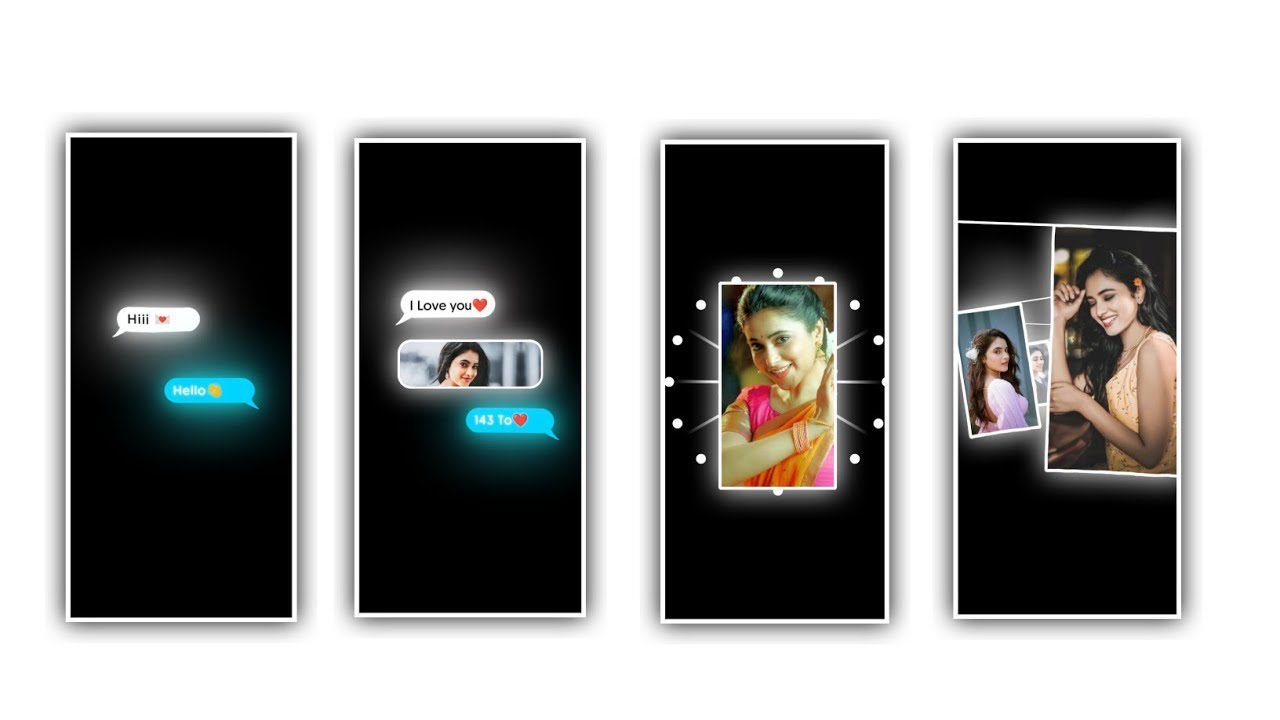
Hi visitors in this project we ar e explaining about best lyrical video editing by using alight motion application. Please follow the instructions to understand this amazing project how to edit like this version.
Simple open Alight motion application click on plus icon to choose the alpalt screen ratio 9:16 and click on plus icon to create this project to continue the process of editing. We need to add the image of this project for that click on image and video and choose the option view all to choose the image which you want to edit in this project and click on plus icon to add for further processings.
After that process absolutely added the image click on there dots to choose the option fill screen area and zoom the image for fit to screen. Now we want to add Audio for this project for that click on audio and choose the option view all and choose the audio according and choose the audio to add into this editing project.
After that trim the image and song layers upto 30 seconds and remaining part can be trim of the song layer. After that process you must add the lyrics to edit this project for that click on notepad because we need to add the lyrics previously on notepad and you suppose to copy the effects from notepad to process to editing this project.
Now click on text option to choose the option add text and go back to notepad and copy the lyrics from notepad and flip back to this project and paste the copy lyrics into this empty layer. And again go back to notepad and copy the lyrics from there and flip back to this project and track the first layer up to 30 seconds and play the song and fit the lyrics and paste the copied lyrics into splitted layer. And the same editing process will be continued for the remaining lyrics by listening the song and split the layer then you can add the copied lyrics into this empty layer.
After that we need to add the effect for this project for that click on first layer and Choose the option add effects and choose the effect race with standard settings now open the settings and choose the option centre and keep it X=30%, length=1.26, intensity =1.84.
After adding this effect you must add another effect for this project for the lyrics for that click on first layer and choose the option add effects and add the effect text spacing with standard settings from there open settings you can observe spacing option choose them and keep it as 24%.
After that play the song to observe the effect which you customised in this project. Now copy the first layer effects by clicking first layer and choose the option copy effect and copy layer effects of first layer and add the same project to remaining layers which is added in this project.
click on each layer to choose the option to this layer and the same process will be processed for remaining lyrics after that play the song to observe the deserved effects which is added or not whether it is added there you can observe the awesome font with spacing function.
Now the process of editing will be completed you guys may understand how to edit this project. After that click on export icon and export the video with high quality then it may the process editing project to compress. Then automatically added to edited project into your gallery.
So guys please support our website for more trending projects as upcoming projects. And we need your support for boost up and encouragement to do more editing tutorials by using editing apps. Thank you for supporting us from beginning.
All Materials Links :-
►Kinemastar Preset Link 👇
DOWNLOAD
► Full Presets LINK :-
DOWNLOAD
►Full XML file LINK :-
DOWNLOAD
► 2nd Full Preset LINK 👇
DOWNLOAD
►2nd Full XML LINK 👇
DOWNLOAD
► Video All photo LINK👇
DOWNLOAD
DOWNLOAD
DOWNLOAD
DOWNLOAD
DOWNLOAD
► Song Download Link 🔗
DOWNLOAD


















Post Comment