🔥Instagram Srivalli X baby Dj video editing in alight motion Trending video editing 8nov3
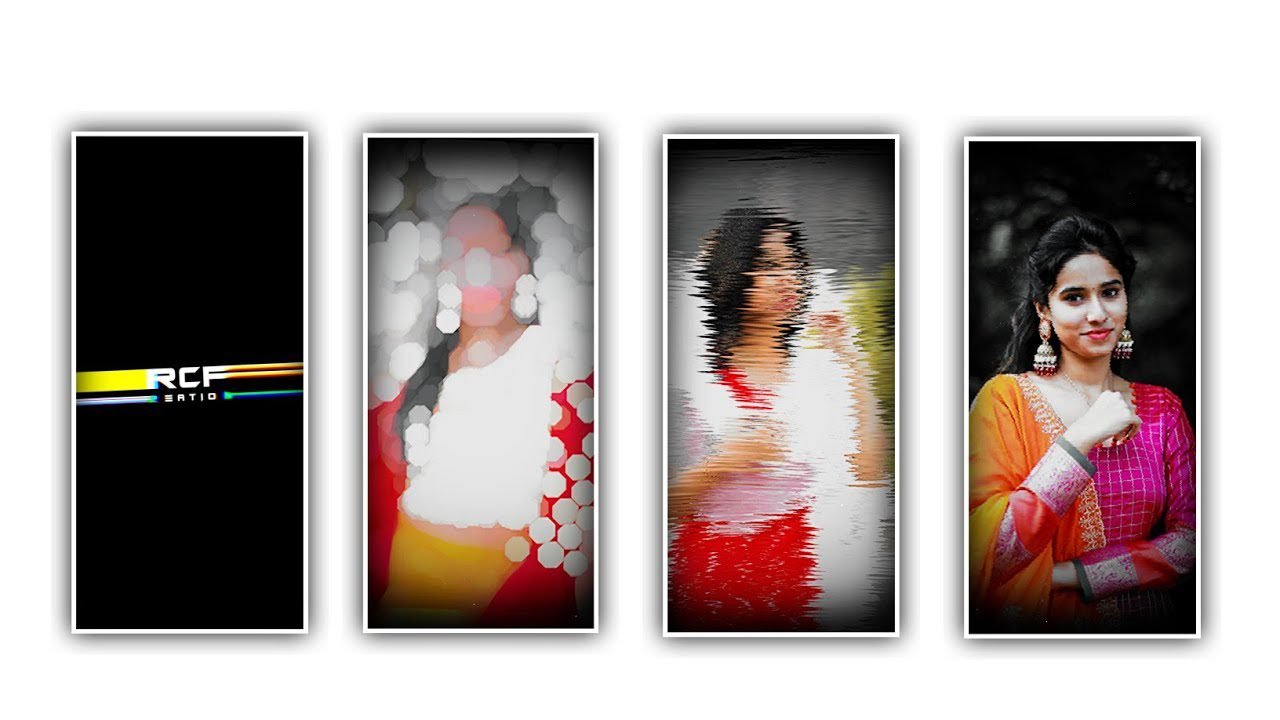
Hi everyone in this project we are explaining that about best trending shake effect video editing by using alight motion application. Now simply open alight motion application and click on plus icon to choose the screen ratio 9:16 and keep the background colour as black.
And click on create project to continue the process editing this project. After that click on image and video to choose the option view all and choose the image which will be provided in description please download it from description and click on plus icon to add them into this project.
After that click on audio to choose the audio and select the song which you like to process to edit in this project and choose the song and click on plus icon for adding into this project. After that drag the image layer upto 30 seconds and also drag that the song layer is also upto 30 seconds.
Now click on image and select the option three dots to choose the option fill composition area to full screen the said image. After that you must to add the lyrics for this project for that you may add the lyrics previously to notepad and now flip back to notepad and copy the lyrics from notepad and flip back to this project and choose the option text and choose the option add text to paste the copied lyrics to this layer.
Now we must to add font to the said lyrics for that click on roboto regular to choose the font which is given in description please choose the font and select the font colour as white and click on okay option. After that drag the same layer upto 30 seconds and now play the song to add the lyrics by listening the song.
To adding the lyrics go back to notepad and copy the lyrics from notepad and flip back to this project and paste the lyrics which is copied from notepad. And again split the layer and copy the lyrics from notepad to this project and paste the lyrics and same process may be evoluted for remaining lyrics in this project. After that click on move and transform to adjust the lyrics with you fingertips.
And keep the alignment into center. After that you must to add effects for this project for that we will provide you a preset link in description please download it and add it into this project. After that go back to preset and there you can observe one layer and choose the layer effects and come back to this project and paste the copied effects to this project by clicking first layer and choose the option add effect and paste the copied effect for this layer now same layer effects can be added for remaining layers added in this project.
After that play the song to see the effects wheather the effects is added or not. Now the editing process will be completed hope you are understand that how to edit this type of projects by using with the help of alight motion application.
Now we want to export this project for that click on export button to export this project with high quality it may take some time to process then automatically added to you gallery.
Guys we need your support to achieve the best in editing with you support it will be possible. And we can also provide you that best content in upcoming projects and once again Thankyou.
All Meterials Links :-
►Kinemaster Preset Link 👇
DOWNLOAD
►Beat Mark project preset :
DOWNLOAD
►Beat Mark Xml file Link :-
DOWNLOAD
►Shake effect Preset LINK 👇
DOWNLOAD
►Shake effect XML LINK 👇
DOWNLOAD
► Song Download Link 🔗
DOWNLOAD


















Post Comment