New style trending Happy New year lyrical video 3jan
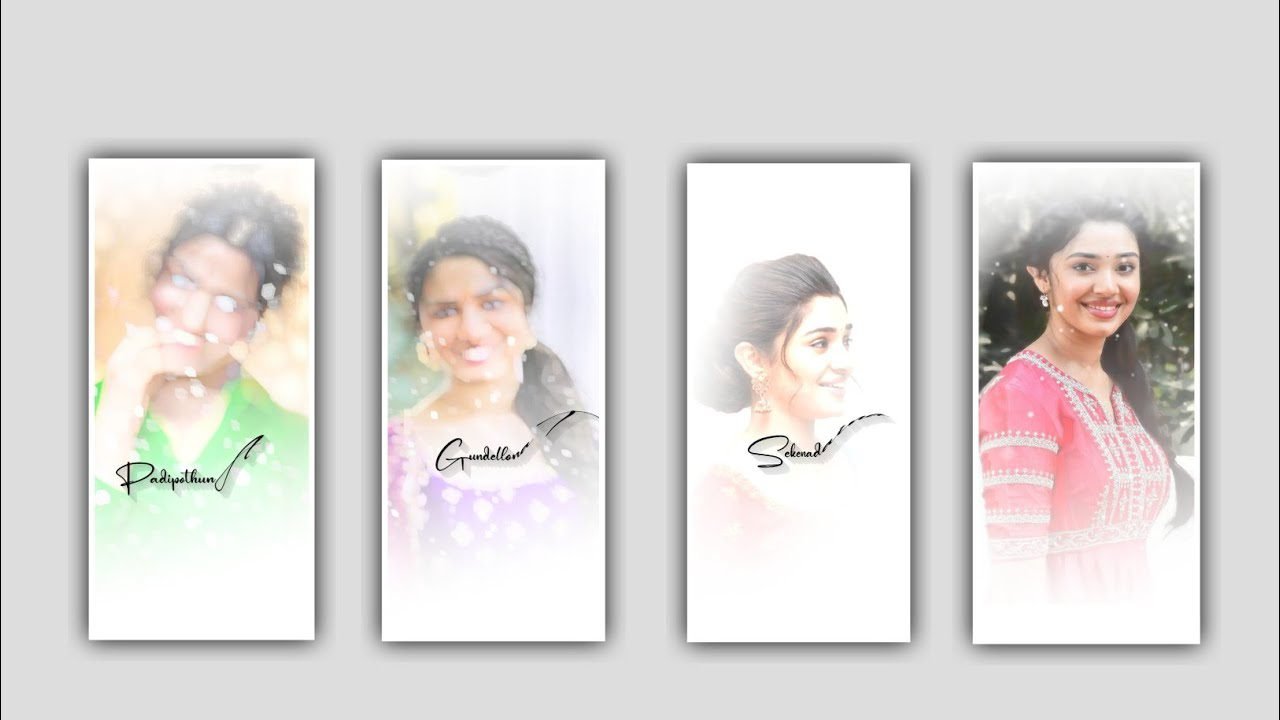
hi friends how are you Happy New Year everyone and wish you all the best this year and whatever you want to achieve this year. Today I am bringing you a good editing process by learning its editing process today will be very useful for you because today is a good trending Happy New Year video so if you do any editing yourself and send it to your relatives then your happiness will not be normal.
And how to edit this project, the material link and phone link of this project are given in the description, today this article will fully explain how to process this, so I hope you will watch it till the end, because by watching it till the end, you will improve your editing skills. Apart from increasing , they also learn about new types of effects. First, the application required for this editing is alight motion application.
►Kinemaster Preset Link 👇
DOWNLOAD
►Beat Mark project preset 1 :
DOWNLOAD
►Beat Mark project preset 2 :
DOWNLOAD
►Shake effect Preset LINK 👇
DOWNLOAD
Now you open the application there you will see a plus icon click on it and see the options that appear next you already know select the ration of your choice click on create project and continue. After that you will see the interface where you have to select the song you like first go to the music option and from there go to your gallery and select whatever song you want to put and click on the plus icon it will be added to this application. After that you have to put a good happy new year image for that go to image and video option go to your gallery and add its quality image then click on three dots and make your image full screen.
After that write the lyric how you want to convey the wishes. Now click on the text option and click on add text and paste the dialogues that you have created one by one and then add the font that I have provided to it so that a good font will be added to the lyrics that you have written. Now you have to add effects to your project, for that you have to click on the effects and then click on the option add effects that you see and you have to search for the effects and also add them, let’s know about it in detail.
now choose the effects roughen edges with standard settings and choose strength and keep it as 2.5000, and select evolution and keep it as 0.00, and select detail and keep it as 1.00, and choose seed and keep it as 0.00, and choose exposure and gamma with standard settings and select exposure as 0.00, gamma as 1.000, and choose offset as 0.000. and now you can add another effect electric edges with standard settings and Choose distance as 0.317, and choose distance as 0.826, choose detail and keep it as 3.77, and Choose distortion as -64%, now the process of effects adding is completed.
After that check if your project is correct then click export. You can export your project in high quality for better clarity. Have you seen more interesting and trending lyrical video editing as well as shake effect video editing so please watch our channel regularly and support us as always so you can get more good content thanks. With your support we are creating wonders and thinking about the new best lyrical trending projects.
►Beat Mark Xml file Link 1 :-
DOWNLOAD
►Beat Mark Xml file Link 2 :-
DOWNLOAD
►Shake effect XML LINK 👇
DOWNLOAD
► Video LINK 👇
DOWNLOAD
► Song Download Link 🔗
DOWNLOAD
So please keep the same support in future for better content thank you. And we are provided the links which is used in this project materials and forms etc all links are given in this project description so if you guys interested please follow the instructions as a set and user links to process the project.


















Post Comment