👌Instag Trending Voice Efx Mix Video Editing in Alight Motion Trending Lyrical Video Editing 3jan
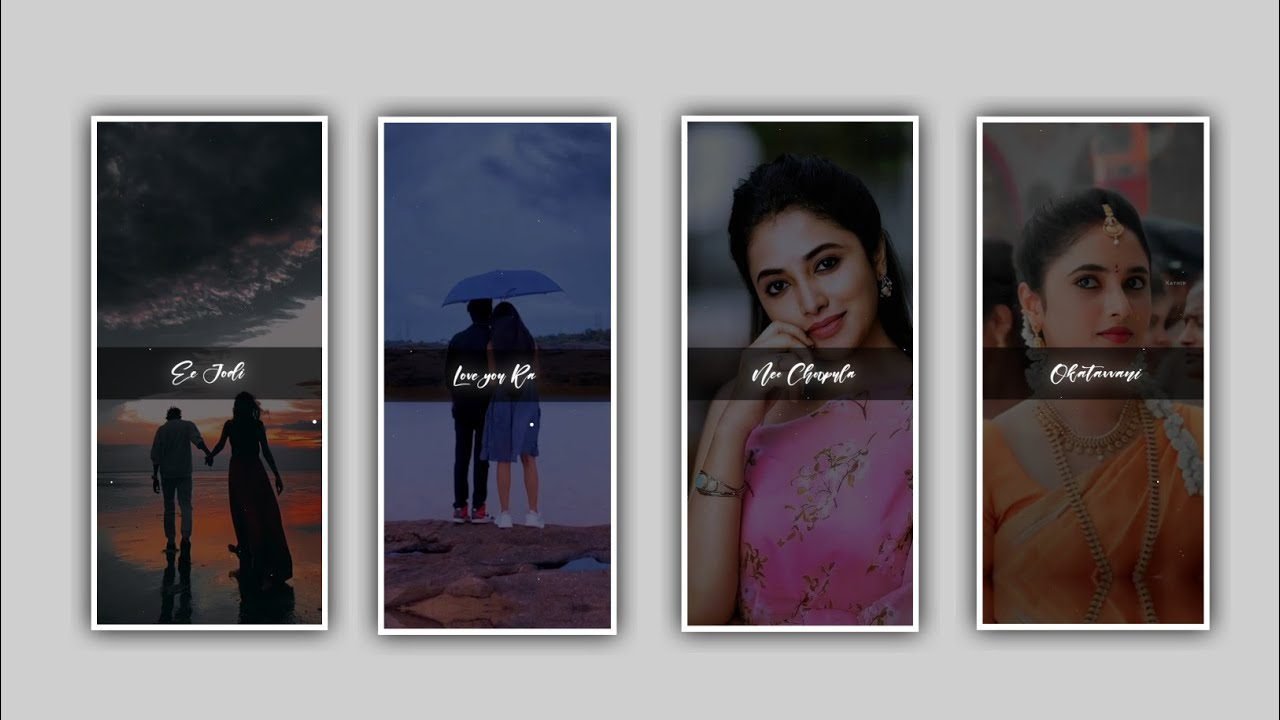
I will explaining about trending alight motion tutorial video with awesome animations and fonts by using alight motion application full stop now open alight motion application click on plus icon and select the ratio which you prefer they are several ratios you can observe pic one from there and click on create project to continue the processing of editing.
After that click on plus icon and select the option image and video and select the option view all and select the photo which you want to edit in this project and I will also given the imaging in description anyone can interested please download it from there and add to the project by clicking plus icon. Uncle 3 dots and select the option full composition area and zoom the photo. After the drag the image up to 30 seconds. After that come back to starting and select the audio by clicking audio option and click on you all and select the audio which you want to edit in this project. After that I will give you PNG image link in description download from there and added to the beat mark project.
Now click on the photo and click on add effect and select the effect sration with standard settings and decrease the saturation as -100, and I also given particle video in description please add it to the project by clicking plus icon. After that click on move and transform and zoom the photo and click on square shape and click on move and transform. After that click on colour and field option and replace the colour. After that click on PNG and particles video layers into a group. After that click on particle video and select the option blending and opacity and click the option light and keep the screen on. After that click on efforts and select the effect exposure and increase the bright
►Kinemaster Preset Link 👇
DOWNLOAD
►Beat Mark project preset :
DOWNLOAD
►Text effect Preset LINK 👇
DOWNLOAD
After that we need to add the lyrics for the project for that previously you can add the lyrics of this project in notepad now go back to notepad and copy the lyrics from notepad and compact to beat mark project and paste them by clicking text option and select edit text and paste them. After that click on roboto regular and selective font which is given in description. After that split the layer and play the song and add the lyrics remaining lyrics and the same process will be continued.
After that we want to add the effect for the text click on add affects and select the effect text transform with standard settings select start and add a key frame in starting and keep it as 100%, select offset and add a key frame frame in starting middle and keep it as 100, and ending and keep it as 0.00, and select Alpha and keep it as -1.00, and select easein easeout and adjust them. After that click on text and click on effects and copy the effects and past the same effects to remaining lyrics.
After that trim extra part. After that click on plus icon and click on image and video and select the photos and click on next beat mark. After that select the another and add the image and the same process will be continued till the end of images. They are several images will be added to this project if there is no any image with you go back to description in this description I will give you most of the images in your link. And trim the extra unnecessary part for this project. After that click on three dots and select the image and click on full composition and and if click on the p move and transform and adjust the image with your fingertips. After that we want to add the effects for the said project.
►Beat Mark Xml file Link :-
DOWNLOAD
► Text effect XML LINK 👇
DOWNLOAD
► Video LINK 👇
DOWNLOAD
DOWNLOAD
► Song Download Link 🔗
DOWNLOAD
After that open shake effect and click on plus icon add copied effect into the beat mark project to the first photo in beatmark project. Now click on layer and select the layers option on select the option three dots and paste the copied lyrics. And the same process will be continued for remaining lyrics in this project upto end of this lyrics. Now I will already skane effects project in this description open shake effect and copy the lyrics from notepad and copy the same effects to the remaining photos. And the same process will be continued till the end of the day project


















Post Comment