New Style Trending Attitude lyrical editing Alight Motion 11may
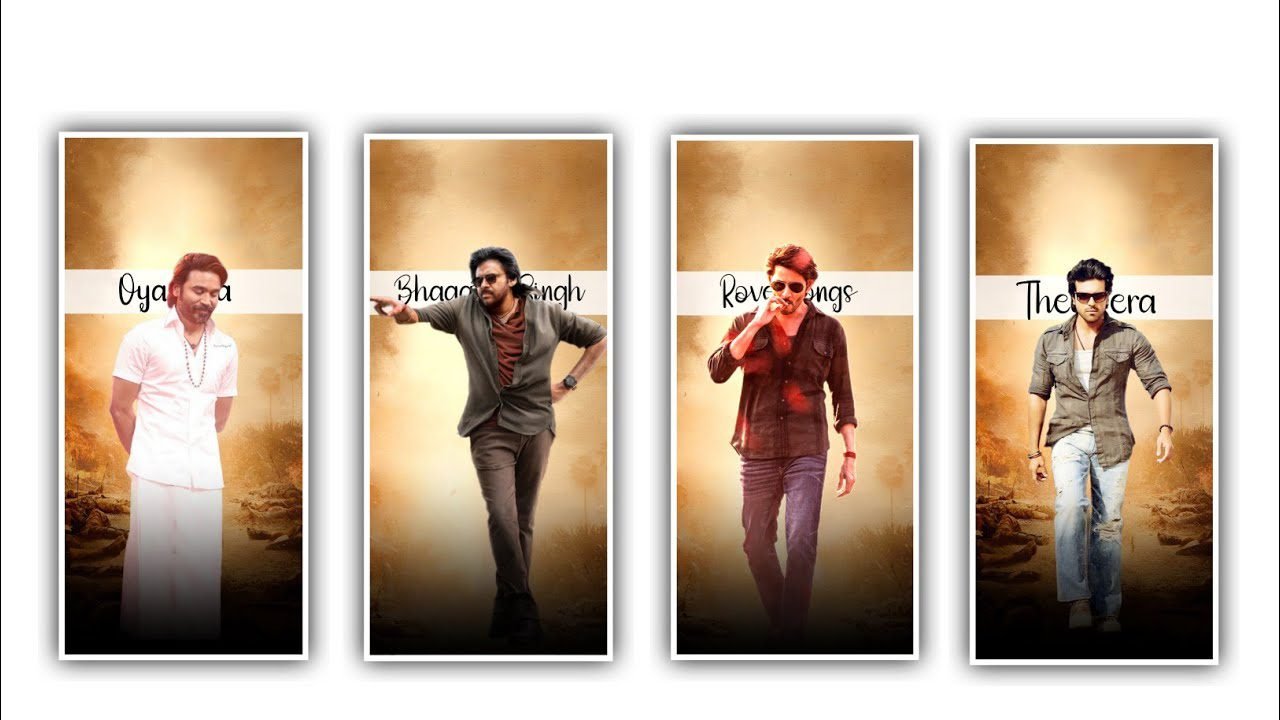
hi friends how are you This editing process which I am going to tell you will be amazing because in the editing process of this I have used a lot of effects so I wholeheartedly want everyone to learn this editing process because if you do this editing process like I said then you will definitely learn complete editing as well as I am related to this project
Whatever effects are used, I have given them in the description and also the font, you will be able to edit this project successfully.Alight Motion application is definitely useful for editing this project first. When you open the application, you will be asked for some options in the interface. When asked for the screen ratio, set it to 9:16, set the background color to black, set the frame rate to 60 fps, and click on create project to enter your project.After entering, first of all you need to add any song to this project from your gallery through the audio option in this project. If you keep the added song for only 30 seconds, you have to trim it if there is an additional song.
You have to add images to this project, otherwise, instead of adding images directly, you need to remove the complete background from the images and add them to this project through an application called background remover, for which you can search for background remover app in Google. Whatever image you want to edit from that app, you have to convert the image there and import the converted image into this project.Also, to make your editing process simple, I have linked a bit mark project similar to this project in the description, so by importing the project, you will definitely see the beat marks where you need to add the beat marks effects. So that by adding affairs like I said it will add perfectly near that beat mark.
And after the process of this, you should definitely add the lyrics to this project, so after adding the lyrics, you should definitely add the font, so I have given a link in the description, you can download a stylish font from there and add it to this project. Also everyone has to apply the same font. Just by adding such effects as I say, if you get a good result, you will get it in editing. For that you click on the option called effects and then you will see the option called add effect after clicking on it you enter the effects that I am telling you.
Now choose the effect gaussian blur with standard settings and choose the option strength as keep as 0.150, And choose another effect WIPE with standard settings and select the option start as 56.3%, and select end as 56.7%, and select angle as 96.0%, and choose the option feather as 92.7%,And again select another effect
Auto Shake with standard settings and select the option magnitude as 7%, frequency and keep as 2.84 Hz, evolution as 0.27, and keep seed as 0.12, and keep angle as 65°, and also keep slake as 96% and keep Z Shake as 0.00. And again add another effect glow scan with standard settings and select threshold as 1.84, and select radius as 0.34%, and also select feather as 2.23 and keep smoothing as 0.43, and keep colour as blue and keep fill as 96% and alpha as 98%.
Its effects are successfully added so you can download this project in high quality by clicking on the three dots as shown above and click on the export icon so make sure you download it in high quality because you will understand the editing process as you edit. Have you seen I think you will definitely like this editing process so in the next article also I will tell you about another good editing process I sincerely hope you will learn about this process every day and I want to thank each and every person who has supported me so far because your support has been invaluable to me. That’s how I can tell you about this editing process. See you again with another article, thank you.
►Kinemaster Preset Link 👇
DOWNLOAD
►Beat Mark project preset :
DOWNLOAD
►Shake effect Preset LINK 👇
DOWNLOAD
►Beat Mark Xml file Link :-
DOWNLOAD
►Shake effect XML LINK 👇
DOWNLOAD
►Video Photo LINK 👇
DOWNLOAD
DOWNLOAD
► Song Download Link 🔗
DOWNLOAD


















Post Comment