How to record, edit, upload shots on YouTube complete details. 13may
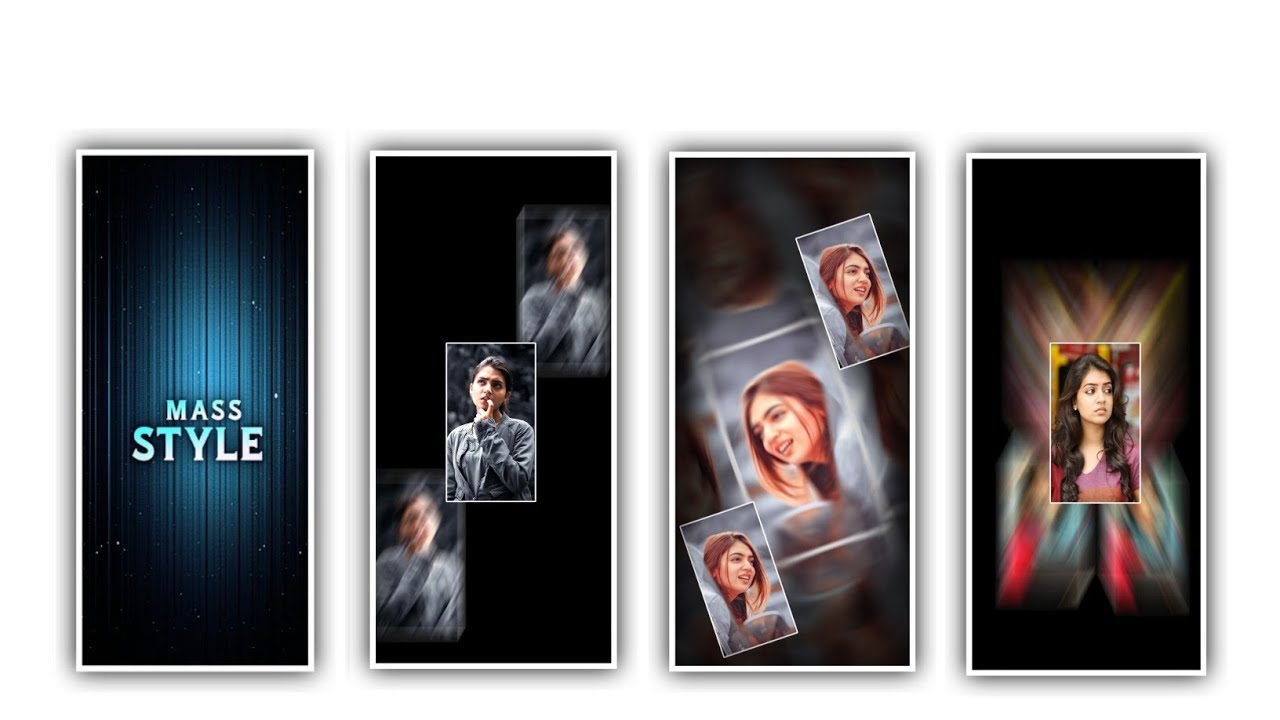
hi friends how are you Today I am going to tell you how to delete YouTube shots in a way that you can understand because in this article I am going to tell you how to do the editing process and how to upload to YouTube and also how to make a recording so watch till the end. Know the subject. By using kinemaster. I am going to share about how to record shorts in a video, how to edit videos, how to upload them to YouTube, so we have to make normal videos in shorts, first of all by using tripod it will be easy way to record every thing and capture the video in high quality.
After setting it like this, now we can add all the ingredients that we need to put in it. Turn on the video, so you are watching here, but we have a little gap in the video, but the fact is that when we put all the ingredients, like what is left on the plate and we get a gap while recording.
We can edit all the ingredients and we are adding that everything can be captured in the form of video. If the video you are editing is complete, you don’t need to show it under the video just cut it and edit only the pass you like. Now I am going to tell you how to edit all these videos at once and for that you open the kinemaster editing application and click on the Create New option that appears there and start working on the project. So now we have to edit it within one minute so now let’s go back and start again, so now you’re watching here and you still need to crop, you can also crop it to the project. So now if this is the first voice and then extract the audio clip. Extend and delete the audio that appears there You can also give the audio separately.
You can also capture and edit every detail you want because for editing you also need to use speed a lot because by using speed you can YouTube shots very easy and fast to say what you want to say quickly in short of this you need speed Definitely need to increase.
You can remove every party you don’t need through the option trim and you can zoom in on the video part as you like to highlight and make it easier. After that, you can adjust and edit the part you like and delete the remaining part. Your project will be split. And Combine each split part and form it as a layer and then if you want to say something in text form or say it in voice form this option will be available in kinemaster application. You will see an option called voice, click on it and attach any mic to it and say what you want to say with your own voice.
If you don’t want to say anything in the form of text then you can also say it in the form of text. Otherwise whatever text you are adding it by giving it a font and color to the text will look attractive. So everyone will notice this and after adding the text and also add color to it and put it under small sizes. good
Editing in this way is very easy, you can edit very easily by doing this process continuously YouTube shops are very easy to edit and also you can give effects to YouTube shots using this application for which you have options like inanimation and out mission as well as overall animation. You can also add your own effects using them. After that you play and check every single one after combine the clips because whatever project you edit you have to check first that the editing project is syncing with your voice as you play it to make it look the way you like it.
This application also gives you the opportunity to re-edit as you like. Then after your project is successfully edited you can click on the export icon and save your project in high quality reservations because by saving in high quality everything you said will be captured very clearly and also the effects you have added are better. This kind of editing process is good for those who want to watch your shorts because it looks attractive and they will watch it again and again.
In this way you will have the opportunity to edit YouTube shots, so it is good for everyone to learn. There are many ways to edit in YouTube s
shorts depending on the genre you choose that you will get a good form.
Because talent my
►Kinemaster Preset Link 👇
DOWNLOAD
►Beat Mark project preset 1 :
DOWNLOAD
►Beat Mark project preset 2 :
►Shake effect Preset LINK 👇
DOWNLOAD
►Beat Mark Xml file Link :-
DOWNLOAD
►Shake effect XML LINK 👇
DOWNLOAD
► Song Download Link 🔗
DOWNLOAD


















Post Comment