Power Director video editing tutorial complete information. 14may
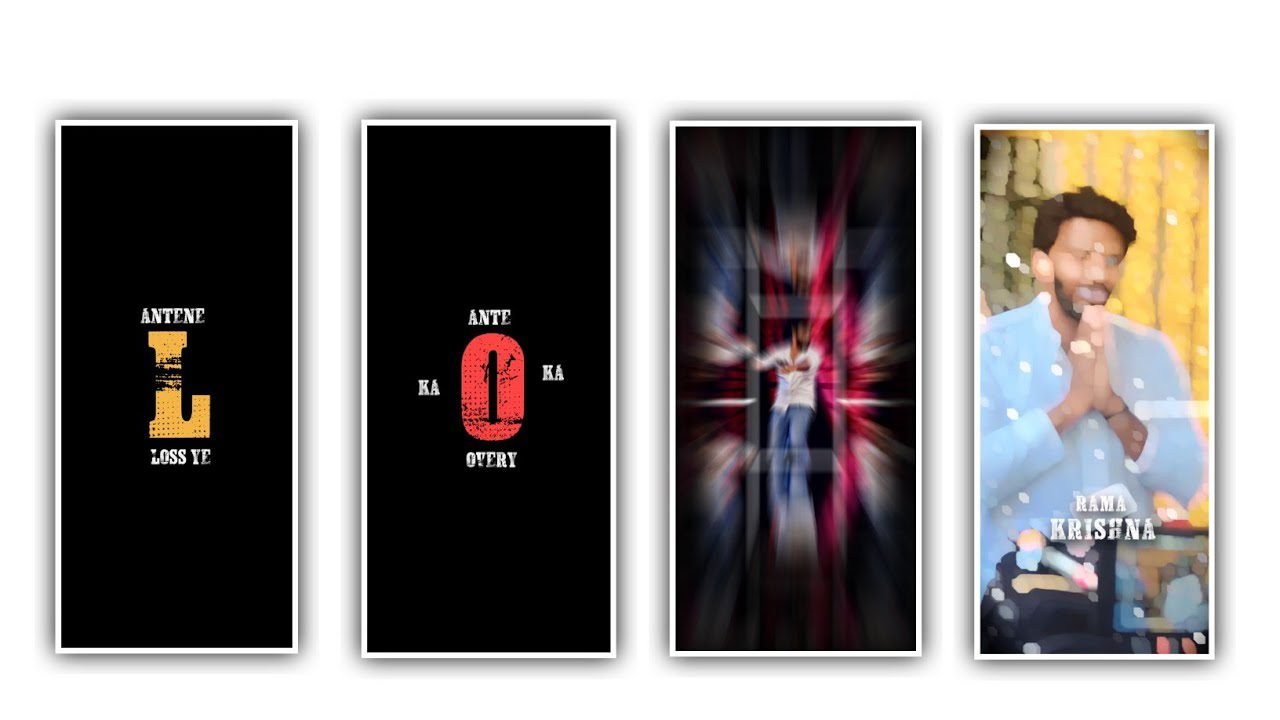
Hi friends how are you today I will tell you through this article what kind of editing we can do using this application power director application and whether this application is useful for us for video editing. Or if it is useful what kind of videos we can edit by ourselves and also in this article I will walk you through the entire editing process by explaining each option. Similarly if you know about the basics option like in this application you can make sure how to edit using your idea.
I will give the link of this power director application in the description after you download it from there open the application. After that you click on the New Project option and there you will see various options, the first one will ask you to select the project name and the project date. And also the screen resolution and if you are adjusting to YouTube use the 16: 9 ratio in that option and then you can click on Create Project to start your editing process.
You don’t need to be as confused as the kinemaster application and you can do your editing process with a very easy process. Optionally you can edit your project and the editing process will be completed very quickly and you will be able to download the finished project in high quality. Above you will see three options first is video symbol and second is images and third is audio symbol. Similarly you need to edit any project that is the main file of that project should be exact.
The main file can be in the form of an image or a video. And if you tap on the video symbol it will go to your gallery and then it will show you every single video that is important to you in your gallery and you can select any of them and use it for editing your project. Any time you add a video to one of these projects And we will see it in the Layers option. Similarly you will see a pencil symbol below which you will see some options by clicking on it.
You can adjust the volume in it. And you can change the volume you have set to another one or you can increase it up to 200% even if you have the value. Similarly you have many types of filter options. Why are these filter options useful for us. And filter option is useful for designing your project using brightness and contrast to make it look very natural and accurate.
And you have an option called adjustment in this one option so why this option is useful for us is that whatever your project is being edited. And you can change the particles of the video from one place to another and you can adjust it and you can give key frames to the video that you have selected. By adding zoom in and zoom out options, your project will be ready for a great effect and allowing you to make your own adjustments using your fingertips and this best feature is only available in Power Director editing application. Similarly you will see an option called Split option. And this option is useful for you is that whatever your project is this option is useful to divide the project into two ways.
So that you can edit your project in an orderly manner with layers as required. Also you are given some options for audio configuration because you can increase your volume and mix any audio and you also have the option of fade in and fade out in the audio option. By using this option called adjustment you have many types of options in which we have to say firstly brightness and secondly contrast if we adjust these properly the video will be made in good quality similarly there is an option called saturation and temperature also we can design for this video as well as tint and shapes There is also an option so you can edit the project in any shape you like.
Similarly in the option of videos related to your face. And you have the option to make some notifications for your face because you will definitely increase the skin brightness in your face and your face will look very glamorous and by making it smokeless because you will not see any dust particles in your body.
Here you have an option named speed. Why this option is useful for you is that if you want to edit your project in slow motion then you need to reduce the speed then it will be happens. Also there is an option called effects, by using this option called effects then you will see many types of effects here and if not then you can choose one of the options and apply that effect to your project to make your project more attractive and beautiful in look. So similarly there are various types of options are available here so choose some of them which are very easy to edit.
The pictures will be neat and you will have the option to highlight your face using these two options. Also you will see an option called crop here, the reason why this option is useful is that you can zoom and edit only the subject you like wherever it is in the video. And you can also crop that part and use it for video editing. This option is useful for us in some particular cases. Similarly there is an option called rotate.
We need to know about this option which means that you can rotate your video in four ways. Whatever way you rotate it. The shape of the video will change and also there is an option called flip and it will use this option for flip is that if there are two people in your video. those people can flip from right to left and from left to right so you are likely to change position. There is an option Duplicate by using this option and you can duplicate whatever your project is and create another layer. And there is an option called Stabilizer.
If you capture a video when you go to a place then if the video is shaking, use this to stabilize the video without shaking. Stabilizer option is useful so it can be said that this is a good thing because this option is useful for everyone because everyone is traveling and capturing some videos and they are shaken by taking it with our hand. Not only these options, you can also add various types of animations and natural images to your project.
because such background colors and images are essential to make your video attractive and you can easily add whatever you want to add to your project. can do And the editing process of this is very useful for everyone and also very simple you will get some options just using those options you can complete the editing process of this and through the next article I will come forward to entertain you again with another editing project till then everyone who is supporting Thank you.
►Kinemaster Preset Link 👇
DOWNLOAD
►Beat Mark project preset :
DOWNLOAD
►Shake effect Preset LINK 👇
DOWNLOAD
►Beat Mark Xml file Link :-
DOWNLOAD
►Shake effect XML LINK 👇
DOWNLOAD
►Video Photo LINK 👇
DOWNLOAD
DOWNLOAD
► Song Download Link 🔗
DOWNLOAD


















Post Comment