Traditional wedding video editing invitation editing by using kinemaster 9012
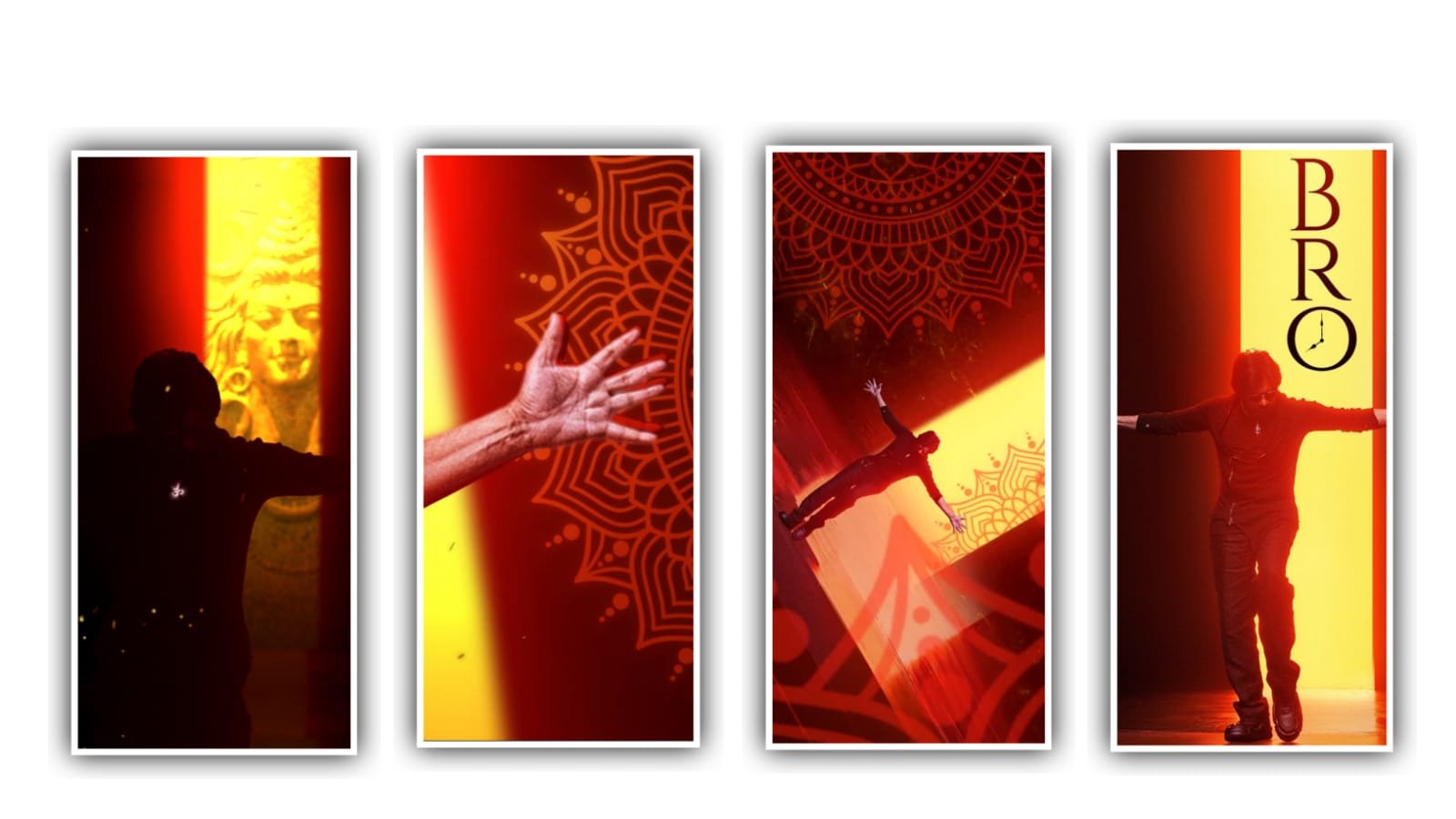
Hi friends I will start editing with an idea of how to make a wedding invitation in video format by this article and tell you today. The effects and materials I want are to do in the description of this. And it will be able and completely designed with high quality. This process is very easy and a little more difficult because the images used in this video have to cut and re edit the images of the images of the bridegroom and the bridegroom images. Many people use selfies but this is not a match for editing selfies because the editing process for selfies cannot be done.
So you have to take a pure photo let’s try to pick up images only with the back camera then we will be the editing so easy to process. Now you need to open an application called Background eraser. Once you open the image that you are using to edit the project can be imported and removing the background, so you can remove the background and save your image in high quality. So you can not only remove the background through this application, but by having a cropping option, you need to adjust your image correctly and perfectly because this cropping option is also very useful to remove the noise that appears in the background.
After that look at the wedding card once, whatever details are there in the wedding card. We have to edit them in the form of this video so you have to try to edit the text well. And you should carefully observe the text in the invitation card because you have to edit the text again in the form of a video, so the process is a bit difficult but it should be designed very stylishly. After that we have an easy process to search in the search bar and type Telugu text generator and open it on the website that appears first the name of the website is font meme and click on it.
If you scroll down there, you will see a keyboard and whatever text you add in that keyboard and the text will change the font and look attractive to us. If you want a way, you have to type the text in any editing applications and you can select the font yourself or you can use the font in the form of a link like I have given in the description and you can edit it. Text can be edited in many ways, otherwise you can easily copy the edited text from the website and paste it where we want.
Also whatever text you have added you can add the desired color of the text through the website itself. This is a good thing because the text and font can be easily edited with the font by adding and continuing the text. By doing this your time will not be wasted. Now after you edit in the kinemaster application the rest of the editing process has to be done for that you have to download the application in advance and when you open this application. When you open the kinemaster application the first question you will be asked in the interface is the secret so you select 16: 9 there and then you click on media and you have to select background images and I am telling you how to download the background images.
If you have not seen the articles mentioned earlier and I have given you these background videos in the description in the form of videos, you can try to download them through the link and add them one by one to this project. After that you have to add a song to this project. And click on the option that is not there after clicking there will be an option for media.
And click on it then go to your gallery and add whatever music you want to add from the audio to this project and each and everything will take 30 seconds then you can easily Adjust accordingly to the project. After that if you have any voice in the video, you have to do it without the option of audio volume. Similarly, if you want to put any other song, you can put it easily. Also I will give you the complete animation in the description. Now I will tell you what is the first text that you have to add in this project. I told you that you have to edit the text as previously.
You will also need to write the last name of Welcome Invitation. Similarly now you have to mention the names of the groom and the bride and in that next layer you have to mention the name of the father and the father of the groom as well as the parents of the bride. If there is any image that has been downloaded in advance with the background removed and add it to your projects through the media option. If there is any noise in the image but something is grabbing more space, you will see a cropping option. click on it and then you can crop the image very easily and adjust into this project.
To remove any noise go to the In Animation option and select the fade option and similarly choose Out Animation by enabling the fade option if there is any noise in your project it will be removed. Similarly you have to add his photo along with a wedding photo. Similarly you have to adjust the image without any work. After that you have to add the image of the bride separately. If you don’t know how to add it. And click on the option and go to the option of yourself. You will have the option to select and add your images so you have to add these two images separately because the groom’s name will be his qualification and also the bride’s name and her qualification will be there.
Now finally you have to mention the marriage time please and also the time of wedding and the total time of the reception so you have to edit and create your project this matter you have already edited in notepad so from there you can easily step into this project. After doing this the required font and collar are already given for all the text so once you play the video.
If you feel any disturbance try to correct them and then click on the above button and download your project with high clarity. By using kinemaster and other website you can edit this editing process is very easy. And I have given the particles used in this in the description. So you can download and use it from there I will meet you again with useful editing content with the next article so please support the website thank you.
►Kinemaster Preset Link 👇
Wait for sometime
Full Project link
DOWNLOAD
XML file LINK
DOWNLOAD
Video photo link
DOWNLOAD
DOWNLOAD
DOWNLOAD
DOWNLOAD
DOWNLOAD
Song link
DOWNLOAD


















Post Comment