Video Editing and Photo Editing and it’s basic Animations 0123
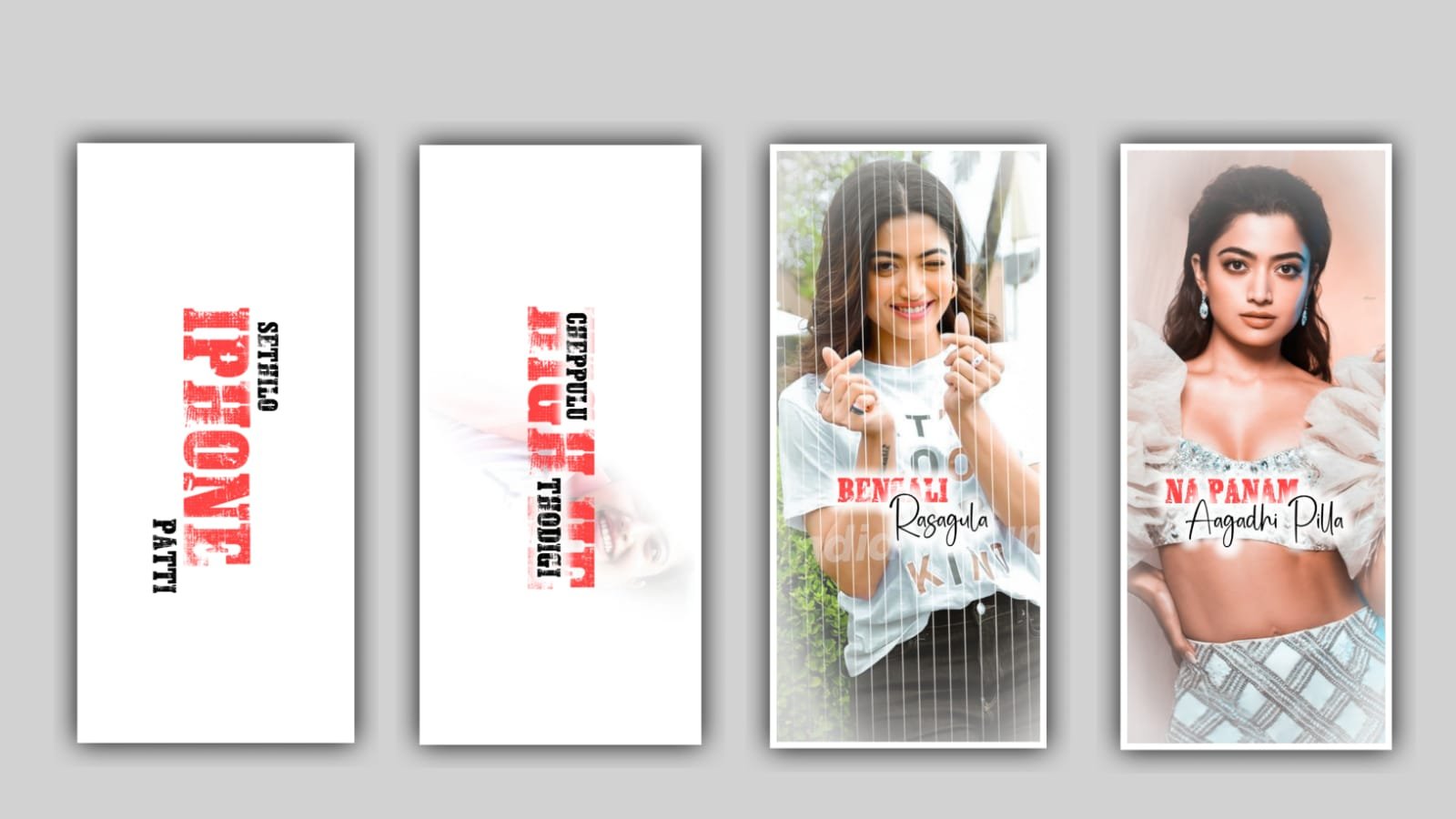
hi friends how are you Today I will tell about photos and how we should do it while editing photos and how many types of effects we can use for video meeting. I will also try to talk about each animation effect for a long time. So please follow the instructions to know each and every effect about video editing photo editing and each and every option can be covered under these profits please listen carefully to know about the options and their uses.
And I will discuss about only for application which are useful for video and photo editing I think this four applications will have all the options for editing the projects so first one is pixel I publication it is useful for photo editing banner editing etc and photo editor application it will be useful for banner editing and photo editing lyrical image editing also at the same time kinemaster application it will be useful for video editing you can edit the videos and lyrical videos and banners also. And coming to the Alight motion application it is best edit for 3D animation video editing black screen video editing everything can be done and video editing also done in this application.
Now let’s discuss the complete information about pixellab application it is used for photo editing and at the same time banners editing By using this application there several options can be available if you observe interface the recent text layer and you can also add text import images from your gallery and you can draw the text and the same time you can use shapes they are different type of shapes and their so many effects are also available to process the project at the same time there are uses so many colour filters so you can choose multiple colours to edit and enhance your photo.
And there is an option for layers lock and at the same time we can generate multiple layers by using this pixellab application. And if you are doing photo editing or any video editing you can give the first preference is adjustments because It is very useful for every editing. And Also in the project we have color greetings as well as multiple images you can add multiple layers you can explain. And the editing process is text and you can do that text as well by using this pixellab application.
After the process we are explaining the complete details about Alight Motion application because by using this application we can create a number of Editings like lyrical videos and 3D animation videos editing and black screen video editing etc. Editing project we need to select screen ratio because depending on this screen ratio we can edit the complete project. And at the same time you can include any object like the shapes or PNG into this project. If you add any element to this project it will be observed as a layer and we need to discuss about three options that are available in move and transform and the first two is transform it is used to move the object from one place to another place.
And let’s discuss about second to it is rotation you can or take the project are any element in 360 degrees it will used to rotate easily without your fingertips you can adjust them with this option. And third option is that zoom in and zoom out it will adjust the complete project. And you can give better animations to the lyrics and you can add the text as you like to add and you can add fonts and colours to the project and make them easier to edit. This application is very useful for the lyrical video editing and video editing so I can suggest this for video editing projects.
Now let us know how the editing process of kinemaster application is. Because kinemaster is an application that is useful for beginners, for those who do not know how to edit these options are very easy for those who are new to learning. Because its interface is solid. And each and every option is very easy to understand. The recording option will also appear there. Also using this editing application we can edit particular videos and video editing as well as banner editing you can do very easy because in this project we have effects which are very easy in animation and out animation there are some effects we can edit easily using them.
We also have the option to download different types of animations. You can do your editing process very easily and mixing is very easy. Also if you want to do a project. And you can also design and add background to this project. We can learn the editing process kinemaster by using different types of animations and effects and text related font and colors. I would definitely recommend this editing application for beginners.
After that we discuss about the photo editor application because this application is useful for everyone because I use this editing application to make a good look at the photo and add a variety of gradient colors to the effect of the image and we can make the images as well as the image of the images. You can edit it simply as well as adding to the projects of the particles you like, as well as how many layers you want to use for the editing of this project. This is a good thing because editing is not just a lyrical video editing, but also a banner editing. This editing application is also very easy for beginners to find a variety of shadows. Such as color gradation and brightness contrast, for the options and color related options as well as the natural look for your photo.
I have been talking about a variety of editing applications today and I have also told you how their specifics can be useful to you and if you are interested in learning photo editing and banner editing you should definitely use the photo editor application and Pixellab application as well as you should use the photo editing and the black screen video editing as well as the black screen video editing as well as the black screen video editing and the black screen video editing as well If you want to definitely be useful for Alight Motion Application and Kinemaster Application. I will try to explain about another good project or application through the next article. Thank you again and again with another good editing project.
►Kinemaster Preset Link 👇
DOWNLOAD
►Beat Mark project preset :
DOWNLOAD
►Shake effect Preset LINK 👇
DOWNLOAD
►Beat Mark Xml file Link :-
DOWNLOAD
►Shake effect XML LINK 👇
DOWNLOAD
► Song Download Link 🔗
DOWNLOAD


















Post Comment