wedding invitation video editing in alight motion 3597
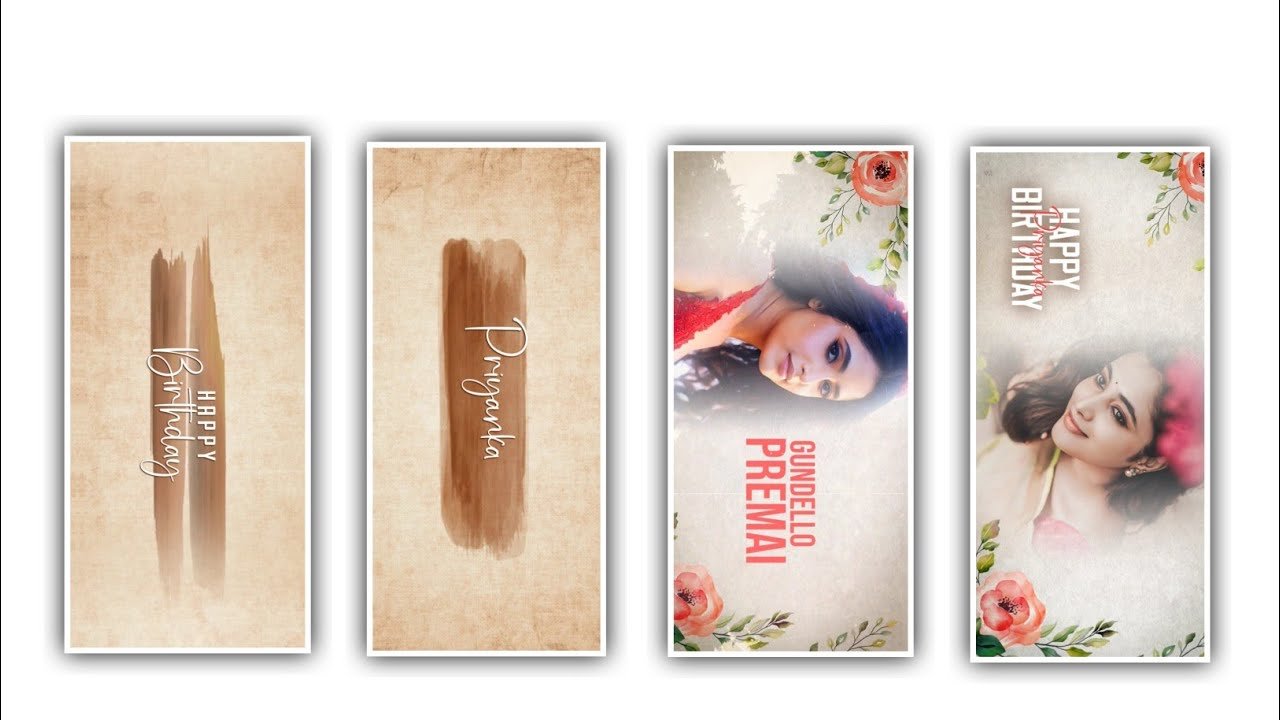
Hi friends today I am going to tell you about best wedding invitation video editing so you can watch and learn the editing process till the end because I hope everyone can understand this process because wedding invitation can be edited by yourself and also you can edit using kinemaster application. So even beginners can learn this editing process very easily and I have added the font and other materials used for this editing process through the link in the description.
So you can use them to do your editing process so first you should carefully observe the method I have mentioned and try to edit. First you open the kinemaster application there you will see the plus icon below click on it select the screen ratio you like. And click on create project and this editing process will be looks like next level video editing. After that process you need to add the black colour background layer to the project and you can drag it upto 1 :37 seconds because it will be lengthy. After that click on layer and choose the option media and I will provide you the animated video in description as link so please download the video and import into this project by clicking the media option and choose the gallery and add the video into this project. After that you need to see the length of the project and observe the complete animation.
After that in above right side you have an option then you can choose the second option it will makes the project full screen. After the process you need to add the music for this project for that click on layer option and option audio and the music link will be provided in description so you can choose to download the music and same can be added into this project because they song must be useful as per the situation is wedding situation so you add the natural music to this project. And I will not provide you the green screen effect video because it will not possible and you can play the object then you can observe the editing. And there you can observe the groom option and in the blankets you need to fill the complete name and you can make a fade option enable in in animation at the same process you can keep out animation fade enable. At the same time you need to end images into this project for that you need to completely download the groom and bride images as per the instructions you need to add the images in order so choose the option media and select images and add the high quality images into this project.
First of all you need to add the combined photo of the groom and bride. And after that you need to add a single photos of groom and another photo of bride after that you need to join the each and every photo and make the image as full screen. And now choose the option cropping and choose the mask option enable. After that you need to add the shapes and choose circle then you need to adjust the circle shape in back side of groom. Now drag the same groom image layer to extend 4 seconds after that choose the photo and select blanck. And you can adjust perfectly without deviation and keep the in animation fade enable and again choose our animation and enable fade animation.
Now you can observe the video then you can understand the editing is in proper way or not. After that if there is any uncer part you need to trim the left side part to process further in the editing. After that you to add the text option because choose the text option and add the text to process this project and add name of the groom. After that make the image as full screen and it can be completely designed for to edit the project and now you can add another text and now you can write bride name into the option. After that you need to choose the inanimation and keep it said enable and choose out animation and keep the fade enable and choose out animation enable. Now I will play the video then you observe that the photo and the lyrics can be comes at a time. Now you need to add the venue date and time because it can be useful for the wedding invitation and choose the date and time as per the instructions.
After that you need to add the address of the venue and it can be particularly use the function hall location to process the editing. And now choose the text option and choose the character and increase that in the text option. After that choose the font option and select the attraction font which looks attractive and click on right click. After that choose the blending modes and keep the opacity as 100%, and keep the screen enable. After that process you need to drag the layer for 5 seconds because it was particle layer to enhance the editing process. Now you can keep the animation to the text because in animation and out animation will useful to process the editing. And if you observe any unnecessary part can be available in the project so you can choose that and delete the layer from the project by using trim option.
If we edit in this way our editing process will be amazing so I sincerely hope everyone should learn this editing process because any editing you do when you spend your precious time editing should look like creativity and how much you are working hard for it and interest to learn editing process. If you don’t know then the complete process will be in website. I tell you through the editing process in every article on my website, so follow the content and you will learn a good editing process. I think hope you guys will like the project and it is much more attractive then previous articles so please follow the wedding invitation process. And you can create in your own way thank you for giving me the best opportunity to prove myself and it will happen with your valuable support thank you.
►Kinemastar Preset Link 👇
DOWNLOAD
► Birthday Presets LINK :-
DOWNLOAD
►Birthday XML file LINK :-
DOWNLOAD
► lyrical Preset LINK 👇
DOWNLOAD
►lyrical XML LINK 👇
DOWNLOAD


















Post Comment