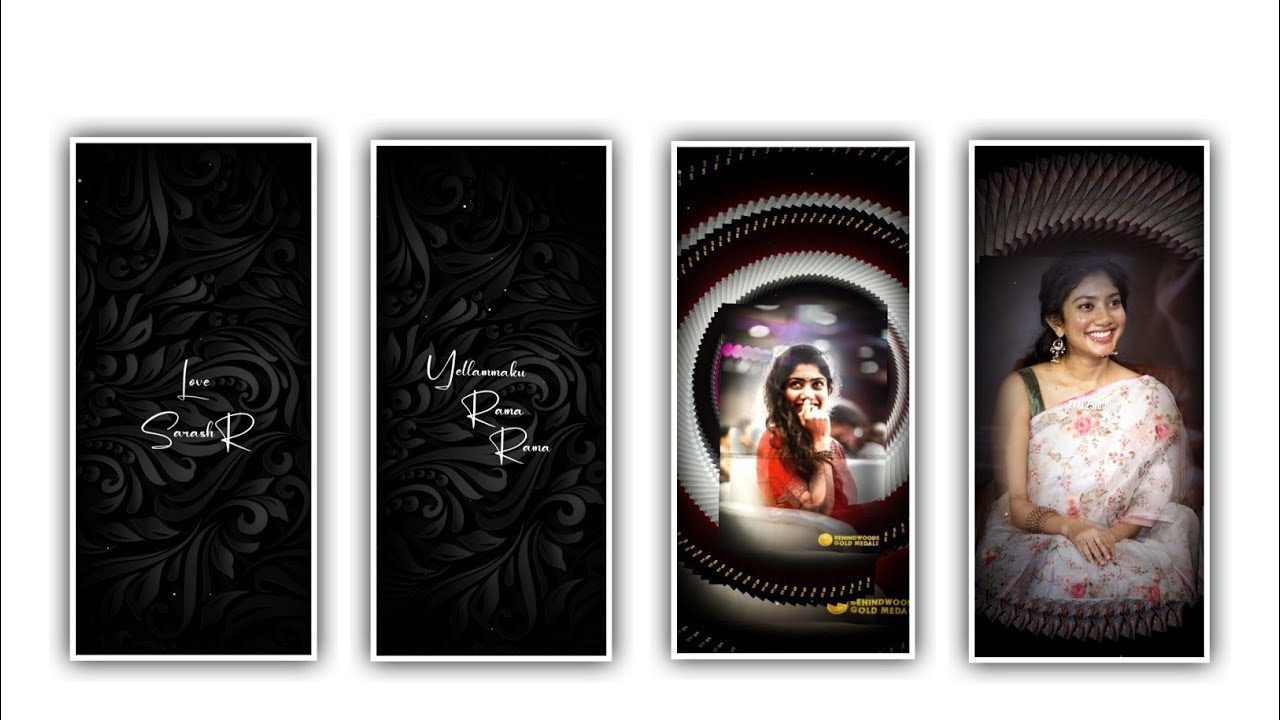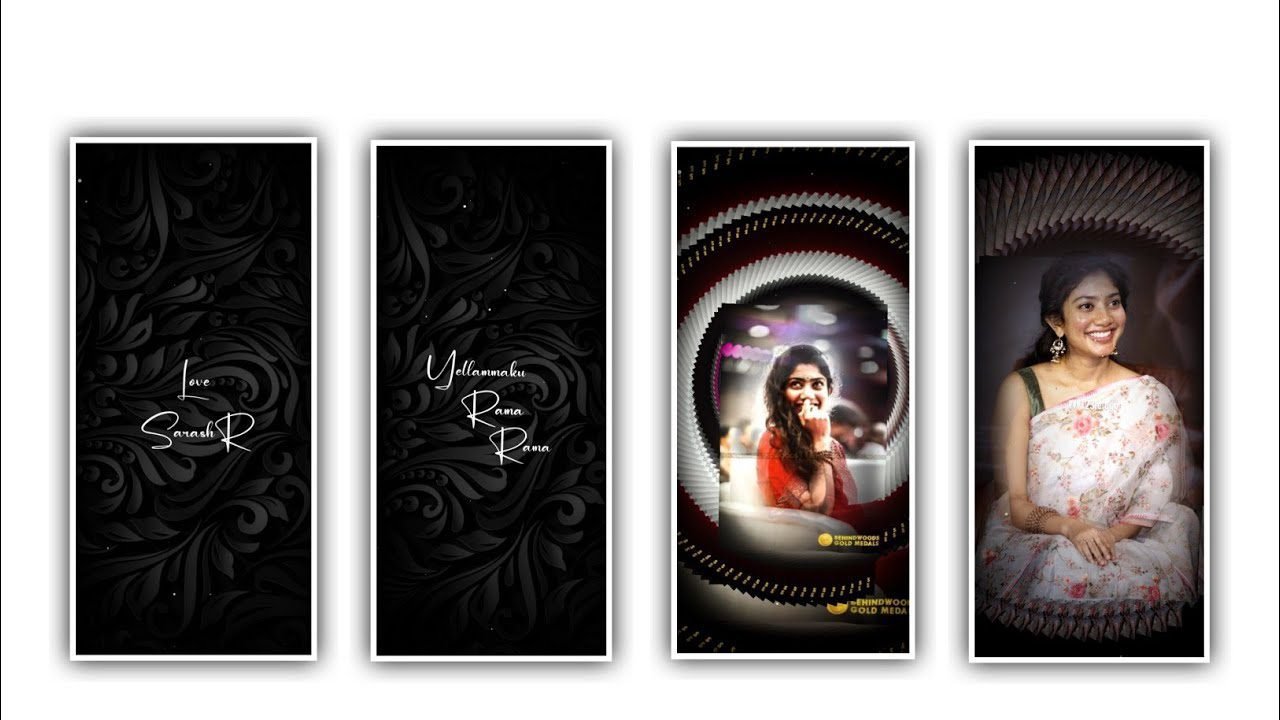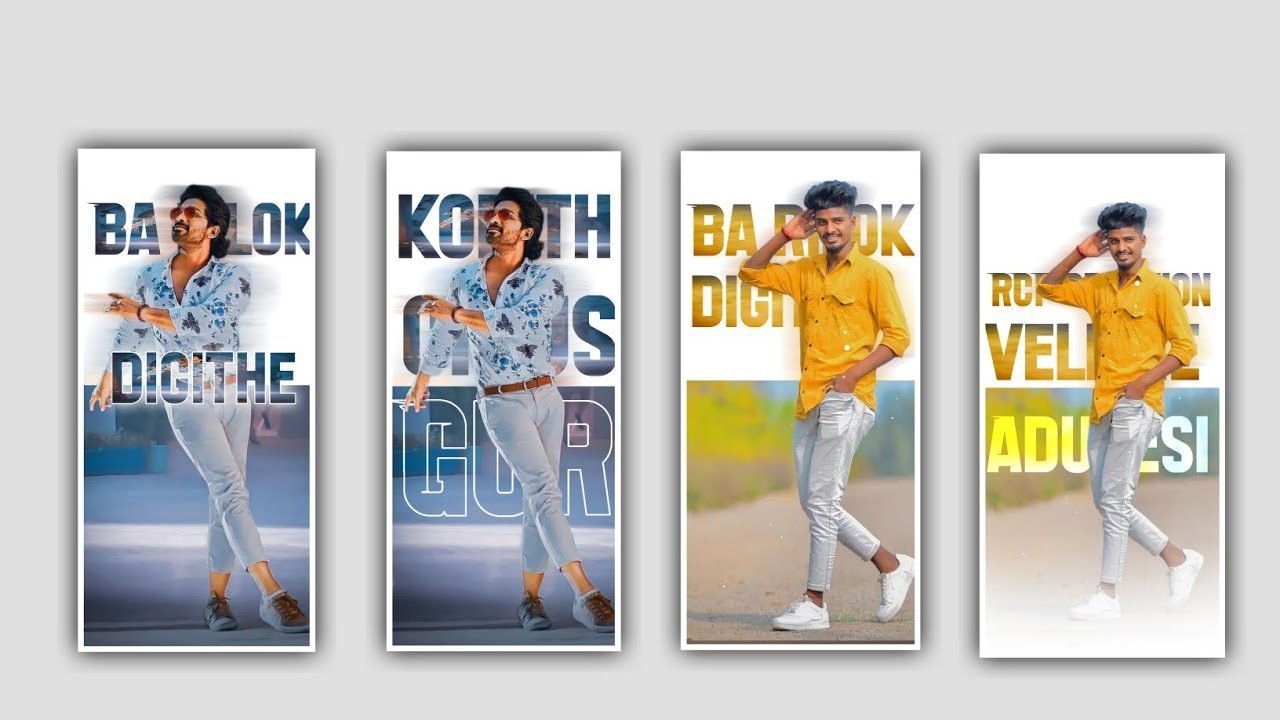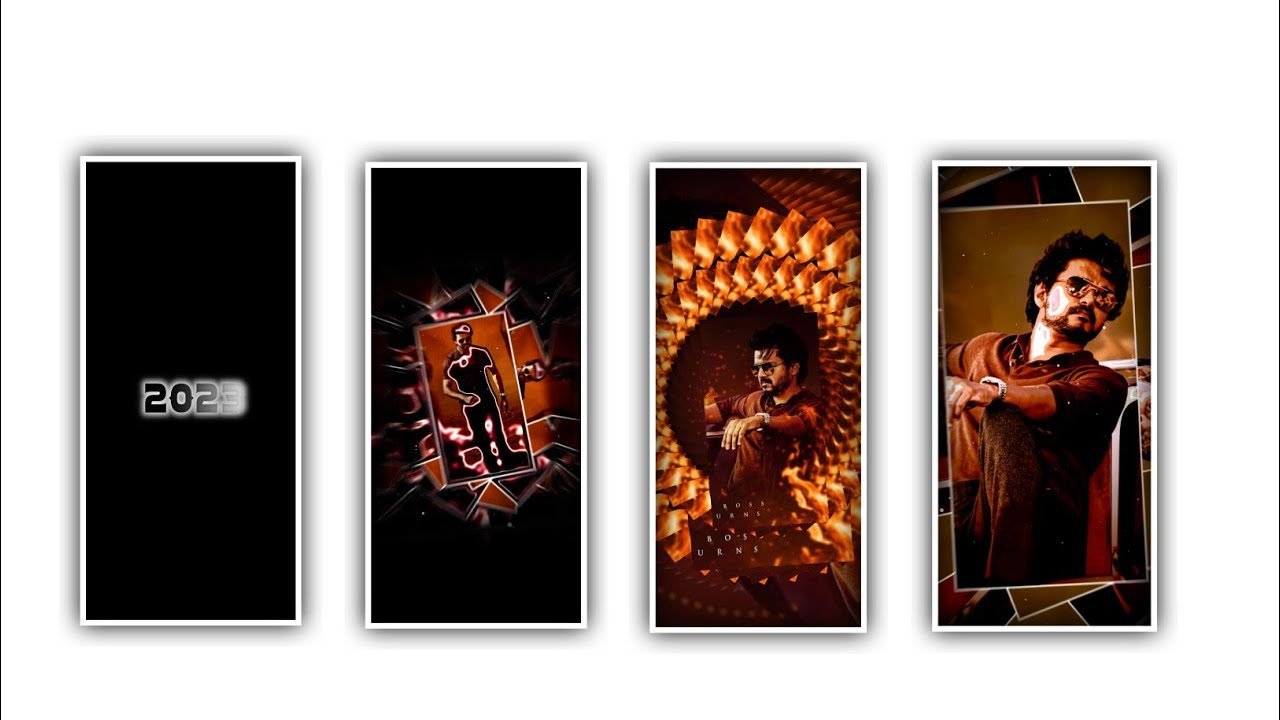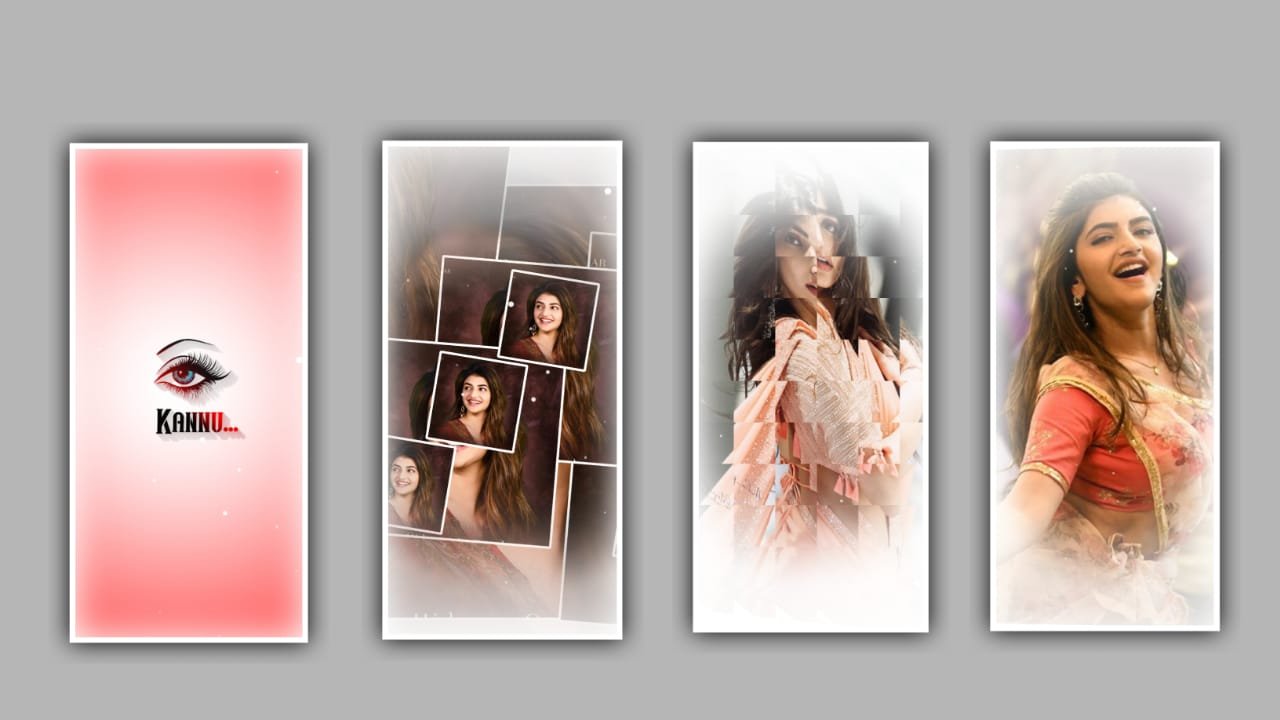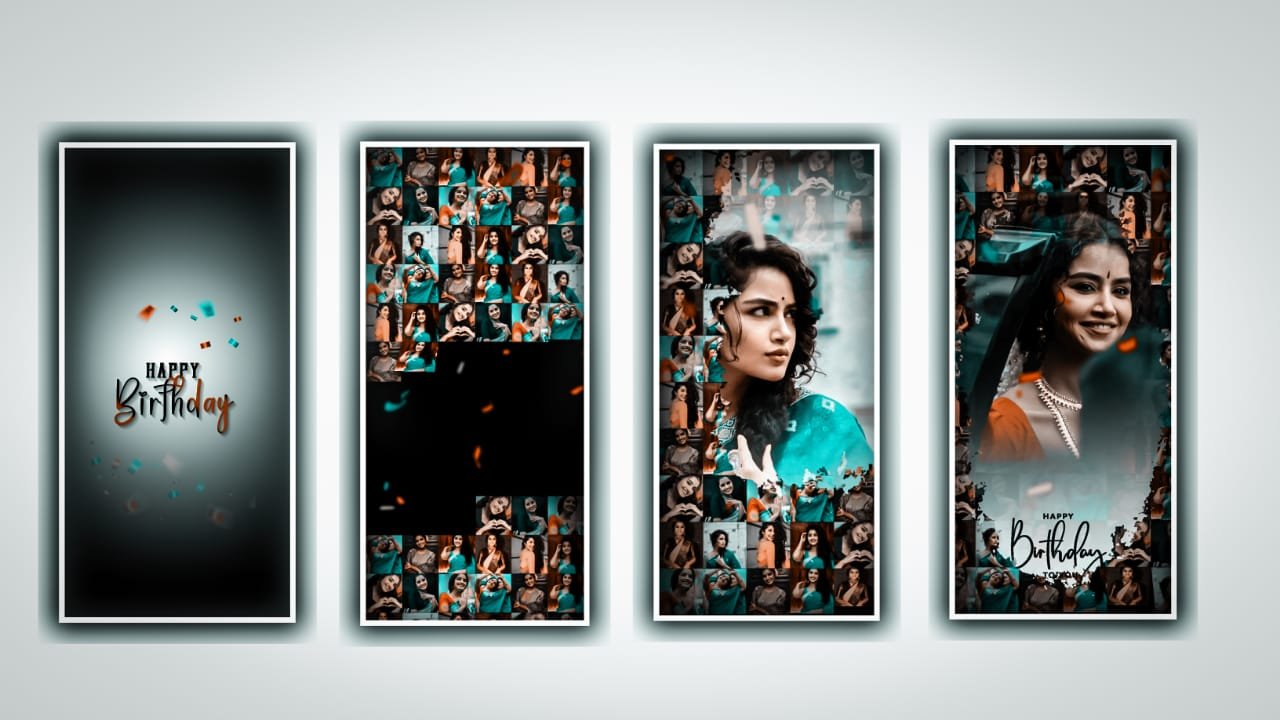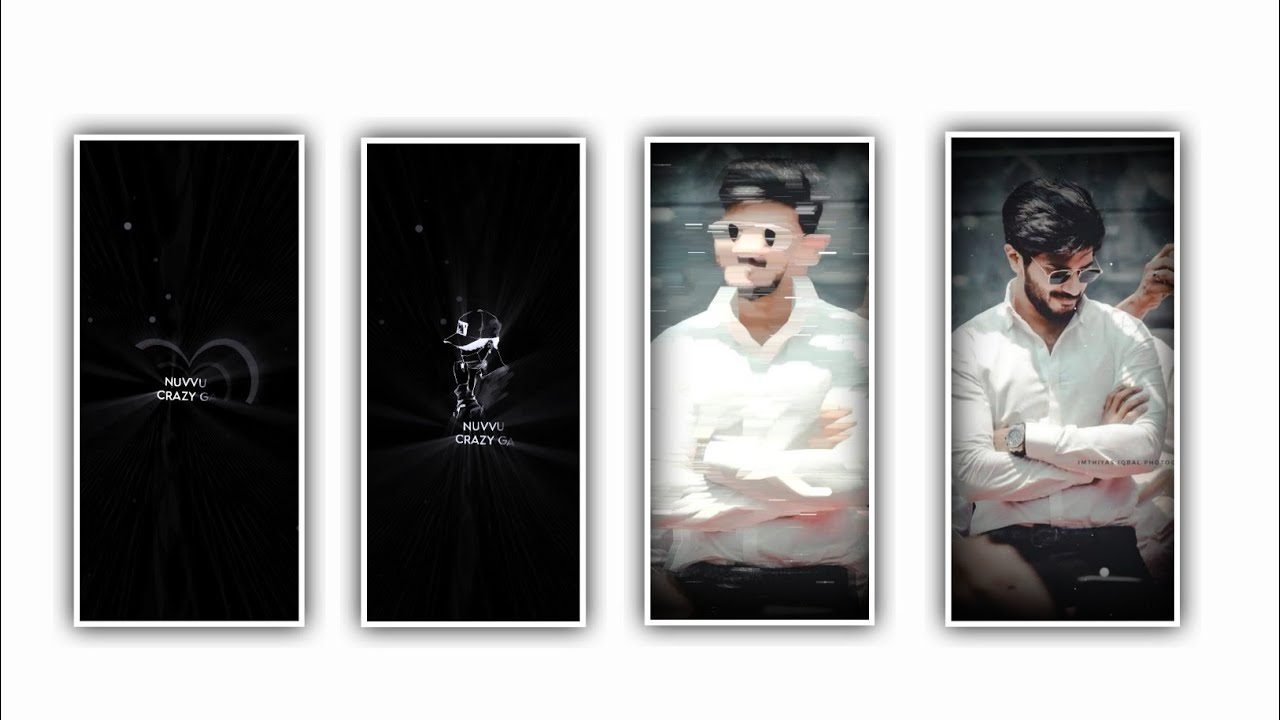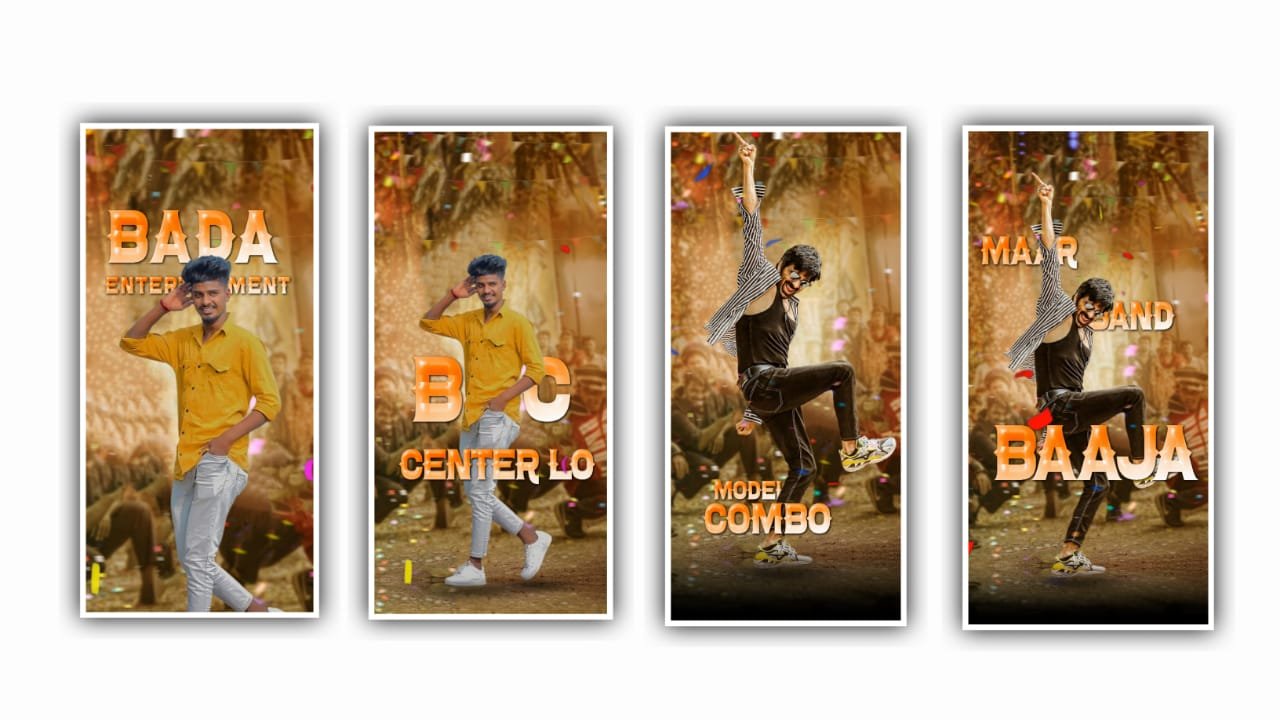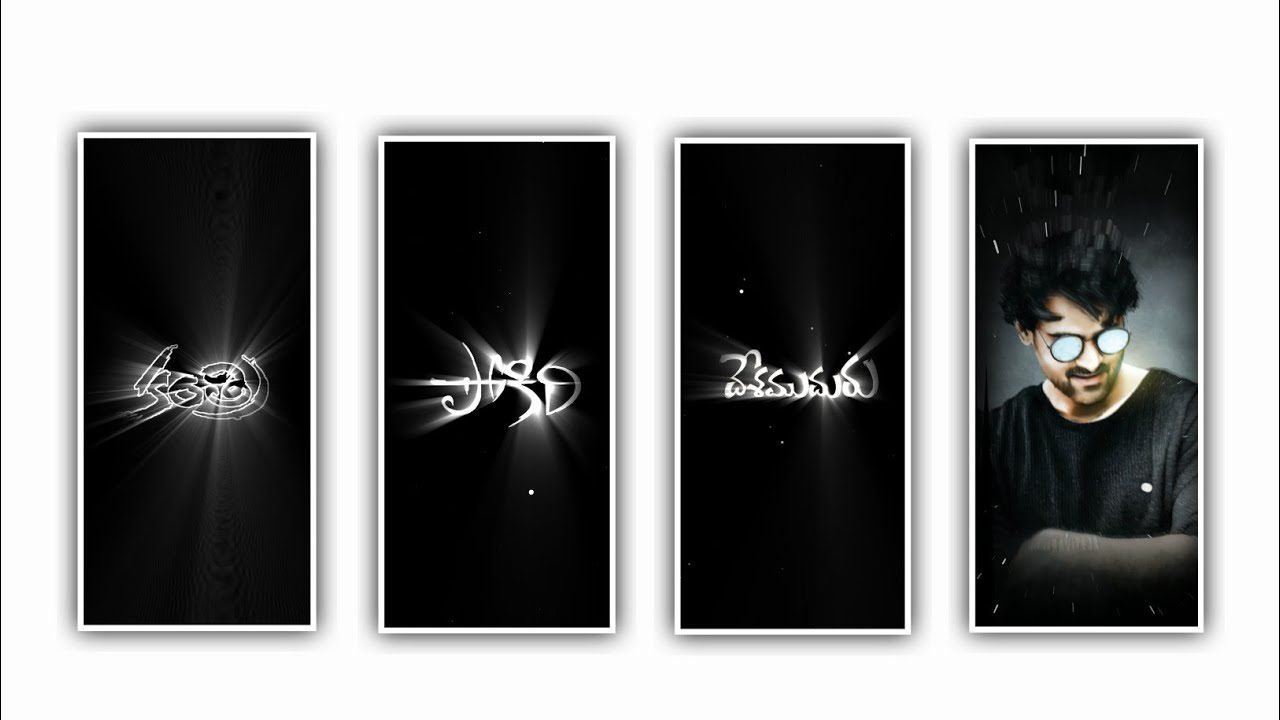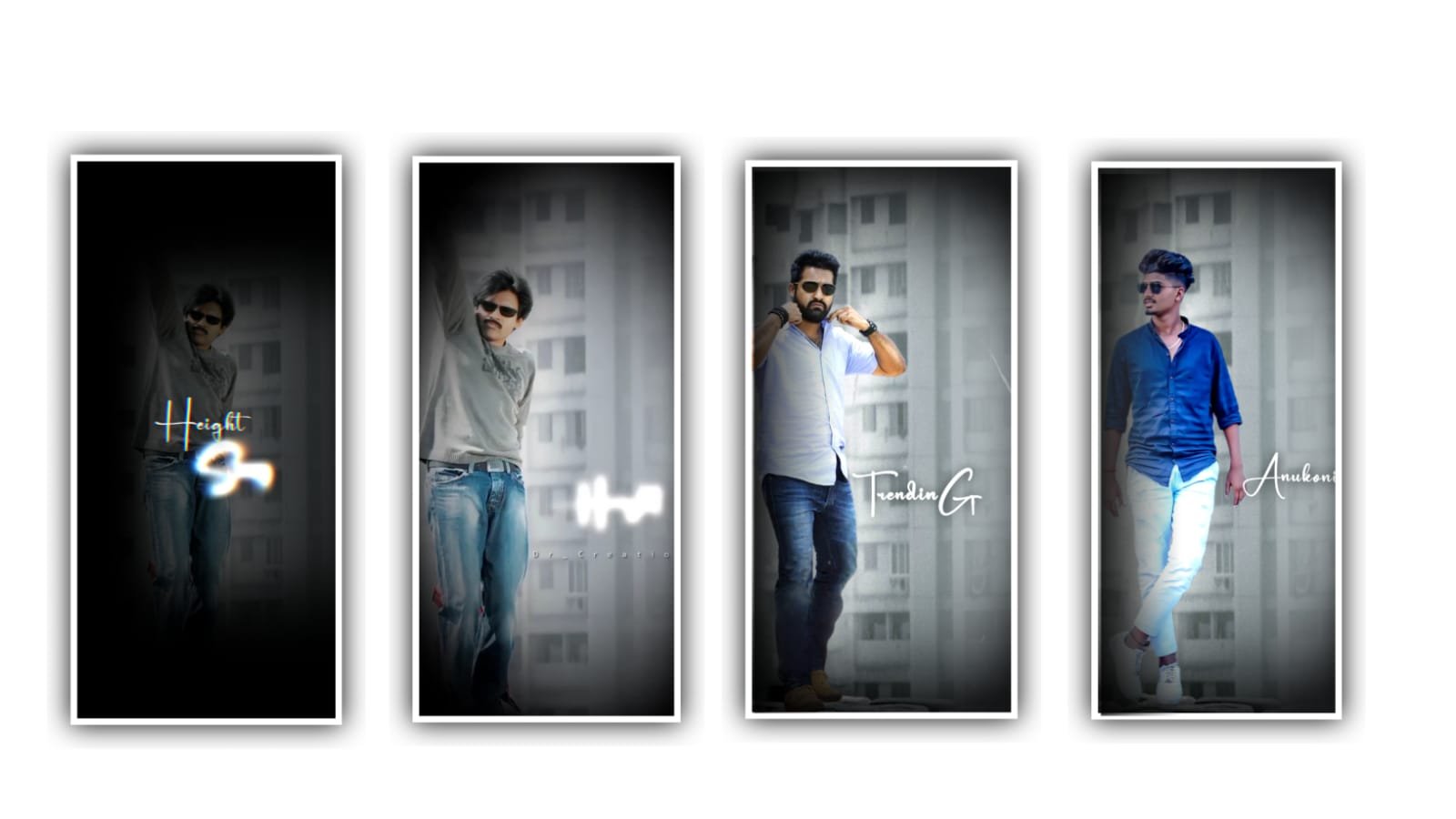
Instagram Trending Love BGM Editing in alight Motion trending video editing 15jul3
Open alight motion to edit this video. And go to beat mark. Click on plus icon and go to media and there is a photos and select the photos what you want to add. And also add the lyrics after that click on plus icon and go to media and select photos and…
Instagram YouTube Trending lyrical video editing in alight motion 20jul3
Open alight motion application. Open alight motion application. After that click on plus icon select the ratio what you want and click on create project. And I will give you image link in description please download it from there and add it to the beat…
Alight Motion Instagram Trending Please Don’t Go bgm Video Editing Reels Trending 20jul2
Open alight motion application. Click on plus icon and select the ratio which you prefer and click on create project. Click on plus icon and select media and I will give you image link in description please download it. After that click on plus icon and…
Instagram Trending Video Editing in Alight motion New style Trending video editing Attitude Status 20jul1
First of all download alight motion mod APK and the link is in description please download it from there and I will give you shake effect link in description download it from there. After that open alight motion application and click on plus icon and…
Alight motion Sketch Trending Lyrical Video Editing Lyrical Video Editing 19jul3
Firstly we want to install one application and some PicsArt and the links are given in description download it. After that open the application from ther u can be edit from there and select from PicsArt. And select some photos from gallary and adjust it…
Instagram Trending light off light off Video Editing in Alight motion Trending lyrics video editing 19jul2
Open alight motion to edit this video. And go to beat mark. Click on plus icon and go to media and there is a photos and select the photos what you want to add. And also add the lyrics after that click on plus icon and go to media and select photos and…
Trending Song Ranu Ranu Autundi Chinado Video Editing in Alight motion Instagram trending video 19jul1
First of all open alight motion app after that click on plus icon and go to beat mark I already selected some photos and lyrics to edit this video. Thereafter simply come to beat mark and click on plus icon and there is a media option click on it. We…
🔥🔥Defferent Style Alight Motion Trending Video Editing Attitude status Trending video Editing 18jul3
Open alight motion application. Before that I will give you an awesome font and the link is in description please download it and import to alight motion. Then open alight motion click on plus icon and you can select ratio and click on create project.…
Alight Motion Trending Sad Calling Video Editing Instagram Trending video editing 18jul2
Open alight motion application. Click on plus icon and go to beat mark. Now click on plus icon and select media. And I will give you one template please download it and added to the project. When you when you adding the template is there any extra part…
Instagram Trending Chatting Photo Video Editing in Alight motion Trending lyrical video 18jul1
First of all open alight motion application and go to beatmark project. After that click on plus icon and media and select photos from there And again click on plus icon and select media and add photo from gallery and the same process will be continued…
Instagram Trending Black 🖤 Photos lyrical video editing in alight motion 17jul3
Open alight motion application. Click on plus icon on click on ratio which is selected by your choice and click on create project. Now we want to add the image for the beat mark project and click on media and select media and add the image from gallery…
Instagram Trending Black 🖤 Photos lyrical video editing in alight motion 17jul3
Open alight motion application. Click on plus icon on click on ratio which is selected by your choice and click on create project. Now we want to add the image for the beat mark project and click on media and select media and add the image from gallery…